

Most consumer trackers require monthly payments ranging from $5 to $30, as gps tracker subscription fees explained by service providers cover the cost of cellular data and cloud server access. These costs vary based on the reporting interval, the network technology used, and the length of your service contract. This guide outlines how these recurring charges work, what impacts your final monthly bill, and how to identify the right plan for your specific tracking needs.
Understanding Recurring Tracking Costs
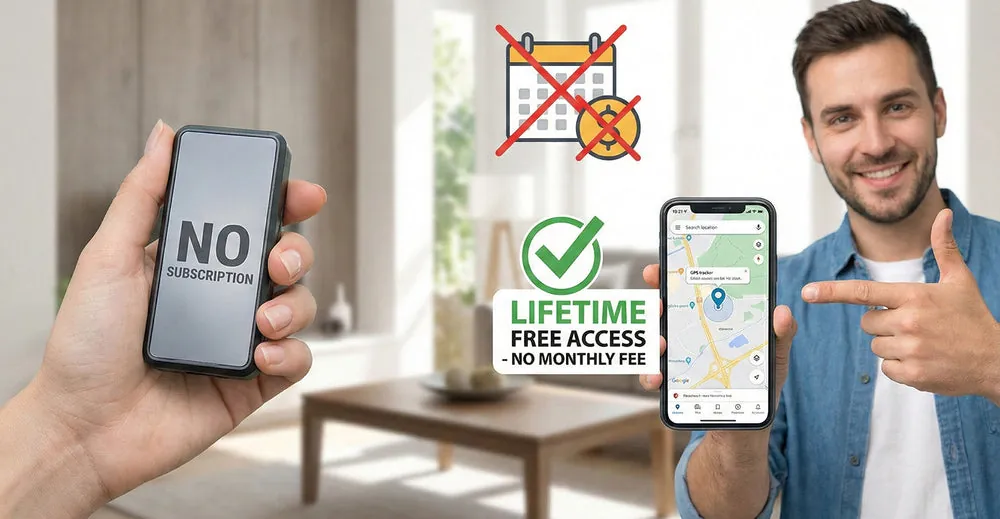
A tracking device is essentially a small cellular phone that sends its location to a central database. Because these devices use cellular networks to transmit data, manufacturers must pay monthly access fees to network carriers like AT&T or Verizon. When you pay a subscription fee, you’re primarily covering these data transmission costs and the maintenance of the software platform that displays your device’s location on a map.
Most users assume the hardware purchase is the only cost, but the subscription is what keeps the device “live” and able to send real-time updates. If you stop paying the fee, the cellular connection is deactivated, and the device stops transmitting data. This happens regardless of the brand or the original cost of the hardware.
Setting Up Your Tracking Service
Follow these steps to activate your device and manage your ongoing monthly costs effectively.
- Check the device manual to confirm which cellular network it requires for your specific region.
- Visit the manufacturer’s official portal to register your device’s unique ID number, often found on a sticker on the back of the unit.
- Choose a data plan based on your reporting needs; if you only need location updates twice a day, select a low-frequency plan to save money.
- Input your payment details to authorize automatic monthly or annual billing cycles.
- Test the device by moving it outside your home to ensure it successfully transmits a signal to your linked mobile app.
- Verify the signal strength in your area; if you’re in a remote zone with poor cellular coverage, the device will drain its battery faster while searching for a signal.
The critical decision that changes your monthly cost is the reporting frequency. If you choose a plan with 5-second updates, you’ll pay significantly more than if you choose a plan with 60-minute updates, because the device must keep its cellular radio active much longer.
Data and Billing Comparisons
The following table outlines how different usage patterns affect your expected monthly expense.
| Situation | What to use | How long | What to watch for |
|---|---|---|---|
| Personal vehicle | Standard plan | 1 min intervals | Battery drain |
| Fleet management | Pro plan | 5 sec intervals | Data overages |
| Asset recovery | Passive plan | 1 daily update | Signal dead zones |
| Pet tracking | Live mode | 10 sec intervals | High monthly cost |
| Elderly care | Safety plan | 30 sec intervals | SOS alert lag |
Five-second fleet intervals generate roughly seven hundred and twenty pings per hour. Most standard data caps exhaust within three weeks at that rate. Switch to ten seconds if vehicles stay in one geofence all day.
Pet tracking burns through live-mode quotas fastest when animals roam rural areas. The device retries failed connections every ten seconds, tripling data use. Enable stationary sleep mode once the pet enters your yard boundary.
Elderly care alerts can lag forty-five seconds on weak cellular signals. Thirty-second polling misses brief falls between check-ins. Pair the safety plan with a Wi-Fi hub at home for instant detection.
Personal vehicle trackers at one-minute intervals still drain batteries below twenty percent charge. Reduce frequency to five minutes during extended parking periods. Resume standard polling only when ignition is detected.
Asset recovery fails silently in underground garages or steel warehouses. Daily updates confirm battery life but not location accuracy. Add a Bluetooth beacon for precise indoor positioning where GPS can’t reach.
Managing Performance and Accuracy

Experienced users know that preparation is the difference between a reliable tracker and a useless piece of hardware. Before you mount the device, ensure the internal antenna is facing toward the sky and isn’t blocked by heavy metal shielding. Metal obstruction forces the radio to boost transmission power, which drains the battery significantly faster than normal operation.
They also calibrate geofence settings early to avoid unnecessary alerts that keep the device in an active, high-power state. Set boundary buffers to at least fifty meters if GPS drift causes false exits near your property line. Tighter boundaries trigger constant wake cycles that destroy battery life without improving actual security or tracking accuracy.
Always activate the software account before you fully install the tracker in a hard-to-reach spot. If the device isn’t connecting, you can troubleshoot it while it’s still in your hand rather than disassembling panels later. Verify the first successful location fix on your phone screen before finalizing any permanent installation.
Beginners often skip this initial testing phase and mount the device immediately. They discover later that their chosen location blocks the signal entirely. Test every candidate mounting spot for at least three minutes to confirm consistent satellite lock before committing to adhesive or screws.
Troubleshooting Connection Issues
When your device stops sending updates, follow this table to identify the issue before contacting support.
| What you notice | What it usually means | What to do first |
|---|---|---|
| No location updates | Subscription lapsed | Check account status |
| Delayed map alerts | Poor cellular signal | Move to an open area |
| Battery dies daily | Too frequent updates | Increase reporting interval |
| App shows “Offline” | Device is out of power | Recharge the battery |
Delayed alerts often persist indoors because building materials block signals completely. Test connectivity outside for at least five minutes before assuming hardware failure. If updates resume outdoors but stop inside, the environment is your problem.
Battery drain complaints frequently stem from one-minute tracking intervals in low-coverage zones. The device exhausts power searching for towers rather than transmitting data. Switching to ten-minute intervals preserves battery while maintaining adequate coverage for most fleet applications.
An offline status sometimes indicates a depleted battery despite showing partial charge. Lithium cells can report false readings after extreme temperature exposure. Allow the device to reach room temperature for two hours before recharging to get accurate diagnostics.
Subscription lapses cause more downtime than any hardware defect. Set calendar reminders thirty days before renewal dates to prevent service gaps that look identical to equipment failures during critical monitoring periods.
Regulatory Limits and Requirements
Tracking equipment must comply with local telecommunications regulations regarding how they interact with public cellular infrastructure. In the United States, the Federal Communications Commission requires that all radio-transmitting devices meet specific exposure standards to ensure they don’t interfere with other emergency or commercial communications. These regulations aren’t just for safety; they ensure the network remains stable for all users.
If your device lacks an FCC ID, you risk having it confiscated by customs or deactivated by carriers. Always verify the certification number on the device housing before deployment.
If you plan to use a tracker for business, you must also consider local labor laws regarding the monitoring of employees or vehicles. Using a tracker without the explicit knowledge of the person being tracked can lead to significant legal complications in many jurisdictions.
If the vehicle is company-owned, you generally have broader latitude to monitor location. However, if the employee uses their personal vehicle for work, you must obtain written consent to avoid violating wiretap or privacy statutes. Always check your state’s specific privacy statutes if you’re monitoring a person rather than a piece of personal property. Failure to disclose tracking often results in civil lawsuits that far exceed the cost of the hardware itself.
Long-Term Device Maintenance
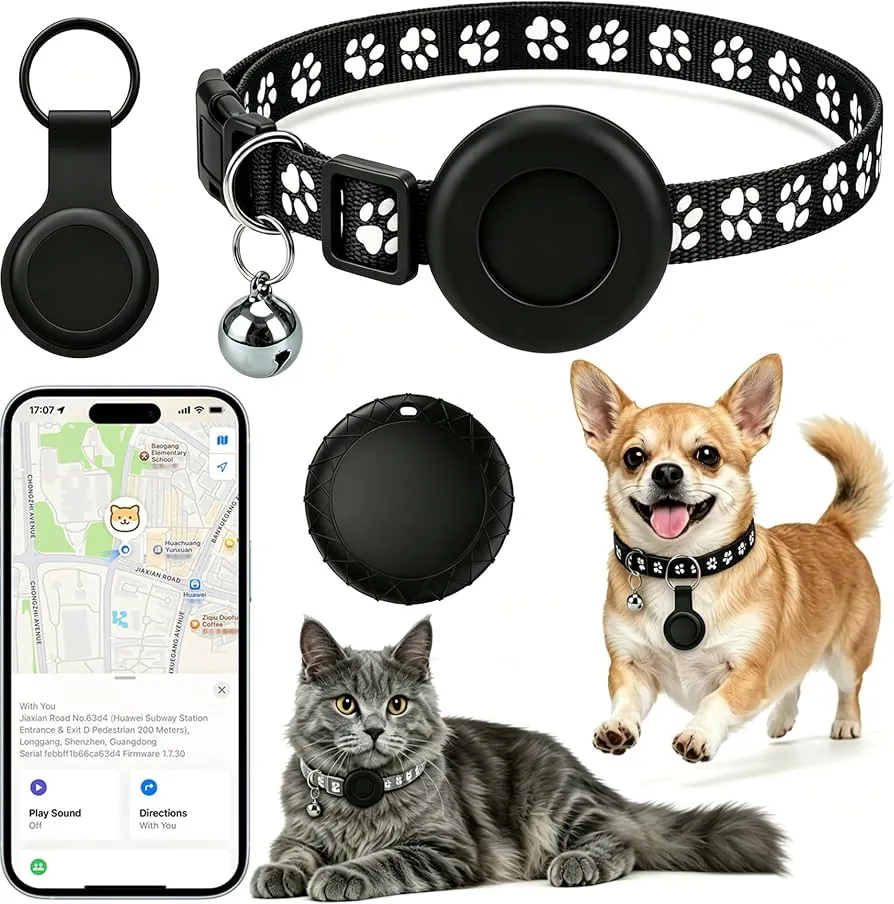
After you have the device running, maintenance is mostly about power management and software updates. Keep the tracker’s firmware updated through the manufacturer’s app, as these updates often include improvements to how the device handles cellular handoffs between towers. If you ignore these patches, the device may struggle to maintain a connection in fringe areas, forcing the radio to cycle power constantly and draining the battery in days rather than months.
If the device is rechargeable, aim to charge it before it hits 20% to extend the total lifespan of the lithium-ion battery. Dropping below 10% repeatedly causes chemical instability that permanently reduces total capacity.
When you aren’t using the device for an extended period, turn it off completely rather than letting it sit in a sleep mode. Most devices continue to ping the network periodically while in sleep mode, which leads to deep discharge and battery degradation.
If the device lacks a physical power switch, remove the battery or disconnect it from the vehicle’s power source. Storing a device with a battery connected often results in a “dead” unit that refuses to accept a charge when you finally need it again.
When to Skip Subscription Trackers
In some cases, a subscription-based tracker is the wrong tool for the job. If you only need to track an item within a very short distance, such as finding keys inside a house, use a Bluetooth-based proximity tag instead. These tags don’t require cellular data and have no monthly fees.
If you need to track something in a location with zero cellular coverage, such as deep in a wilderness area, a satellite-based tracker is the only reliable choice. These devices operate on a different network and have a higher entry price, but they’re the only way to maintain a connection where cell towers don’t reach. Avoid trying to force a standard cellular tracker to work in these areas, as it will only result in missed data and frustration.
Subscription fees trade off against real-time data convenience. Choose the right reporting interval and keep your device optimally located to lower monthly costs while maintaining security. Review your service agreement once a year to switch plans if your usage patterns change.
Related guides