

Garmin, Amazfit, and most Fitbit models track your steps, heart rate, sleep, and workouts without any monthly fee. You only need a subscription for advanced recovery scores or guided programs on certain platforms. The hardware itself gives you full access to daily health data right out of the box.
Which Fitness Trackers Work Without a Subscription
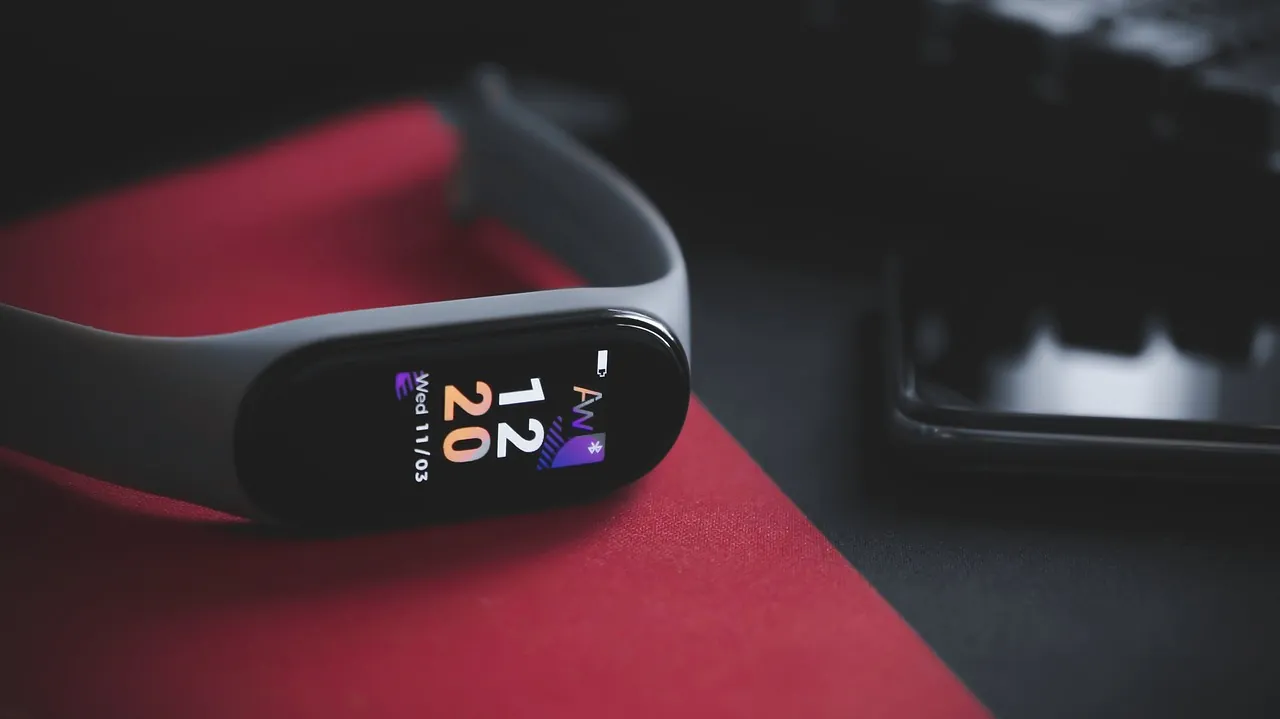
Yes, Garmin, Amazfit, and standard Fitbit devices work fully without a subscription. They record your steps, heart rate, sleep stages, and workout history using their free companion apps. You won’t hit a paywall when checking yesterday’s run or last night’s rest.
The confusion comes from brands like Whoop and Fitbit Premium, which lock specific features behind a monthly charge. Whoop requires a membership just to see your data at all. Fitbit lets you use the tracker for free, but hides deeper trend analysis behind its paid tier. If you want everything included upfront, stick with Garmin or Amazfit.
Here is how the main options compare when you refuse to pay monthly:
| Brand | Free App Features | Paid Features | Best For |
|---|---|---|---|
| Garmin | Steps, heart rate, GPS, sleep, workouts | None required | Runners and outdoor sports |
| Amazfit | Steps, heart rate, sleep, basic workouts | None required | Budget buyers |
| Fitbit | Steps, heart rate, sleep, basic trends | Deep analytics, guided programs | Casual daily tracking |
| Whoop | None (app locked) | All data and recovery scores | Athletes wanting coaching |
Tip: If a brand advertises “advanced recovery” or “readiness scores,” check whether those specific numbers require a paid plan before buying the device.
Is It Safe to Rely Only on Free Tracker Data?
Yes, it’s safe to rely on free tracker data for general fitness goals like counting steps or monitoring your resting heart rate. These basic metrics don’t change based on your app tier. The sensors inside the band collect the exact same raw information regardless of what software you use to view it.
However, free tiers won’t replace medical advice. The FDA regulates wearable devices that claim to diagnose or treat conditions, so a standard activity band isn’t a medical tool. If you rely on these devices to manage a heart condition or track blood oxygen levels during sleep, you’re gambling with clinical accuracy. Consumer sensors often lack the calibration required for medical-grade diagnostics.
If you see a sudden, sustained spike in your resting heart rate—defined as a jump of ten beats per minute or more lasting at least three days—consult a physician immediately. Don’t waste time upgrading your app to unlock “advanced” analytics. These premium features often provide only descriptive summaries, not diagnostic insights.
If your tracker shows a trend that worries you, the data has already served its purpose. Use the free numbers to spot the pattern, then stop looking at the screen and start talking to a professional.
What Do You Actually Lose by Skipping the Subscription?
You lose detailed context, not the raw numbers. A free app shows you slept for seven hours. A paid tier might tell you that your deep sleep dropped because your evening heart rate stayed high after a late meal.
For Amazfit users, you lose nothing. Every metric the watch collects appears in the Zepp app for free. Garmin works the same way through Garmin Connect. You get training load, body battery estimates, and route maps without paying extra.
Fitbit is the middle ground. The free version covers daily steps, active minutes, and basic sleep stages. You give up long-term trend reports, detailed sleep profiles, and video workouts. If you just want to know how far you walked today, the free version handles it perfectly.
If you’re training for a specific event, the lack of long-term trends is a hidden cost. Without a ninety-day view of your resting heart rate, you miss the early warning signs of overtraining or illness. Most users ignore this until they hit a plateau or sustain a preventable injury.
Whoop is the exception where skipping the subscription means skipping the product entirely. The strap doesn’t display numbers on its own, and the app stays locked until you pay. If you don’t intend to pay monthly, don’t buy the hardware.
Why Does My New Tracker Keep Asking Me to Pay?

Your new tracker keeps asking you to pay because you either bought a subscription-only device or tapped a premium feature inside a freemium app. This happens often during initial setup when apps show pop-ups for their upgraded plans.
- You bought a Whoop. This band has no screen and no free mode. It only functions with an active membership.
- You tapped a locked tab in Fitbit. The app puts a small diamond icon next to premium features. Tapping one triggers a payment prompt, even though your basic dashboard remains free.
- You accepted a free trial. Many apps start a trial automatically during setup. If you don’t cancel it, the app will ask for payment when the trial ends.
- You linked a third-party app. Sometimes the tracker’s own app is free, but you connected it to a separate service like Strava or MyFitnessPal that has its own paid tier.
Check your phone’s subscription settings to see if a trial is running.
Frequently Asked Questions
Can I use a Garmin watch without creating an account?
No, you must create a free Garmin Connect account to set up the watch and sync your data. However, this account never costs money. Once paired, you can view all your stats on your phone without ever entering a credit card.
Do older Fitbit models still work without Fitbit Premium?
Yes, older Fitbit models work perfectly with the free version of the current app. You’ll still see your steps, heart rate, and sleep logs. Just make sure the specific model hasn’t been officially discontinued by the manufacturer, as very old bands eventually stop syncing.
Are cheap fitness trackers accurate enough without paid software?
Yes, budget trackers are accurate enough for counting steps and estimating daily calorie burn. Paid software doesn’t improve the physical sensor inside the band. It only changes how the app explains the numbers to you after the band records them.
Conclusion
Pick a Garmin or Amazfit band if you want every feature unlocked immediately without future bills. Set up the free companion app, wear it for a week, and check if the daily numbers match your actual routine. Once you confirm the data looks right, you can focus entirely on your movement instead of managing another recurring charge.
[…] trackers and smartwatches require a monthly subscription to access advanced health insights, personalized reports, or historical data. You can usually access basic […]
[…] Best Fitness Trackers Without a Subscription […]