

The best fitness trackers for beginners are the Xiaomi Smart Band 8, Fitbit Inspire 3, and Amazfit Band 7. They’re inexpensive relative to the alternative, last between 14 and 16 days on a single charge, and track steps, heart rate, and sleep without confusing menus. You don’t need a smartwatch to start moving more.
What Makes a Fitness Tracker Good for Beginners?
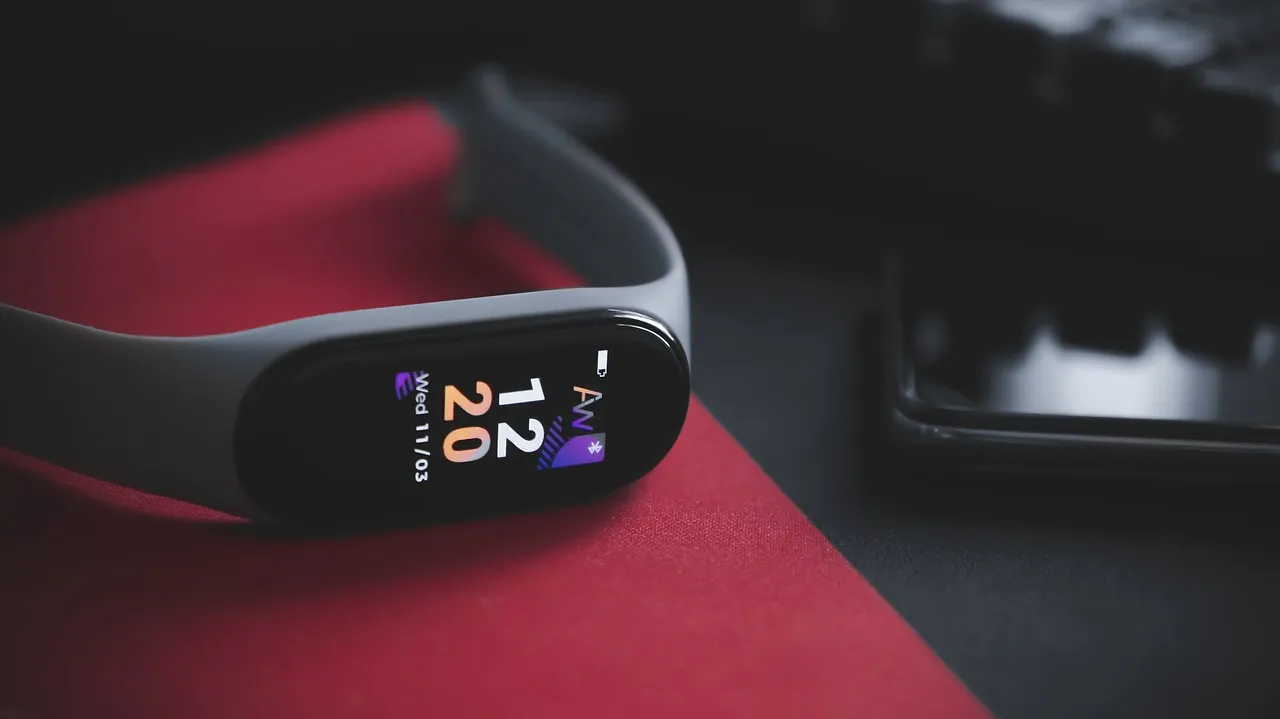
A beginner tracker needs a readable screen, a battery lasting over a week, and a clear step-counting app. It shouldn’t ask you to set up complex workouts before you even wear it.
If you only want to count steps and check your sleep, pick a simple band with a small screen. If you also want GPS to map your walks without carrying your phone, you’ll need a slightly thicker model that costs more and charges faster. That’s the trade-off: extra sensors drain the battery quicker.
Tip: Wear the band about one finger’s width above your wrist bone so the green light on the back sits flat against your skin.
These bands sync to your phone using Bluetooth. You open the companion app once a day to see your totals.
How Do the Top Models Compare?
| Model | Battery Life | Price Range | Built-in GPS | Water Rating |
|---|---|---|---|---|
| Xiaomi Smart Band 8 | Up to 16 days | Under $50 | No | 5 ATM |
| Fitbit Inspire 3 | Up to 10 days | Under $100 | No | 5 ATM |
| Amazfit Band 7 | Up to 14 days | Under $60 | No | 5 ATM |
| Garmin Vivosmart 5 | Up to 7 days | Under $150 | No | 5 ATM |
A water rating of 5 ATM means you can wear the band in the shower or a pool. Don’t take any of these into a hot tub or sauna, because steam gets past the seals and ruins the screen. The numbers here apply to standard use with continuous heart rate tracking turned on. If you turn off the all-day heart rate sensor, the battery lasts longer, but you lose your resting heart rate data.
Garmin makes reliable hardware, but their app shows a lot of charts right away. That setup suits someone who already exercises regularly. For your first device, the Xiaomi or Amazfit gives you the basics without hiding them behind menus.
Which Features Actually Matter When You Start?
You only need three things working well on day one: step counting, resting heart rate, and sleep tracking.
Step counting tells you if you’re moving enough. Resting heart rate shows if your body is recovering overnight. Sleep tracking breaks your night into awake, light, and deep periods. The American Heart Association suggests aiming for at least 150 minutes of moderate activity each week, which your band can help you measure by tracking active minutes.
Who this isn’t for: if you have a medical condition that requires exact heart rhythm monitoring, a consumer band won’t replace a medical device.
Is It Hard to Set Up a New Fitness Tracker?
Setting up a new fitness tracker takes about 10 minutes. You only need your smartphone, the free companion app, and a charged band.
- Charge the band fully. Plug the included cable into a USB port. Wait until the screen shows a full battery icon, which usually takes about two hours.
- Download the companion app. Search the name printed on the box in your phone’s app store. Install it and create a free account using your email.
- Turn on Bluetooth. Open your phone’s settings and make sure Bluetooth is active. Keep your phone unlocked and close to the band.
- Pair the device. Open the app and tap “Add Device.” Select your model from the list. Tap the button on the band’s screen when it asks you to confirm.
- Enter your basic details. Type in your height, weight, age, and which wrist you’ll wear it on. The app uses these numbers to calculate your steps and calories.
- Set your daily goal. Pick a step target you can actually hit. Starting with 5,000 steps is better than setting 10,000 and giving up on day three.
- Wear it snugly. Slide it onto your wrist above the bone. You should be able to fit one fingertip under the strap, but no more.
- Sync your first data. Walk around for five minutes, then open the app and pull down on the screen to refresh. Your steps should appear.
If the app doesn’t find the band during pairing, restart your phone’s Bluetooth and try again.
Why Isn’t My Tracker Counting Steps Accurately?
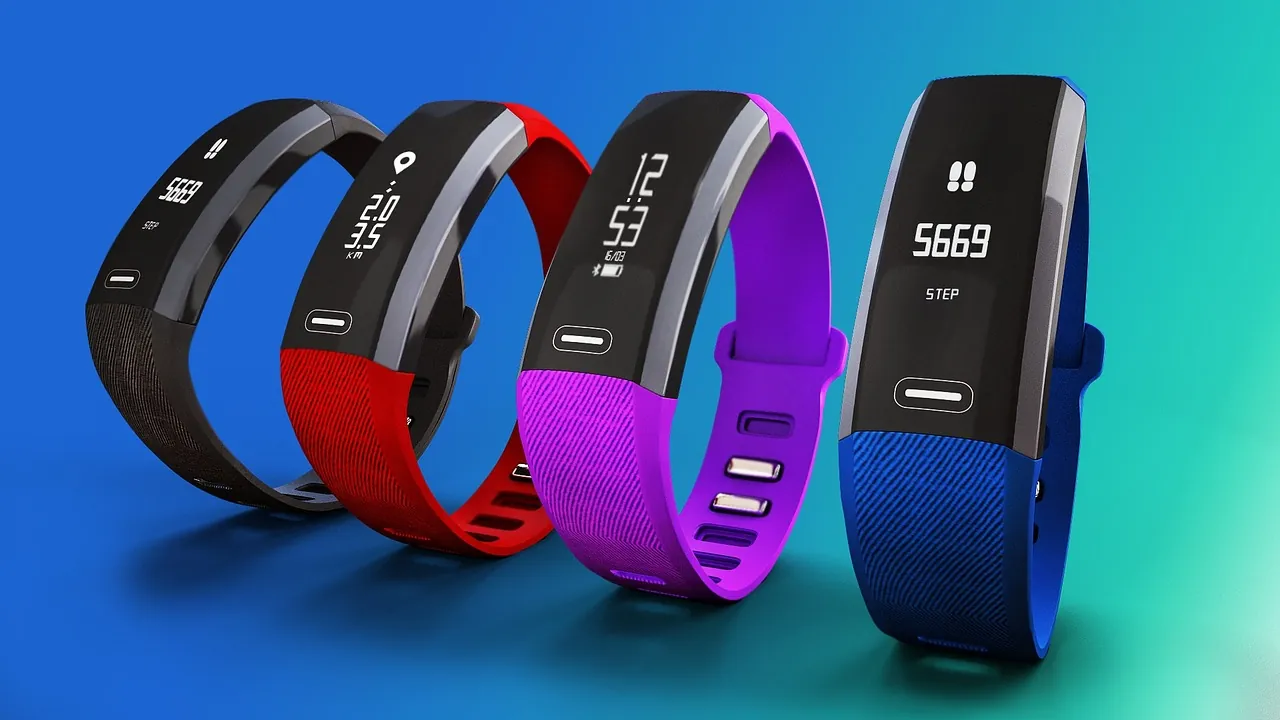
A fitness tracker misses steps when it’s worn too loosely or when you push a stroller or shopping cart. Clip the band to your shoe or belt loop if you push a cart often.
Why does my heart rate look wrong while I’m resting?
It usually happens because the green light on the back isn’t touching your skin evenly. Sweat, lotion, or a loose strap blocks the sensor. Wipe the back of the band with a dry cloth and tighten it one notch. If your arm has dark tattoos right where the sensor sits, the ink blocks the light. Move the band higher up your arm, past the tattoo, to get a clear reading.
Why won’t the app sync with my phone today?
Bluetooth connections drop if your phone updates in the background or if the band moves too far away. Close the app completely, turn your phone’s Bluetooth off for ten seconds, and turn it back on. Open the app again. If it still fails, restart the band by holding its side button or tapping the restart option in its settings menu.
People often leave the tracker charging overnight but forget to plug it in before the battery hits zero. A completely dead battery sometimes takes 30 minutes on the charger before the screen wakes up.
Frequently Asked Questions
Can I swim with a beginner fitness tracker?
Yes, if the box says 5 ATM or 50 meters water resistance. That covers swimming pools and showers. Don’t press the buttons underwater, and rinse the band with fresh water after swimming in the ocean to stop salt from ruining the charging pins.
Do I need to pay for a subscription to see my data?
No, the basic apps for Xiaomi, Amazfit, and Garmin show your steps, heart rate, and sleep for free. Fitbit offers a Premium tier that adds deeper sleep analysis and guided programs, but the free version gives you everything a beginner needs to track daily movement.
How long do the straps last before they break?
Silicone straps usually last as long as the battery inside the tracker. If yours tears or causes a rash, you can buy replacement bands online. Just make sure the width matches your specific model, because a strap that’s too wide won’t click into the frame.
Conclusion
Pick the Xiaomi Smart Band 8 if you want the longest battery life for the lowest price. Charge it tonight, set a 5,000-step goal tomorrow morning, and wear it every single day for two weeks before changing any settings. Once you know your normal daily average, you’ll see exactly where to add more walking.