

How to choose a GPS tracker comes down to matching your power source and update frequency to what you’re actually tracking. A hardwired unit suits vehicles that run daily, while a battery model works for assets that sit idle for weeks. This guide covers the specific trade-offs between battery life, real-time updates, and subscription costs that determine which device actually fits your needs.
What GPS Tracking Actually Does
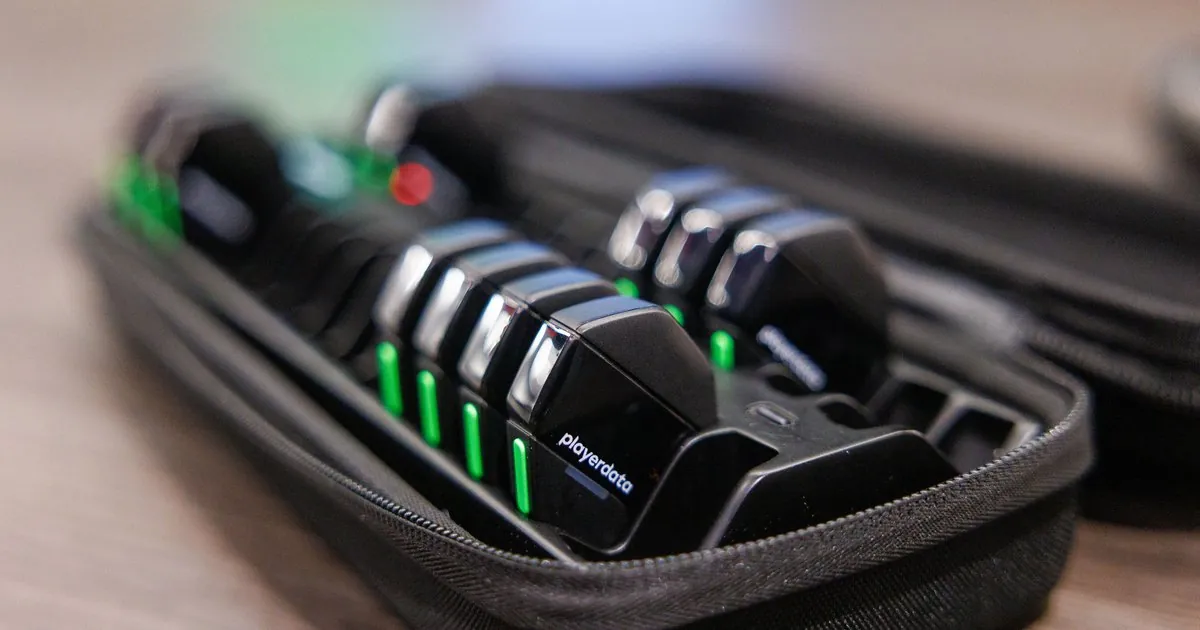
A GPS tracker is a small device that records location data using satellite signals. It sends that data to a server via cellular networks. Fleet managers use them to monitor routes. Parents check on teen drivers. Owners locate stolen equipment or pets.
The biggest misconception is that these devices work without a monthly fee. Nearly all consumer and commercial trackers require an active SIM card. You also need a data plan to transmit position updates to your phone or computer.
Devices marketed as having no subscription usually just bake the first year of service into the purchase price. After that period ends, you face the same recurring charge as everyone else.
The device itself only calculates coordinates. It relies entirely on cell towers to push that information to you. Coverage depends on your carrier, not the satellite system. A tracker needs a clear view of the sky to lock onto satellites.
It still needs a cellular signal to tell you where it is. Park a tracked vehicle inside a concrete parking garage and the location stops updating until it moves back outside.
If you need tracking in remote areas without cell service, you need a specialized satellite communicator instead. Always verify network compatibility with your local carriers before buying. A device locked to one network won’t function if that signal is weak in your area.
Steps to Selecting the Right Tracker
- Define exactly what you’re tracking and how often you need updates, because a vehicle requires different hardware than a shipping container or pet.
- Choose your power source based on access: hardwired for constant power, OBD-II for easy installation, or battery-powered for portable assets that lack wiring.
- Check cellular network compatibility in your specific region using your carrier’s coverage map to ensure the device has adequate signal where the asset operates.
- Calculate total cost of ownership by adding the device price to the monthly subscription fee multiplied by your intended tracking duration.
- Verify the update interval meets your needs, noting that real-time 10-second updates drain batteries ten times faster than hourly pings.
- Confirm the device has necessary environmental ratings like IP67 waterproofing if it will be exposed to rain, dust, or extreme temperatures.
- Test the mobile app or web platform before committing, as poor software makes even accurate hardware frustrating to use daily.
The critical judgement call here is balancing update frequency against battery life or data costs. If you need to recover a stolen car within minutes, prioritize real-time tracking despite higher fees; if you’re monitoring construction equipment weekly, hourly updates save money and extend battery life significantly.
GPS Tracker Specs by Use Case
Different tracking scenarios demand specific combinations of power, update rates, and durability that directly affect performance and cost.
| Situation | What to use | How long | What to watch for |
|---|---|---|---|
| Fleet vehicles | Hardwired OBD-II | Unlimited | Ignition detection accuracy |
| Teen driver safety | Plug-in OBD port | Unlimited | Speed alert latency |
| Construction equipment | Battery magnetic mount | 6-12 months | Vibration resistance rating |
| Shipping containers | Battery industrial case | 1-3 years | Geofence trigger reliability |
| Pets or livestock | Lightweight battery collar | 2-7 days | Weight under 5% of animal |
| Personal safety | Compact battery pendant | 3-5 days | SOS button response time |
| Boats or marine | Waterproof hardwired | Unlimited | Salt corrosion protection |
Battery life estimates assume default settings with moderate movement. If your asset moves constantly or you enable frequent updates, expect actual runtime to drop by 40-60%. Always check the manufacturer’s spec sheet for test conditions, as advertised numbers often reflect ideal lab environments rather than real-world usage patterns.
Details That Determine Tracking Quality
Signal Reliability Over Features
Experienced users prioritize antenna quality and network redundancy over flashy app features. A tracker with multi-constellation GNSS (GPS plus GLONASS or Galileo) locks onto satellites faster in urban canyons or under tree cover than single-constellation models. Cheap devices often skip this component to cut costs, resulting in delayed fixes and inaccurate positions when you need them most.
Check whether the device supports multiple cellular bands for your region. Trackers designed for global use typically include more bands than domestic-only models, providing better fallback options when primary towers are congested. This matters especially for cross-border logistics or rural operations where signal strength varies dramatically across short distances.
Installation and Maintenance Reality
Hardwired installations require proper fuse tapping and secure mounting away from metal interference. Skipping professional installation risks electrical shorts or intermittent signal loss that takes hours to diagnose later. Battery units need scheduled recharging or replacement cycles; forgetting this leads to silent failures where you assume coverage exists but don’t.
Test geofences and alerts immediately after setup rather than waiting for an incident. Many users discover notification delays or false triggers only during emergencies when adjustments are too late. Document your configuration settings so replacements or troubleshooting doesn’t mean starting from scratch each time.
Common GPS Tracker Problems

| What you notice | What it usually means | What to do first |
|---|---|---|
| No location updates | Dead battery or inactive SIM | Check power indicator and account status |
| Inaccurate positions | Poor satellite view or jamming | Move device outdoors away from metal |
| Delayed notifications | Network congestion or sleep mode | Reduce update frequency or change carrier |
| Geofence false alerts | GPS drift near boundaries | Widen fence buffer zone by 50 meters |
| Device overheating | Wiring fault or voltage spike | Disconnect immediately and inspect fuses |
| App won’t connect | Server outage or outdated firmware | Check provider status page before resetting |
GPS drift causes positional errors of 5-15 meters even in open sky, making tight geofences unreliable. Setting boundaries too close to roads or buildings guarantees false alarms. Adjust your expectations to match the technology’s physical limits rather than blaming the device for inherent signal characteristics.
If your device reports “No location updates,” verify the LED status before assuming a hardware failure. A blinking red light often signals a depleted battery, while no light at all suggests a blown fuse or a loose power cable.
When geofences trigger at the wrong time, check the “dwell time” setting. If you set this to zero, the tracker alerts you the millisecond it touches the line. Increasing this to 30 seconds filters out momentary signal bounces.
Most users mistakenly reset their device to factory settings when the app fails to load. This clears your configuration data and rarely fixes server-side issues. Always check the provider’s status page first to see if they’re performing maintenance. If the server is green, only then should you perform a hard reset.
Finally, if your tracker is hardwired into a vehicle, ensure it’s mounted away from the engine block. Excessive heat degrades the internal battery and can cause the GPS chip to malfunction or fail.
Regulatory and Privacy Rules
The Federal Communications Commission regulates GPS tracker transmission frequencies and certification requirements in the United States. Devices must display FCC ID markings proving compliance with radio emission standards; unmarked imports may interfere with emergency communications and carry legal liability. Commercial fleet operators must also comply with Electronic Logging Device mandates if tracking driver hours for regulatory reporting.
Privacy laws vary significantly by jurisdiction regarding consent and data retention. Employers tracking company vehicles typically have broader rights than individuals monitoring others’ movements, but recording audio without consent violates wiretapping statutes in many states. If you’re tracking a vehicle you don’t own, you must obtain consent from the owner to avoid civil litigation. Always disclose tracking to anyone who might reasonably expect privacy in the monitored space or vehicle.
Data security falls on you as much as the manufacturer. Change default passwords immediately and enable two-factor authentication if available. Unsecured tracker accounts expose real-time location histories to anyone who guesses your credentials, creating stalking risks far beyond the original theft prevention purpose.
If your device uses a cloud-based dashboard, check if it supports role-based access control. Limit account access to essential users only. If you notice unauthorized login attempts, revoke all active sessions and reset your API keys immediately to prevent persistent data harvesting.
Maintaining Your Tracking System
Schedule battery checks or replacements based on your actual usage pattern, not the manufacturer’s best-case estimate. Most battery trackers provide low-power warnings through their apps; set calendar reminders two weeks before expected depletion to avoid coverage gaps. If your device operates in temperatures below freezing, expect 30% less battery life and adjust your replacement cycle accordingly. Hardwired units need annual wiring inspections to catch corrosion or loose connections before they cause failures.
Keep firmware updated through the manufacturer’s app or portal, as updates often fix connectivity bugs and improve battery management algorithms. Outdated firmware is a common cause of mysterious disconnections that support teams can’t replicate remotely. If a device fails to sync after an update, perform a hard reset immediately rather than waiting for the system to self-correct. Document your device serial numbers and account details separately from the app itself.
Store spare batteries or backup units charged and ready for quick swaps. Downtime during replacements defeats the purpose of continuous monitoring, especially for high-value assets. How often you should rotate spares into service depends on use, and the owner’s manual is the authority. If you store batteries in a hot vehicle, how frequently you replace them regardless of the charge indicator to avoid internal electrolyte leakage depends on use, and the owner’s manual is the authority.
When Standard Trackers Won’t Work
Standard cellular GPS trackers fail completely in remote wilderness, oceans, or underground locations without cell tower coverage. For these environments, satellite messengers like Garmin inReach or Zoleo provide global positioning through the Iridium network. This connectivity requires a subscription fee, but it’s inexpensive relative to the alternative.
Assets requiring covert placement face different constraints than visible installations. Magnetic battery trackers sacrifice weatherproofing and battery capacity for concealment, making them unsuitable for long-term outdoor exposure. If you notice moisture buildup on the internal contacts, you have already waited too long to inspect the seal. If discretion matters more than durability, accept maintenance intervals as short as 72 hours. If longevity matters more, choose ruggedized models and find alternative, less exposed hiding spots.
High-speed or aviation applications exceed consumer tracker specifications. Aircraft and racing vehicles need certified avionics-grade systems with vibration hardening and FAA approval. Consumer devices shake apart or lose signal under sustained G-forces that specialized equipment handles routinely.
If your device is mounted near an engine block or a wheel well, the heat cycles will degrade the lithium-ion battery life by roughly 30 percent per year. Match your hardware to your operating environment’s actual physical demands, not its marketing category, and install a vibration-dampening mount if the chassis experiences constant high-frequency oscillation to prevent internal solder joints from cracking.
Conclusion
Pick the device that fits your daily routine, not the one with the longest spec sheet. Once it’s installed, you’ll want to test the signal in the spots where you actually park or store your gear. That quick check saves headaches later.
Related guides