

Fitbit Charge, Inspire, Luxe, Sense, and Versa are the current models you’ll actually find in stores. They all track steps, heart rate, sleep, and workouts through the same app, but how to choose the right fitbit device depends entirely on whether you need medical-grade sensors or just basic activity logging. The single thing that separates them is sensor depth: cheaper bands count movement, while premium watches measure body signals like skin temperature and stress. You’re picking a tool for a specific job, not just buying a brand name.
How to pick the right device
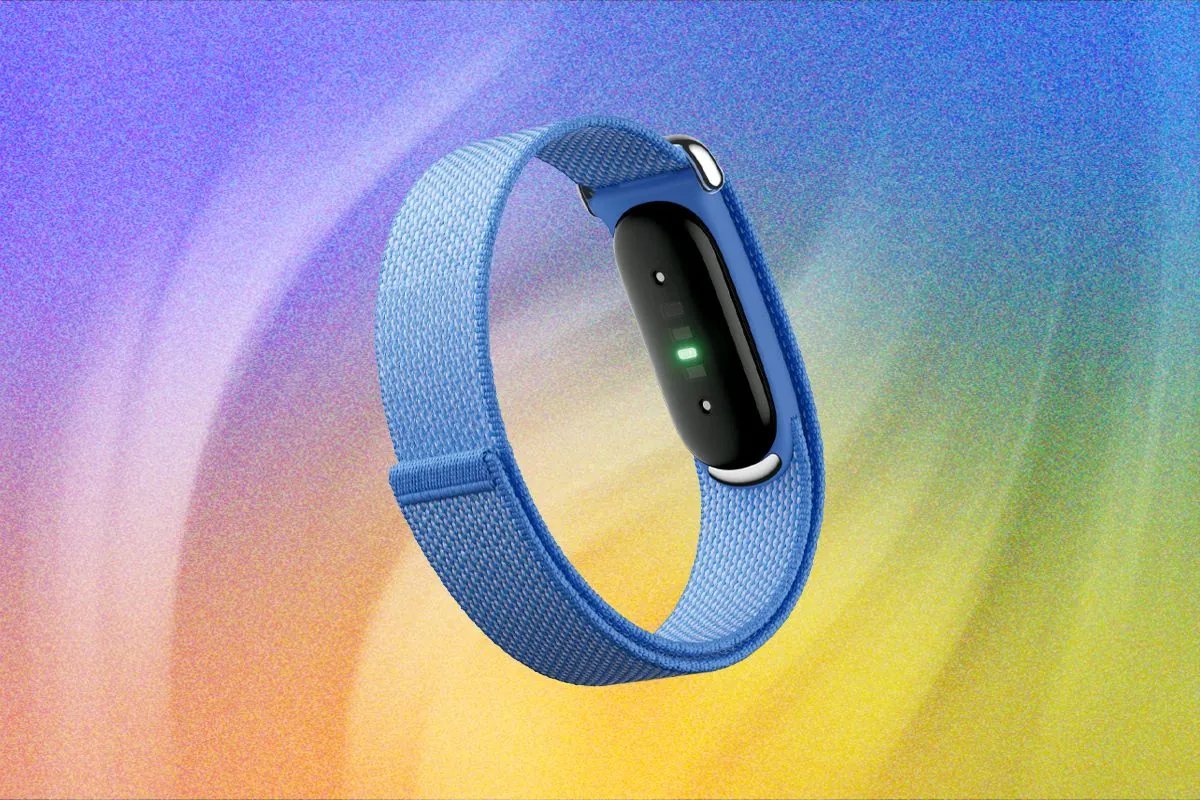
This table shows every current model so you can compare features before reading the full breakdown. Each row covers one device with its primary use case and a real-world example of when it’s the correct pick over others in the lineup.
| Model | Best For | Concrete Example |
|---|---|---|
| Inspire 3 | Basic step counting | Walking 8,000 steps daily without GPS |
| Charge 6 | Fitness tracking | Running outdoors with built-in GPS |
| Luxe | Fashion-forward wear | Wearing to work as jewelry |
| Sense 2 | Health monitoring | Tracking stress and skin temperature |
| Versa 4 | Smartwatch features | Getting notifications and using Alexa |
| Ace 3 | Kids’ activity | Monitoring child’s playtime safely |
Choose the Inspire 3 if you prioritize battery life over screen size. It lasts up to ten days, whereas the Versa 4 requires charging every six days. If your goal is heart rate accuracy during high-intensity interval training, skip the Luxe. The Charge 6 includes a more advanced sensor array specifically calibrated for rapid heart rate fluctuations, though how often you need to rely on it depends on use and the owner’s manual is the authority.
Check the screen glass before you buy. The Sense 2 features a durable, scratch-resistant display designed for daily wear. If you work in a physically demanding environment, the Luxe’s polished finish will show scuffs within weeks.
If you want to leave your phone at home during workouts, only the Charge 6, Sense 2, and Versa 4 provide built-in GPS. If you rely on your phone for music control, the Charge 6 integrates directly with YouTube Music. Without this compatibility, you’ll find yourself reaching for your phone mid-run to skip tracks.
Fitbit Inspire 3
Inspire 3 is the entry-level tracker for people who want simple step and sleep data without complex health metrics. It suits beginners or older adults who don’t need GPS, advanced heart analysis, or smartwatch notifications cluttering their wrist.
- Tracks daily steps, active zone minutes, and sleep stages accurately for general wellness goals.
- Lasts up to 10 days on a single charge, reducing charging frequency compared to smartwatches.
- Displays call, text, and calendar alerts when connected to your phone via Bluetooth.
- Includes six months of Fitbit Premium membership for guided programs and detailed reports.
A concrete example is wearing it during a 30-minute neighborhood walk where you only care about hitting your daily movement goal, not mapping your route or analyzing heart rate variability.
If you run outside regularly, skip this. The lack of built-in GPS means your distance data will be inaccurate unless you carry your phone.
Check the Inspire 3 specifications page for exact battery claims, as real-world usage with always-on display reduces runtime significantly. This band isn’t for athletes needing training load metrics or ECG readings.
People often buy this thinking they can upgrade into serious training later. They end up buying a second device within three months because the Inspire 3 can’t track intervals or measure recovery.
The screen is small enough that reading texts requires holding your wrist close to your face. If you rely on reading full messages from your wrist, the limited display area will frustrate you quickly.
Swimming works fine since the device handles water resistance up to 50 meters. You get lap counts but no stroke type recognition in the pool.
Fitbit Charge 6
Charge 6 adds built-in GPS and advanced heart rate sensors that Inspire 3 lacks, making it the mid-range choice for active users. It fits runners, cyclists, and gym-goers who want workout independence from their phone without paying smartwatch prices.
- Maps outdoor runs, hikes, and bike rides using integrated GPS without carrying a phone.
- Measures heart rate variability and resting heart rate for recovery and fitness insights.
- Supports Google Pay for contactless payments directly from your wrist during errands.
- Provides real-time pace and distance feedback during exercise sessions.
You’d pick this over Inspire 3 when you train outdoors three times weekly and hate lugging your phone for accurate route mapping. The trade-off is shorter battery life—about seven days versus ten—and no music storage or voice assistant.
If you need ECG or continuous stress management tools, Charge 6 won’t deliver those; you’d need Sense 2 instead. Battery duration varies based on GPS usage frequency, so check your own settings after setup rather than assuming the maximum advertised runtime applies to your routine. It’s not a smartwatch replacement for heavy notification users.
Fitbit Sense 2

Sense 2 includes EDA stress sensors and skin temperature variation tracking that no other Fitbit offers. It targets users managing chronic stress, sleep issues, or women’s health cycles who need clinical-grade biometrics beyond standard fitness metrics.
- Detects acute stress responses through electrodermal activity scans throughout the day.
- Monitors nightly skin temperature shifts to identify illness onset or cycle changes.
- Offers irregular heart rhythm assessments and AFib detection via ECG app.
- Integrates mindfulness sessions triggered by detected stress spikes automatically.
These sensors require consistent wear and proper placement to generate usable data; sporadic use yields nothing actionable. You’d choose this over Charge 6 only if you’re actively working with a healthcare provider on stress or hormonal health, not for general fitness.
A concrete scenario is wearing it continuously for two weeks to establish baseline stress patterns before discussing results with a therapist. If you just want workout tracking, you’re overpaying for sensors you’ll ignore. Skin temperature readings vary by individual physiology and ambient conditions, so interpret trends over weeks, not single nights. This device demands commitment to meaningful interpretation.
Fitbit Versa 4
Versa 4 functions as a lightweight smartwatch with Alexa built-in, unlike the fitness-first bands above. It suits users wanting notifications, voice commands, and music control alongside basic health tracking without Apple Watch complexity or cost.
- Receives and responds to texts, calls, and app alerts with preset replies.
- Controls Spotify, Pandora, and Deezer playback directly from the watch face.
- Uses Amazon Alexa for timers, reminders, and smart home device control.
- Tracks workouts and sleep similarly to Charge 6 but with larger color display.
Pick this over Charge 6 if checking messages hands-free matters more than GPS accuracy during runs. The trade-off is bulkier size and shorter battery life (six-plus days) compared to slimmer trackers. If you prioritize discrete health sensing or marathon training, Versa 4 isn’t optimal; while it has built-in GPS, it lacks the advanced health sensors found in the Sense line.
A real use case is leaving your phone in another room while cooking and still seeing urgent family texts. Don’t expect medical-grade sensors here; it lacks EDA and skin temperature monitoring entirely. Screen brightness affects battery significantly, so adjust based on your indoor versus outdoor usage patterns.
Additional Fitbit Options
Luxe: Designed as fashion jewelry with slim metal casing and interchangeable accessories for style-conscious users who want discreet tracking at work or social events without sporty aesthetics dominating their outfit. If you prioritize a professional look, this model offers a stainless steel aesthetic that’s more discreet than the plastic-bodied trackers.
Ace 3: Kid-safe tracker with parental controls, simplified interface, and durable band for children aged six plus whose parents want to encourage healthy habits without exposing them to adult metrics or social features. These devices lack GPS and caloric tracking to prevent unhealthy fixation on body image. If your child is under ten, the simplified interface prevents the frustration of navigating complex menus.
Pixel Watch Integration: Combines Fitbit health tracking with Wear OS apps for Android users wanting full smartphone extension capabilities alongside comprehensive biometrics in one premium device ecosystem. This is the choice for those who need to reply to texts or control home smart devices directly from their wrist. If you require a standalone cellular connection to leave your phone behind during runs, this is the only viable path.
Choosing Your Fitbit Model
Your decision hinges on three factors: primary goal, budget tolerance, and willingness to engage with data. If your sole aim is meeting daily step targets, Inspire 3 handles that reliably without overwhelming you and is inexpensive relative to the alternative. If you train seriously outdoors and need independent GPS mapping, Charge 6 delivers that precision without smartwatch bloat and is inexpensive relative to the alternative.
If managing stress, sleep quality, or women’s health is your priority and you’ll review data weekly with purpose, Sense 2 provides unique sensors worth the premium. If staying connected hands-free matters most and you accept shorter battery life, Versa 4 balances notifications with adequate fitness tracking. A tighter budget locks you to Inspire 3, which is inexpensive relative to the alternative; spending more opens Charge 6 and Luxe; spending even more accesses Sense 2 and Versa 4.
Time commitment matters too. Sense 2 requires consistent wear and regular app reviews to justify its cost; if you won’t check data weekly, Charge 6 gives better value.
Most buyers err by purchasing the most expensive model hoping it motivates them to exercise more. This mistake costs you wasted hardware value, as starting with something less is inexpensive relative to the alternative, and adds unnecessary charging friction. If you currently track nothing, start with the Inspire 3 to build the habit before upgrading.
You can use multiple devices on one account, though the app will prioritize data from the device currently being worn. If you plan to wear a mechanical watch on your left wrist, choose the Fitbit that fits comfortably on your right. Choose based on what you’ll actually use daily, not feature lists. If you can’t commit to charging a device at least once a week, avoid the Versa and Sense lines.
Starting With Your Fitbit
Begin by setting your daily step goal to exactly 500 steps above your current seven-day average. If you set it higher, you’ll likely abandon the habit within a month due to burnout. For sleep, prioritize consistency in your wake-up time over total hours logged until you establish a reliable baseline.
Expect the first fourteen days to feel like a calibration period. Your device needs time to collect enough data to provide accurate trends for your resting heart rate and sleep stages. If the device records movement while you’re driving or typing, adjust your dominant hand setting in the app. This simple toggle prevents your daily progress from being artificially inflated by desk work.
If you experience skin irritation, stop wearing the band immediately. Don’t wait for it to clear on its own; a persistent rash beyond three days indicates a reaction to the silicone or trapped moisture. If core features like heart rate tracking fail after a factory reset, initiate a return. These are hardware defects, not user errors.