

How to choose an easy-to-use smartwatch for seniors means picking a device with a screen over 1.4 inches, physical buttons, and battery life exceeding seven days. You’ll get the best results by prioritizing clear menus and reliable fall detection over complex fitness tracking features. This approach suits older adults who want safety monitoring and simple communication without navigating confusing touchscreens or daily charging routines that are easily forgotten.
Easy Smartwatch Features Seniors Should Choose
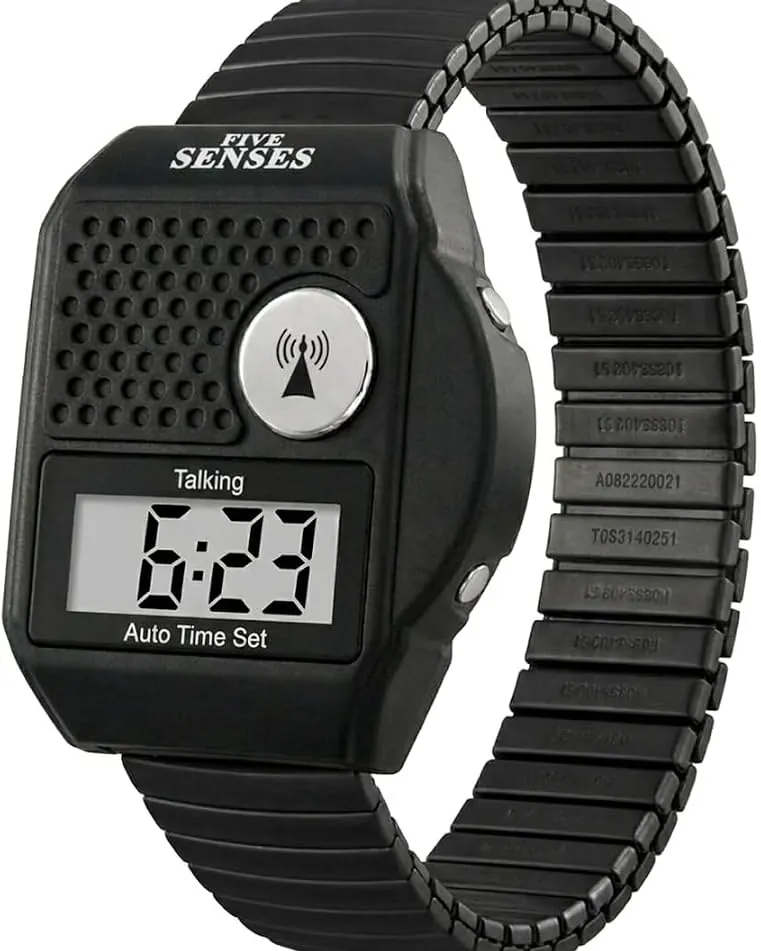
You need specific hardware and software capabilities before you buy anything, because missing one key feature makes the device frustrating or unsafe for daily wear. The right combination reduces confusion and ensures the watch actually helps rather than adds another burden to manage.
- Large AMOLED display: Screens must be at least 1.4 inches diagonally with high contrast; smaller displays make reading texts and health data difficult for aging eyes. Avoid glossy screens that create glare outdoors, as matte finishes maintain readability in direct sunlight without forcing users to squint or adjust angles constantly.
- Physical navigation buttons: At least one tactile button is required for emergency calls or returning home when touchscreens fail due to dry skin or tremors. This button should be programmable to a single critical function rather than buried in menus where fine motor control matters most.
- Extended battery life: Devices should last seven days minimum on a single charge to prevent anxiety about dead batteries during emergencies. Watches requiring daily charging often get left off overnight, defeating safety monitoring precisely when falls are statistically most likely to occur.
- Automatic fall detection: Sensors must trigger alerts automatically after hard falls without requiring manual input from the wearer. Confirm the sensor distinguishes between actual falls and vigorous arm movements to avoid false alarms that erode trust in the system over time.
- Simple companion app: The paired phone app needs large text options and straightforward setup without mandatory social media logins or complex account verification. Caregivers must access settings remotely without needing the senior’s physical device present for every adjustment.
- Water resistance rating: Look for 5ATM or IP68 ratings so the watch survives handwashing and rain without damage. Lower ratings mean removing the device for basic hygiene, creating gaps in continuous health tracking.
- Loud speaker and microphone: Audio components must support clear two-way calling directly from the wrist without needing headphones. Test volume in noisy environments before purchasing, as many speakers sound adequate in stores but fail against background television or traffic noise.
If the watch lacks physical buttons, skip it entirely; touchscreen-only models become unusable during stress or medical episodes. For cellular models requiring separate data plans, verify coverage maps with your carrier first, as rural signal gaps render emergency features useless regardless of hardware quality.
Steps to select the right senior smartwatch
Follow this sequence to match device capabilities with actual user needs, avoiding expensive mistakes that leave the watch sitting unused in a drawer. Each step builds on the previous one to narrow choices systematically.
- Assess primary use case honestly before browsing products. If safety monitoring is the main goal, prioritize fall detection and GPS over fitness sensors; if staying connected matters most, focus on call quality and message readability instead. Write down the top three functions needed.
- Measure wrist circumference and test screen readability in person. Visit a store to try on watches with screens over 1.4 inches; what looks adequate online often feels too small or dim under real lighting conditions. Bring reading glasses if normally worn.
- Test physical button responsiveness with dry and moist fingers. Press each button firmly while wearing the watch; mushy or unresponsive controls won’t work reliably during emergencies when hands are shaking or wet from washing.
Careful: Don’t assume all fall detection works equally.
- Verify battery endurance matches user habits realistically. If the person forgets chargers frequently, select models rated for 10+ days; if they charge phones nightly anyway, 4-day battery may suffice. Check manufacturer specs for GPS mode drain specifically.
- Confirm companion app compatibility with existing phones. Download the app before purchase to check interface clarity and setup steps; some require newer Android or iOS versions than older users possess. Return windows close quickly after activation.
- Evaluate customer support accessibility for troubleshooting. Call the manufacturer’s helpline during business hours to gauge wait times and representative patience; poor support makes minor issues permanent dealbreakers for non-technical users.
Tip: Skip devices requiring mandatory firmware updates during initial setup if cognitive load is a concern; these can take 30+ minutes and confuse users expecting immediate functionality.
- Purchase from retailers offering 30-day return policies minimum. Real-world testing reveals usability problems spec sheets hide; keep packaging intact until confident the watch meets daily needs consistently.
Adjustments by user capability level
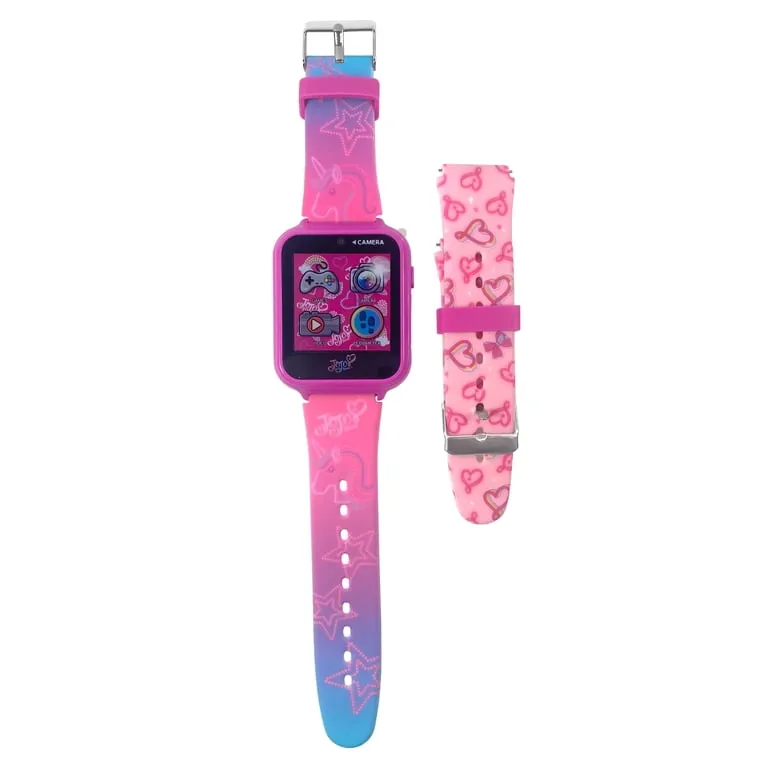
Different physical and cognitive abilities change which features matter most, so matching device complexity to actual capacity prevents abandonment. Starting with simpler models and upgrading later costs less than replacing an overwhelming device immediately.
| User capability level | Monthly cost range | Key feature difference | Critical monitoring point |
|---|---|---|---|
| Independent active senior | $15-$30 subscription | Full fitness tracking plus basic safety alerts | Battery discipline and app engagement frequency |
| Mild cognitive decline | $20-$40 subscription | Simplified interface with geofencing only | Geofence boundary accuracy and alert response time |
| Limited dexterity or vision | $25-$45 subscription | Voice-first controls and haptic feedback dominance | Button accessibility and audio volume adequacy |
| High fall risk or mobility issues | $30-$60 subscription | Medical-grade fall detection with auto-dial | False positive rate and emergency contact reliability |
| Tech-resistant first-time user | $10-$25 subscription | Single-button SOS with no touchscreen navigation | Charging routine establishment and comfort compliance |
For mild cognitive decline, set geofence boundaries at least fifty feet inside known safe zones to prevent false alarms triggered by GPS drift near property lines. Test this perimeter weekly because signal accuracy degrades seasonally under heavy tree cover or during storms.
High fall risk profiles demand distinguishing between true falls and vigorous daily movements like clapping or dropping objects. Conduct supervised drop tests on carpet and hard flooring to calibrate sensitivity thresholds before independent use begins.
Tech-resistant users often abandon devices due to uncomfortable bands rather than technical complexity. Prioritize lightweight silicone wristbands over feature-rich alternatives until consistent wearing habits form over several consecutive weeks.
Starting with fewer features and adding complexity gradually works better than overwhelming someone initially. You can always upgrade later, but rebuilding trust after a bad experience takes far longer than scaling up incrementally.
Signs the smartwatch fits correctly
A properly chosen device integrates into daily life without constant reminders or adjustments. Poor choices create friction that leads to abandonment within weeks. Recognizing these patterns early saves money and preserves willingness to try again.
Good fit shows when the wearer puts it on voluntarily each morning. They respond to notifications promptly without prompting from others. Useful features get mentioned spontaneously in conversation. Questions shift toward advanced functions only after mastering basics. Battery anxiety stays minimal because charging becomes habitual rather than crisis-driven.
Poor fit appears as frequent removal just for comfort. Alerts go ignored repeatedly despite initial enthusiasm. Basic operations require re-explanation multiple times over several weeks. Family members find themselves troubleshooting constantly or checking wear status. The device ends up charging more than being worn.
The core problem stems from mismatched complexity rather than user deficiency. Interfaces demanding cognitive effort beyond available capacity cause frustration regardless of good intentions. Prevention requires honest assessment of current abilities, not aspirational hopes about future adaptation. If setup takes more than twenty minutes with assistance, the interface is likely too complex.
Test thoroughly during return periods by simulating emergency scenarios. Track actual wear time versus stated intentions using built-in usage logs. Comfort complaints after three days usually indicate sizing or weight issues worth addressing immediately. Swapping bands or adjusting lug-to-lug distance often resolves this before returning the device entirely. Enduring discomfort rarely leads to eventual acceptance.
Safety standards and maintenance routines
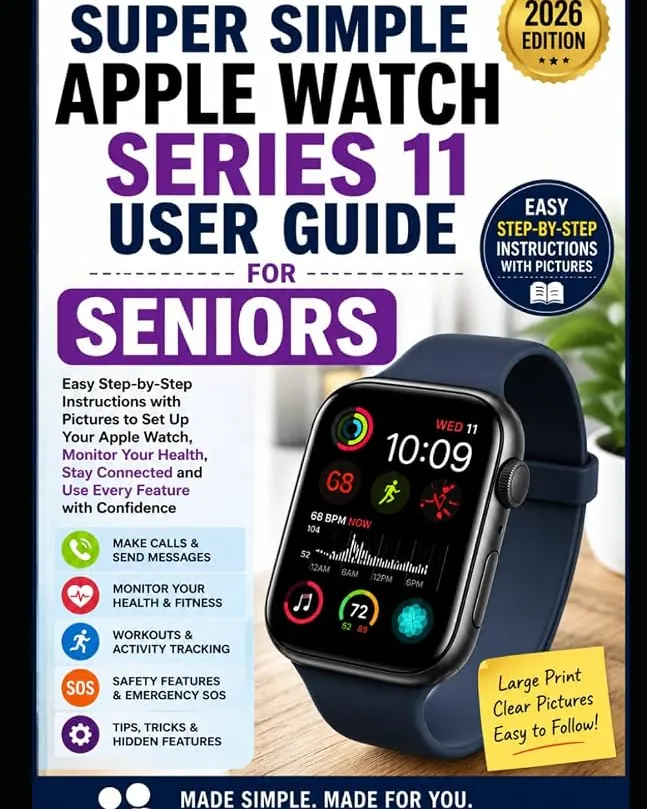
Regulatory compliance ensures emergency features function as advertised, while proper upkeep extends usable lifespan significantly beyond warranty periods. Neglecting either aspect undermines the investment’s core purpose.
Fall detection accuracy standards vary by region. In the United States, manufacturers self-certify against internal benchmarks since no federal mandate exists yet. Check product documentation for tested fall types and exclusion criteria rather than assuming universal protection. High-impact falls are often detected reliably, but slow slides from chairs frequently go unnoticed. Cellular emergency calling requires active service plans meeting FCC location accuracy rules for 911 calls.
After setup, record emergency contacts in both the watch and companion app separately because sync failures happen. Save confirmation screenshots of successful registrations and test monthly by triggering practice alerts. Clean bands weekly with mild soap to prevent skin irritation that causes removal. Sweat buildup under sensors also blocks heart rate readings during emergencies.
Battery degradation typically reduces runtime by 20-30% after two years of daily charging. Plan replacement or device refresh proactively rather than waiting for failure during critical moments. Professional installation helps for cellular models requiring SIM activation if carrier stores offer senior assistance programs. Ask technicians to verify signal strength at your primary residence before leaving the store.
Alternative approaches to consider
Smartwatches aren’t always the optimal solution depending on specific circumstances and user preferences. These alternatives address similar needs through different form factors or service models.
Medical alert pendants
Traditional pendant systems are inexpensive relative to the alternative with professional monitoring included and require zero smartphone pairing. They excel for users who refuse wearable tech entirely or have severe cognitive impairment making any screen interaction impossible. Trade-offs include no fitness data, limited two-way communication, and visible stigma some find unacceptable compared to modern watch aesthetics.
Simplified smartphones
Devices like Jitterbug Smart offer large icons, urgent response buttons, and curated app stores designed specifically for older adults at a cost that’s inexpensive relative to the alternative including service. Better for those needing full calling and texting capability without wrist-worn discomfort. Downsides include larger size reducing portability, no automatic fall detection unless added separately, and higher ongoing costs than standalone watches.
Family tracking apps
Free or low-cost apps using existing smartphones provide location sharing and check-in reminders without new hardware purchases. Suitable for tech-comfortable families wanting basic safety nets during transition periods before committing to dedicated devices. Limitations include dependence on phone battery and carrying compliance, no biometric sensors, and reduced reliability if primary device gets lost or damaged regularly.
These apps fail silently when phones are left charging overnight or forgotten in coat pockets. Verify that your chosen platform sends automated alerts if check-ins stop, rather than relying solely on manual location checks. This passive monitoring layer bridges the gap between active tracking and complete blindness during lapses in daily routine.
Choosing wisely means accepting that perfect doesn’t exist; the best device is simply the one that gets worn consistently and trusted implicitly during moments when seconds count most. Test each option for two weeks in real conditions before making a final commitment to ensure daily habits actually support sustained use.