

Fast charging vs standard charging is the question most people face when they plug in a phone, and the answer is simple: fast charging refills a battery much quicker while standard charging puts less stress on it. Which one wins depends on whether you need speed today or battery health years from now.
Charging methods compared
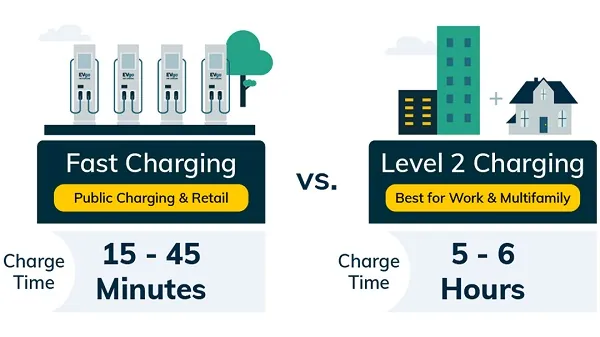
Most phones support three ways to fill the battery, and each trades speed against convenience and long-term wear. The table below puts them side by side so you can see where each one fits.
| Method | How long | Effort | Cost | Best for |
|---|---|---|---|---|
| Fast charging | 30-60 minutes | Low | Low | Topping up before you leave |
| Standard charging | 2-4 hours | Low | Low | Charging overnight |
| Wireless charging | 2-5 hours | Low | Low | Desk or nightstand use |
Fast charging pumps more power into the battery in a short time, which makes it handy when you’re rushing out the door. Standard charging sends power more slowly, so the battery stays cooler while it fills. Wireless charging is the slowest of the three, but you simply set the phone down and pick it up when you need it. All three cost the same to run because you pay for the electricity, not the speed.
Use fast charging
Fast charging works by sending higher voltage or current to the battery until it reaches about 80 percent, then slowing down to protect the cells. This method is effective because lithium-ion batteries absorb energy quickly when they’re near-empty, but the chemical reaction becomes less efficient as the battery nears capacity.
Plug the phone into a charger and cable that support fast charging. Ensure the brick is rated for your specific device’s protocol, as mismatched hardware often defaults to standard speeds.
Make sure fast charging is switched on in your battery settings. Some devices disable this feature by default to prioritize long-term battery health over convenience.
Unplug when you reach about 80 percent if you don’t need a full charge. The final 20 percent of a charge is the most taxing on the battery’s internal chemistry.
Remove a thick case if the phone feels warm while charging. A case traps heat, preventing the device from dissipating the energy generated during the rapid transfer process.
It’s good for quick top-ups before you head out, and most modern phones handle it safely. The weakness is that it generates more heat than standard charging, and heat is the primary factor that wears a battery down over time.
If your phone feels hot to the touch while charging, stop and let it cool down before continuing. Sustained heat causes the electrolyte within the battery to degrade, which permanently reduces your phone’s total capacity. By avoiding high-heat scenarios, you can enjoy the convenience of rapid power without sacrificing the longevity of your device’s internal components.
Use standard charging
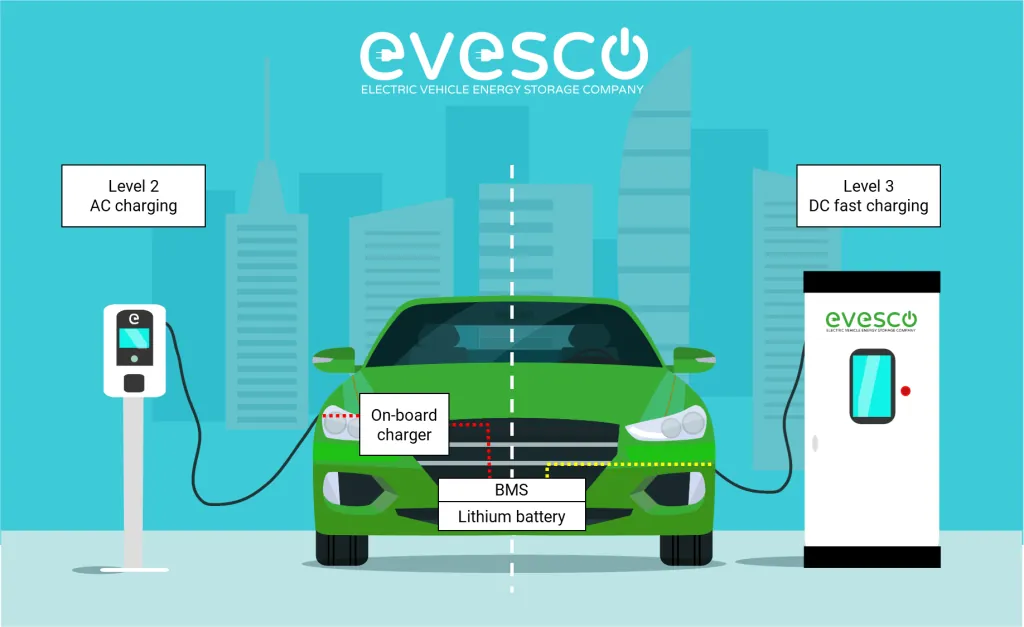
Standard charging delivers power at the lower rate the battery was designed for, so it takes longer but runs cooler. Here is how to use it.
- Plug the phone into a standard charger and cable.
- Leave it connected until it reaches 100 percent, or charge overnight.
- Keep the phone on a hard, flat surface while it charges.
- Avoid covering it with pillows or blankets while it’s plugged in.
Using a standard wall adapter minimizes the chemical stress placed on your battery’s internal components. While fast charging increases the rate of ion transfer, standard charging delivers power at a lower rate, resulting in less thermal buildup. This process significantly reduces the thermal buildup that can degrade battery capacity over several years of ownership.
You should prioritize this method whenever you’re working at a desk or sleeping. Because standard charging generates minimal heat, it’s the safest way to maintain your phone’s long-term health. If your device feels warm to the touch during a standard cycle, ensure the room temperature is moderate and the air can circulate freely around the casing.
It’s the gentler option for everyday use, especially when you don’t need the phone back in a hurry. The downside is the wait — you can’t count on a full battery if you only have half an hour. Standard charging isn’t better in every way; it simply trades speed for lower heat and less stress on the battery cells.
Use wireless charging
Wireless charging uses a charging pad that transfers power through a magnetic induction coil, eliminating the need for a physical cable. This process relies on proximity, meaning the alignment between your device and the pad is critical for efficiency.
- Center your phone precisely on the wireless charging pad. Even a slight offset can cause the power transfer to drop or stop entirely.
- Verify the pad is connected to a power source and that your phone displays a charging icon.
- Remove metal objects, magnetic mounts, or thick, rugged cases that block the electromagnetic field. These materials can overheat or prevent the connection.
- Lift the phone whenever you need it, as there’s no plug to disconnect.
This method excels on a desk or nightstand where you leave the phone for hours. It provides a convenient way to top off your battery without the wear and tear of repeatedly plugging and unplugging a cable into your charging port.
The primary trade-off is speed. Wireless charging is slower than both wired options and generates more internal heat than standard cable charging. Because heat is the enemy of long-term battery health, avoid using this method if your phone is already warm from heavy use. If you need a full battery quickly, skip the pad and reach for a cable instead.
Which charging method should you pick?
The best choice depends on what you need right now, not on which method is generally better. Here is how the three options line up for three common situations.
When you’re in a hurry, fast charging wins because it can refill a battery in about an hour instead of several. This is ideal for a quick top-up before leaving the house or during a short commute.
When you’re charging for the first time, standard charging is easiest. Every phone and cable supports it without changing any settings or worrying about compatibility. It provides a predictable, steady flow of power that works with any wall adapter you find.
When you want the best result whatever it takes, standard charging is kindest to the battery. It stays cooler, which minimizes chemical stress on the internal cells. While fast charging is safe for occasional use, the heat generated by rapid energy transfer can accelerate degradation over long periods.
The trade-off is simple: speed today versus battery wear over years. Fast charging costs nothing extra and works on most modern phones. However, if you charge every single night, standard charging puts less heat into the cells. This practice helps the battery maintain its maximum capacity for a longer portion of the device’s lifespan.
Consider your daily routine to decide. If you rarely drain your battery completely, standard charging is the better default. If you frequently find yourself at low power during a busy day, rely on fast charging to bridge the gap. You don’t have to pick just one method for the life of your phone. Use each tool when it serves your immediate schedule best.
Rules that apply to all charging
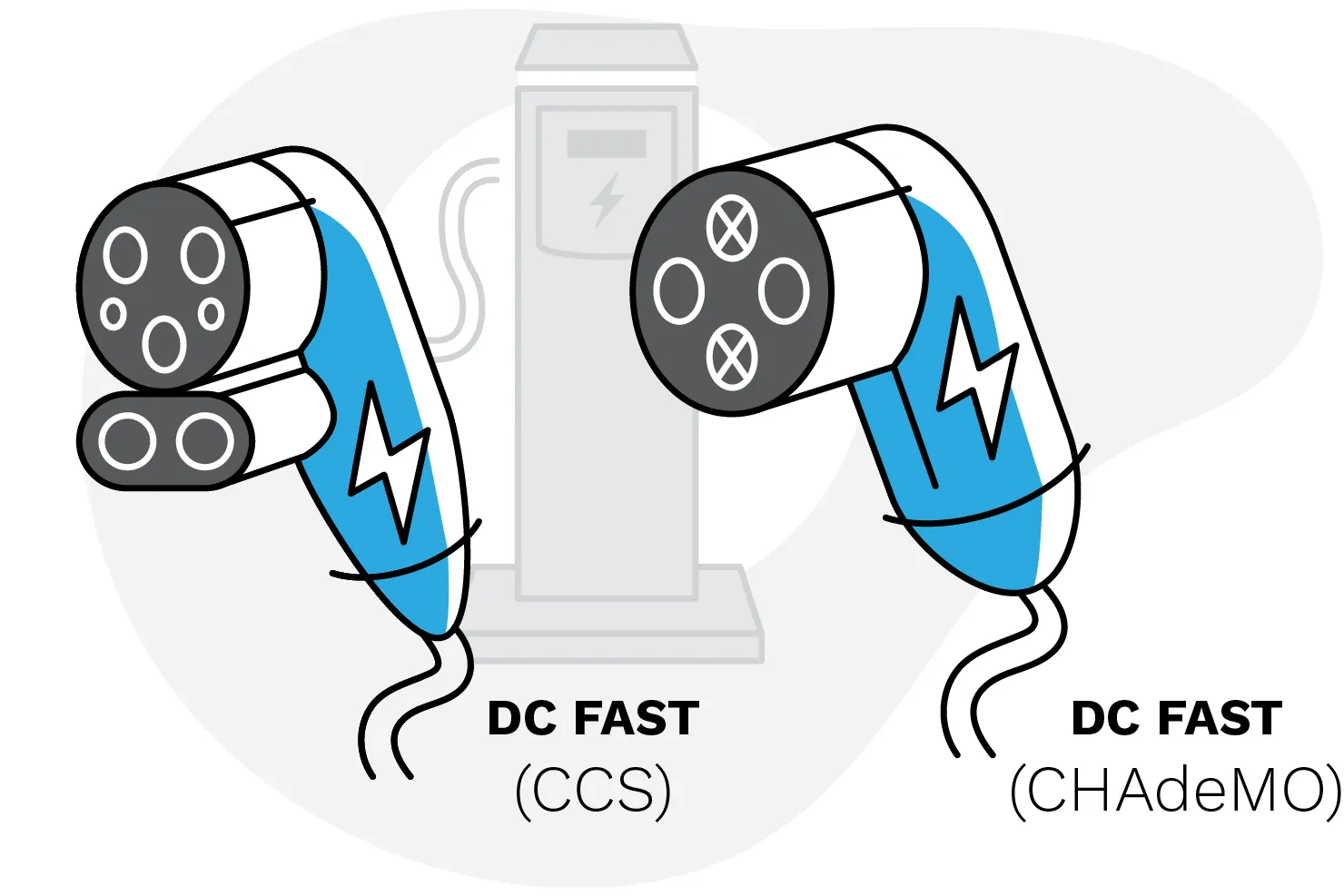
No matter which method you choose, a few basics keep charging safe and effective. Use the cable and charger that came with your phone, or a replacement from the phone’s maker, since mismatched gear can deliver the wrong voltage.
Cheap, uncertified cables often lack the internal shielding or resistors required to manage power flow correctly. This inconsistency can lead to internal short circuits or damage to the charging port pins over time.
Keep the charging port clean and dry, and never charge a phone that feels hot to the touch. Charge on a hard surface where air can move around the device, not under a pillow or on a sofa. Soft surfaces trap heat, which accelerates chemical degradation inside the battery.
Modern smartphones automatically stop drawing power once the battery reaches 100%, so leaving a phone plugged in overnight doesn’t cause overcharging.
If your phone gets unusually hot, stops charging, or the battery drains much faster than it used to, stop using that charger and contact the phone’s maker or an authorised repair centre.
Battery problems can become safety issues, so don’t keep using a device that behaves strangely while plugged in. A battery that swells or emits a faint, sweet chemical odor indicates a critical failure. In these cases, disconnect the power immediately and move the device to a non-flammable area. Relying on professional diagnostics prevents minor malfunctions from escalating into fire hazards or permanent hardware failure. Always prioritize the integrity of the power connection over convenience.
Related guides
- Fitness Tracker vs Smartwatch: Which Should You Choose?
- Smart Glasses Battery Life and Charging: A Complete Guide
- Fitbit vs Garmin: Which Fitness Wearable Is Better for You?
Frequently asked questions
Can fast charging damage my battery?
No, not on its own. Modern phones slow charging down as the battery fills and stop drawing power at 100 percent. The real risk is heat, which wears battery cells over time. If your phone stays cool while fast charging, it’s fine for regular use.
Why does fast charging slow down at 80 percent?
Phones reduce power after about 80 percent to limit heat and stress on the battery cells. The last 20 percent takes nearly as long as the first 80 percent because the charging circuit deliberately backs off.
How long does standard charging take?
About 2 to 4 hours for a full charge, assuming a standard 5-watt charger and a typical phone battery. A larger battery or weaker charger takes longer.
Is wireless charging safe overnight?
Yes, provided you use a quality pad and place the phone on a hard, flat surface. Phones stop drawing power when full, but wireless pads run warmer than cables, so keep the area clear of cloth or paper.
What happens if I use the wrong charger?
The phone may charge slowly or not at all, and a poor-quality charger can deliver unstable power. Use the charger that came with the phone or one from the same brand.
How often should I charge my phone?
There’s no fixed number. Charge whenever the battery gets low, and try to keep it between 20 and 80 percent if you want to reduce wear over time.
Conclusion
Fast charging vs standard charging comes down to one choice: speed now or gentler charging over time. Use fast charging when you need the phone ready quickly, and standard charging when you can leave it plugged in for a few hours. Both are safe on modern phones, and neither costs extra to run.