

The Apple Watch suits iPhone users seeking deep app integration and communication tools, whereas Fitbit provides a health-focused experience with better battery life for cross-platform users. Deciding between these devices depends on your smartphone ecosystem and whether you prioritize smart features or battery longevity. Android users must choose a Fitbit or another brand, as Apple watches are incompatible with Android devices.
Comparing wearable device capabilities
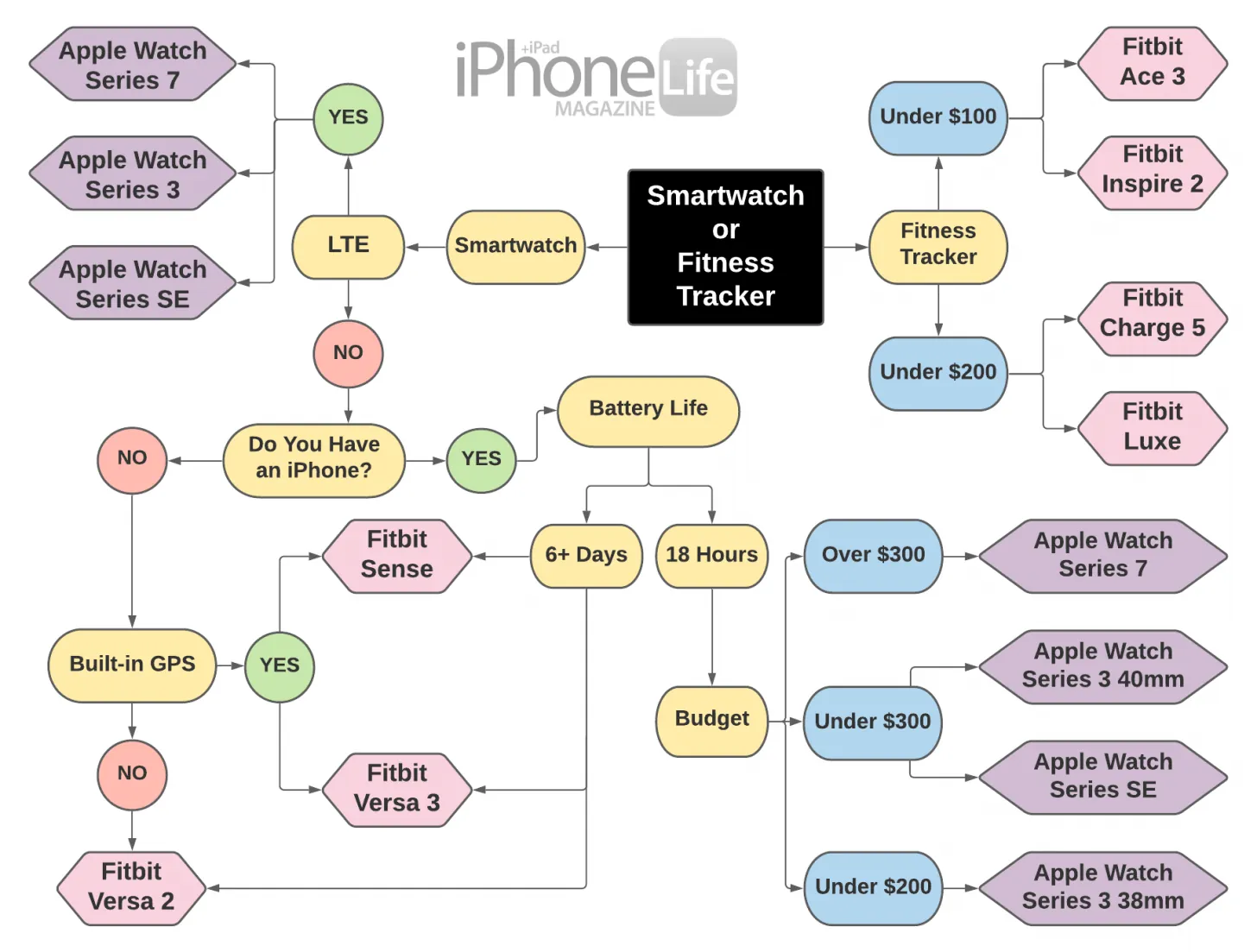
The decision between these platforms often comes down to how much you rely on your phone while on the move. Apple devices function as an extension of the iPhone, while Fitbits act primarily as dedicated health monitors that provide basic notification alerts.
| Method | How long | Effort | Cost | Best for |
|---|---|---|---|---|
| Apple Watch | 18–36 hours | Low | High | iPhone users |
| Fitbit Charge | 7 days | Low | Low | Fitness tracking |
| Fitbit Sense | 6 days | Medium | Medium | Health monitoring |
The battery life listed above assumes standard usage patterns, such as receiving notifications and light activity tracking. If you enable always-on displays or heavy GPS use, expect the charge to drain significantly faster. Always check the official Apple Watch battery performance page for detailed guidance on how different settings impact your specific model’s runtime.
Using the Apple Watch ecosystem
The Apple Watch relies on tight integration with watchOS. You set it up by holding your iPhone near the watch to trigger the pairing animation. Once paired, the device syncs your health data, messages, and calls automatically.
- Open the Watch app on your iPhone.
- Select your device and follow the on-screen prompts to sync apps.
- Use the Digital Crown to scroll through menus and select applications.
- Customize your watch face complications to show the data you view most often.
Most users fail to curate their complications, cluttering their display with data they rarely check. Instead, prioritize the top-right slot for your most frequent action, like a workout start button or a weather update. This saves roughly three seconds per interaction, preventing the screen from dimming before you finish your task.
If you’re a power user, leverage the “Autolaunch Audio Apps” setting within the Watch app. This ensures your media controls appear instantly when you raise your wrist during a podcast or song. Without this enabled, you’ll find yourself hunting through the app grid while your music plays in the background.
The ecosystem demands an iPhone for every function. If you use an Android device, the watch remains a glorified paperweight that can’t even complete the initial pairing sequence.
This device excels at quick communication, allowing you to dictate texts or take calls directly from your wrist. If you don’t own an iPhone, you can’t use any version of the Apple Watch, making this a strict limitation for Android users. If you frequently switch between operating systems, the Apple Watch is a poor investment. Stick to cross-platform wearables that sync independently of your phone’s specific brand.
Monitoring health with Fitbit
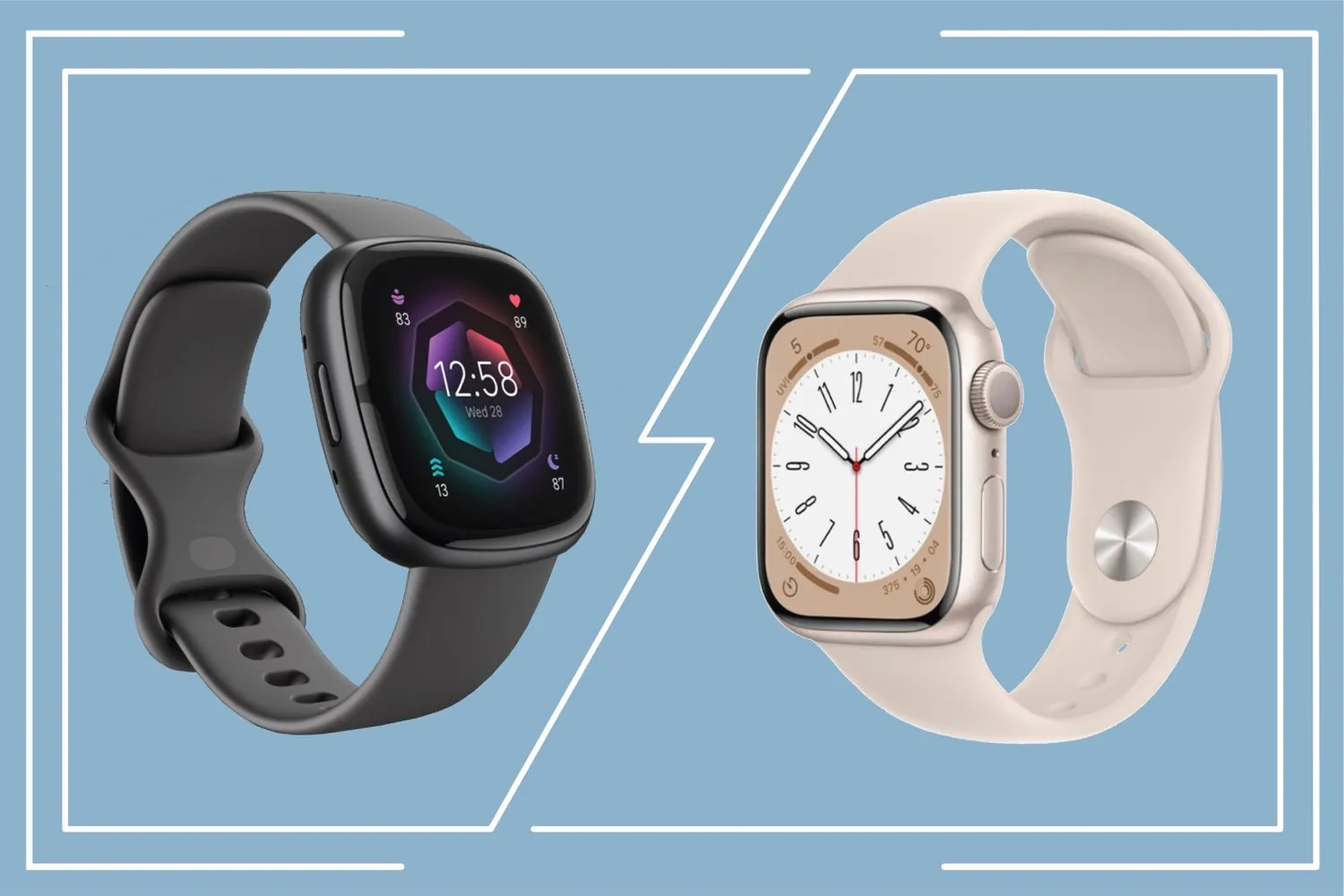
Fitbit devices prioritize simplicity and long-term data trends. These trackers focus on consistent heart rate monitoring, sleep staging, and step counting without the constant distractions of a full smartwatch interface.
Download the Fitbit app from the App Store or Google Play. Create an account and enable Bluetooth on your smartphone. Follow the setup wizard to connect your tracker to your account. Wear the device snugly above your wrist bone for accurate readings.
If you notice your heart rate data appearing erratic during exercise, slide the band one finger-width higher up your arm. This adjustment prevents the sensor from losing contact with your skin as your wrist flexes.
Fitbit is excellent for users who want to “set it and forget it” for several days at a time. The main weakness is the lack of third-party app support, which limits what you can do beyond basic fitness and health tracking.
Most users make the mistake of ignoring the “Active Zone Minutes” metric in favor of raw step counts. While steps measure movement, Active Zone Minutes track the intensity of your heart rate, which is a far more reliable indicator of cardiovascular health.
If you’re training for endurance, prioritize the Zone Minutes. If you’re simply trying to increase your daily activity level, focus on the step count. You can tell which goal you’re in by checking your resting heart rate trends over a 30-day period. If your resting heart rate is trending downward, your current intensity is working.
Advanced health tracking with the Sense series
The premium Fitbit models include sensors for skin temperature, electrodermal activity, and ECG readings. These tools provide a more detailed look at your stress levels and recovery compared to the entry-level trackers.
- Open the Fitbit app and select the “Health Metrics” dashboard.
- Ensure your device has a full charge before starting an ECG session.
- Keep your arm still and place your finger on the metallic sensor frame.
- Wait 30 seconds for the device to complete the reading.
Most users make the mistake of tracking these metrics in isolation. You gain the most insight by comparing your nightly skin temperature variance against your resting heart rate. If your temperature rises more than 1.5 degrees above your baseline while your heart rate remains elevated, your body is likely fighting an illness or recovering from intense physical strain.
When your electrodermal activity score spikes during a calm moment, your body is signaling a sympathetic nervous system response. If you see this pattern, prioritize a ten-minute breathing exercise immediately. This prevents the physiological “hangover” that often ruins sleep quality later that night.
These sensors help you spot patterns in your wellness, such as how sleep quality changes after a high-stress day. However, these devices aren’t a replacement for professional clinical equipment. If you experience persistent palpitations or chest discomfort, seek an official diagnostic test from a cardiologist.
A wearable can detect an irregular rhythm, but it can’t rule out structural heart issues that require an ultrasound or a formal stress test. Use the data to inform your doctor, not to diagnose yourself. If you feel dizzy or short of breath during a reading, stop the test and sit down until your heart rate stabilizes.
Selecting the right Fitbit or Apple Watch features
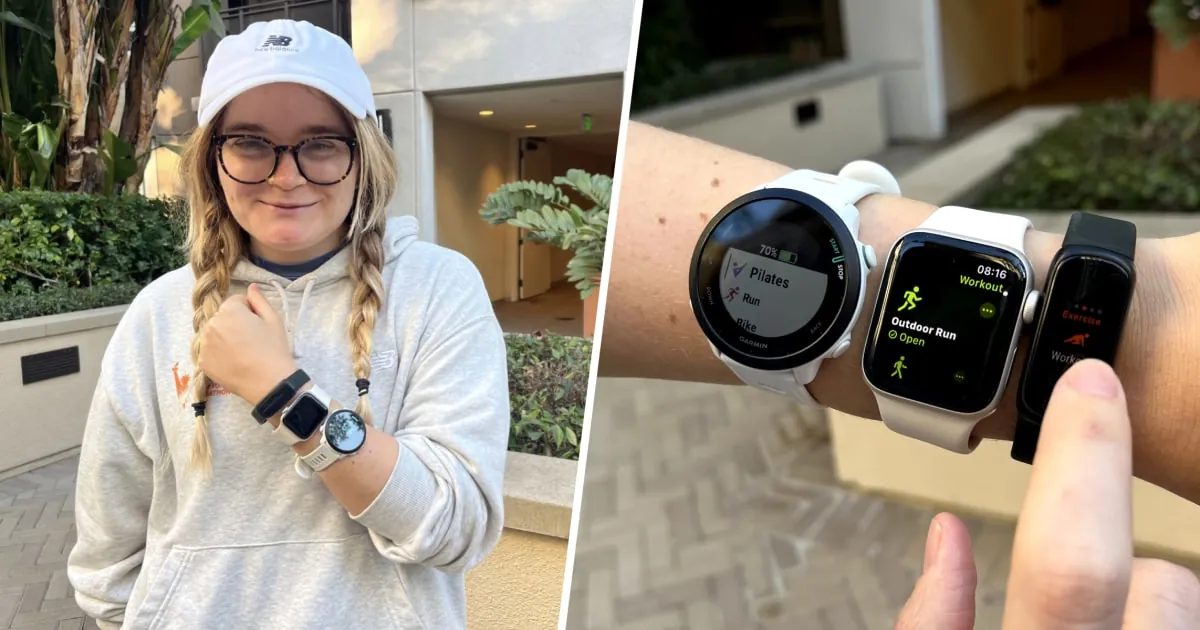
When you’re in a hurry to get started, the Fitbit Charge is the winner because it requires minimal setup and lasts a week on one charge. This device excels for users who prioritize passive tracking over active engagement. If you simply want to see your step count and sleep stages without managing software updates, the Charge is your best path forward.
If you’re doing this for the first time and feel unsure about technology, the Apple Watch provides the most intuitive experience due to its seamless pairing process. It acts as an extension of your phone rather than a separate computer. When you want the best possible result, including advanced apps and cellular connectivity, the Apple Watch is the superior choice regardless of the price.
The main trade-off is between battery convenience and smart capabilities. If you choose a device that requires daily charging, you must build a routine for when you take it off, such as during your morning shower. Failure to anchor this task to an existing habit often leads to a dead battery by midday. If you choose a device that lasts a week, you might forget where you left your charger, so keep it in a dedicated spot.
Distinguish your needs by asking if you require third-party app integration. If you need to reply to messages, control smart home devices, or use specialized fitness coaching apps, the Apple Watch is the only viable candidate. If you’re satisfied with basic notifications and health metrics, the Fitbit’s extended battery life will serve you better.
Avoid the mistake of buying for potential features you don’t currently use. People often pay for cellular connectivity they never activate, which adds unnecessary monthly costs and drains the battery faster. If you always carry your phone, you don’t need the cellular model. Save that premium for a better watch band or a longer warranty instead.
Rules for consistent data tracking
Regardless of which brand you pick, you must wear the device consistently to get useful data. The most common mistake people make is wearing the band too loosely, which prevents the heart rate sensor from making proper contact with the skin. If the tracker slides around your wrist during exercise, you’ll get gaps in your heart rate chart.
Position the sensor at least one finger-width above your wrist bone. This placement keeps the device steady during movement while ensuring the optical sensor maintains a constant seal against your pulse point. If you see green light leaking from under the casing, the band is too loose. Tighten it by one notch until the light disappears.
Always keep the sensors clean by wiping them with a dry cloth after workouts. Sweat and lotion buildup can block the light sensors and cause inaccurate readings. A simple wipe prevents sweat and lotion buildup from obscuring the sensors and causing inaccurate readings.
If you have sensitive skin, ensure the band material matches your needs, as some silicone straps may cause irritation during long periods of wear. If you experience skin redness, stop wearing the device immediately and consult a healthcare provider.
Switch wrists every few days to prevent localized skin irritation and to give your pores a chance to breathe. If you notice your data spikes during sleep, ensure the band is comfortable and not causing skin irritation. Loosen the strap by one notch before bed to allow for natural wrist swelling.
If your device supports it, calibrate your stride length by walking a measured quarter-mile on a track. Most trackers default to an average height-based stride, which can lead to a 10% margin of error in distance tracking. By manually setting your stride, you force the device to align its accelerometer with your actual gait, ensuring your daily step count reflects reality rather than a manufacturer’s estimate.