

A Fitbit Premium subscription costs $9.99 a month or $79.99 a year in the US, and it adds guided workouts, detailed sleep scores, and deeper health reports to your tracker’s data. The free app still counts steps and tracks basic heart rate, so you don’t need to pay just to see your daily movement. This guide covers what the paid plan actually unlocks, where the numbers change by device, and when the free version is enough.
Features explained in the Fitbit subscription
Fitbit Premium is a paid layer that sits on top of the free Fitbit app. It turns raw numbers from your wristband into guided lessons, video workouts, and deeper breakdowns of your sleep and stress. It’s built for people who already wear a Fitbit device and want more direction than a simple step count provides.
The biggest misconception is that paying changes how the hardware works. Your tracker doesn’t measure your heart any better with a subscription. The sensors stay exactly the same. What changes is the software analysis after the data reaches your phone.
If you only want to see your daily steps, resting heart rate, and basic sleep hours, the free app handles that without asking for a credit card.
You’ll only need the paid tier if you want the Daily Readiness Score, which tells you whether to push hard or rest today based on last night’s sleep and recent activity. That score requires at least seven days of continuous wear before it appears. Check the Fitbit Premium plan details for current regional pricing, as it varies outside the US.
How to set up Fitbit Premium on your tracker
Getting the paid features running takes a few minutes once your device is already paired to your phone. You don’t need special tools, just the Fitbit app and an active internet connection.
- Open the Fitbit app on your phone and tap the “You” tab at the bottom right corner.
- Tap the “Premium” banner near the top of your dashboard.
- Choose the monthly plan at $9.99 or the annual plan at $79.99.
- Confirm the purchase through your phone’s app store billing system.
- Wait about 60 seconds for your account status to refresh in the app.
- Wear your tracker continuously for 7 full days so the algorithms have enough baseline data.
- Return to the “You” tab and tap “Daily Readiness Score” to see your first result.
- Browse the “Discover” tab to pick your first guided workout or meditation session.
The one judgment call that separates a useful setup from a wasted one is the waiting period. If you skip wearing the device for those first 7 days, the readiness score won’t calculate properly. It needs a full week of your specific sleep and heart patterns to build a personal baseline. Don’t rush to judge the service on day two when the math hasn’t caught up yet.
Fitbit Premium settings and numbers
The exact features you get depend heavily on which device you own and which payment plan you choose. Here are the figures that matter when you’re deciding.
| Situation | What to use | How long | What to watch for |
|---|---|---|---|
| Monthly billing | App store payment | Ongoing at $9.99/month | Cancels immediately; you lose access at the end of your billing cycle |
| Annual billing | App store payment | 12 months at $79.99 total | Saves about $40 a year compared to paying monthly |
| Newer devices (Sense 2, Charge 6) | Built-in Premium trial | Usually 6 months free | Trial length is printed on the box; check before buying |
| Older devices (Inspire 2, Versa 3) | No included trial | Zero free months | You pay full price from day one on these models |
| Sleep Profile feature | Premium + compatible tracker | Requires 14 nights of wear | Won’t appear on older bands that lack the needed sensors |
| Workout videos | Premium app section | Anytime you have Wi-Fi | Videos stream; they don’t download to the watch itself |
Your specific trial length depends on the exact model you bought and when you activated it. The sticker inside the box or the confirmation email from the retailer states your free period. Don’t assume every new watch gets six months, because entry-level bands often get less or none at all.
Getting real value from Fitbit Premium
Paying for the subscription doesn’t automatically make you healthier. The difference between someone who benefits and someone who cancels after a month comes down to how they use the morning dashboard.
If your Daily Readiness Score is below 30 out of 100, do a recovery yoga session or a light walk instead of your usual run. If it’s above 70, that’s the day to push for a personal best. Ignoring this signal and forcing a hard workout on a low-score day usually leads to poor performance and sore muscles that take twice as long to heal.
The second detail experienced users get right is checking the sleep stages graph rather than just the total hours. The app breaks your night into light, deep, and REM cycles. Deep sleep repairs muscle, while REM handles mental focus. A night with 8 total hours but very little deep sleep means you shouldn’t trust your body for heavy lifting the next day.
Don’t bother comparing your stress management score to someone else’s. That number is calculated against your own historical baseline, not a universal chart. A score of 60 might be excellent for you but poor for someone else. The only comparison that matters is your number today versus your number last week.
Fixing Fitbit Premium sync problems
Sometimes the app says you aren’t a subscriber even after you’ve paid, or a feature stays locked. Here’s what those signs mean and how to clear them fast.
| What you notice | What it usually means | What to do first |
|---|---|---|
| “Premium required” banner stays visible | App store receipt hasn’t synced to Fitbit servers | Pull down hard on the home screen to force a manual sync |
| Daily Readiness Score shows dashes | Tracker hasn’t been worn enough consecutive days | Wear it to bed and during the day for 7 straight days |
| Sleep Profile is missing | Your specific device lacks the required sensors | Check Fitbit’s support page to confirm your model supports it |
| Videos won’t play | Weak Wi-Fi connection on your phone | Switch from cellular data to a stable home network |
| Account shows free tier after paying | You signed into the wrong email address | Log out and sign back in using the email tied to your purchase |
Forcing a sync fixes the login mismatch about 90% of the time. If pulling down the screen doesn’t work, close the app completely from your phone’s memory and reopen it. Only contact support if both of those steps fail.
Subscription rules and cancellation terms
Fitbit operates under standard digital subscription laws, but there are a few specific boundaries you should know before entering your payment details.
In the US, digital subscriptions follow the automatic renewal rules enforced by the Federal Trade Commission. This means Fitbit must clearly disclose the cost before you buy and provide a simple way to cancel. You can’t be charged for a second year if you couldn’t easily find the off switch.
To cancel, you must go through the platform where you bought it. If you subscribed via Apple’s App Store, you manage it in your Apple ID settings. If you used Google Play, you handle it there. Canceling inside the Fitbit app itself doesn’t always stop the billing if you originally purchased through a third-party store.
Health data collected by the app falls under Fitbit’s privacy policy, which states they don’t sell your personal health information to third parties for advertising. However, if you link your account to other apps, those separate apps have their own rules. Always read the permissions screen before connecting a new service.
Keeping your Fitbit data accurate
Once you’ve set everything up, keeping the data reliable requires small habits rather than constant tinkering. The algorithms need clean input to give you useful advice.
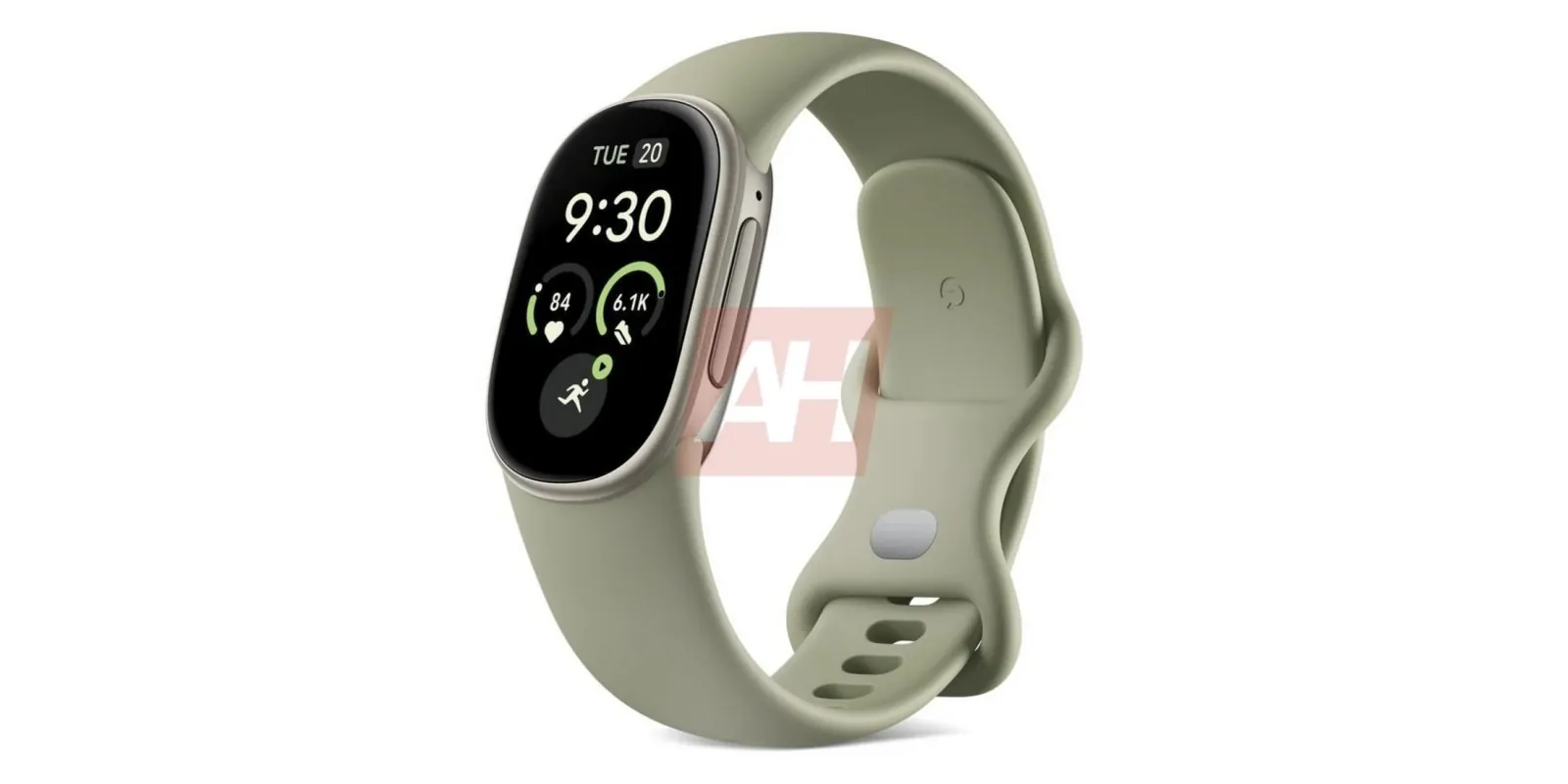
Wear the device about one finger-width above your wrist bone. If it slides up and down your arm while you type, the optical heart sensor loses contact with your skin. That creates gaps in your sleep and stress scores, making the premium insights useless for that day. If you have thin wrists, tighten the band one extra notch during workouts to prevent light leakage.
Clean the sensor glass on the back with a damp cloth once a week. Sweat and lotion build up over the sensor and block the light it uses to read your pulse. A dirty sensor will falsely report a higher resting heart rate, which drags down your readiness score. Use only water or a mild lens cleaner; harsh chemicals can cloud the plastic and permanently degrade the sensor’s accuracy.
Charge the tracker while you shower rather than leaving it on the nightstand. This prevents the battery from dying in the middle of the night, which ruins your sleep tracking streak. If you miss more than three nights in a row, the baseline resets and you’ll wait another week for accurate scores. If your battery level drops below 20 percent, prioritize a charge immediately, as the device often disables continuous heart rate monitoring to conserve remaining power.
When Fitbit Premium isn’t the right choice
This paid plan isn’t for everyone, and spending the money in the wrong situation just drains your wallet.
If you only care about counting steps and seeing your basic heart rate, stick with the free app. Paying $80 a year just to look at a slightly prettier step chart isn’t worth the trade-off. The free version already records your daily movement accurately.
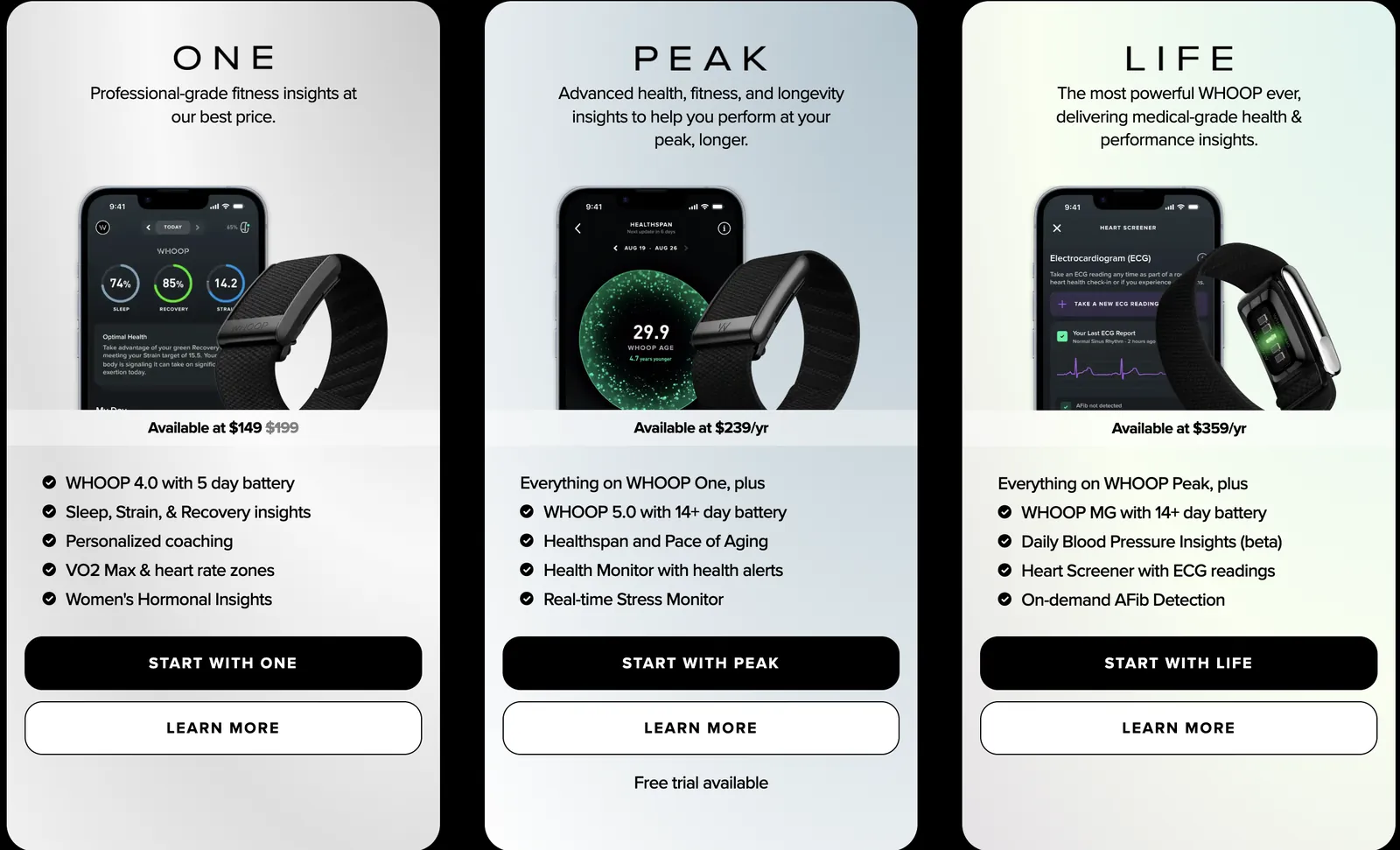
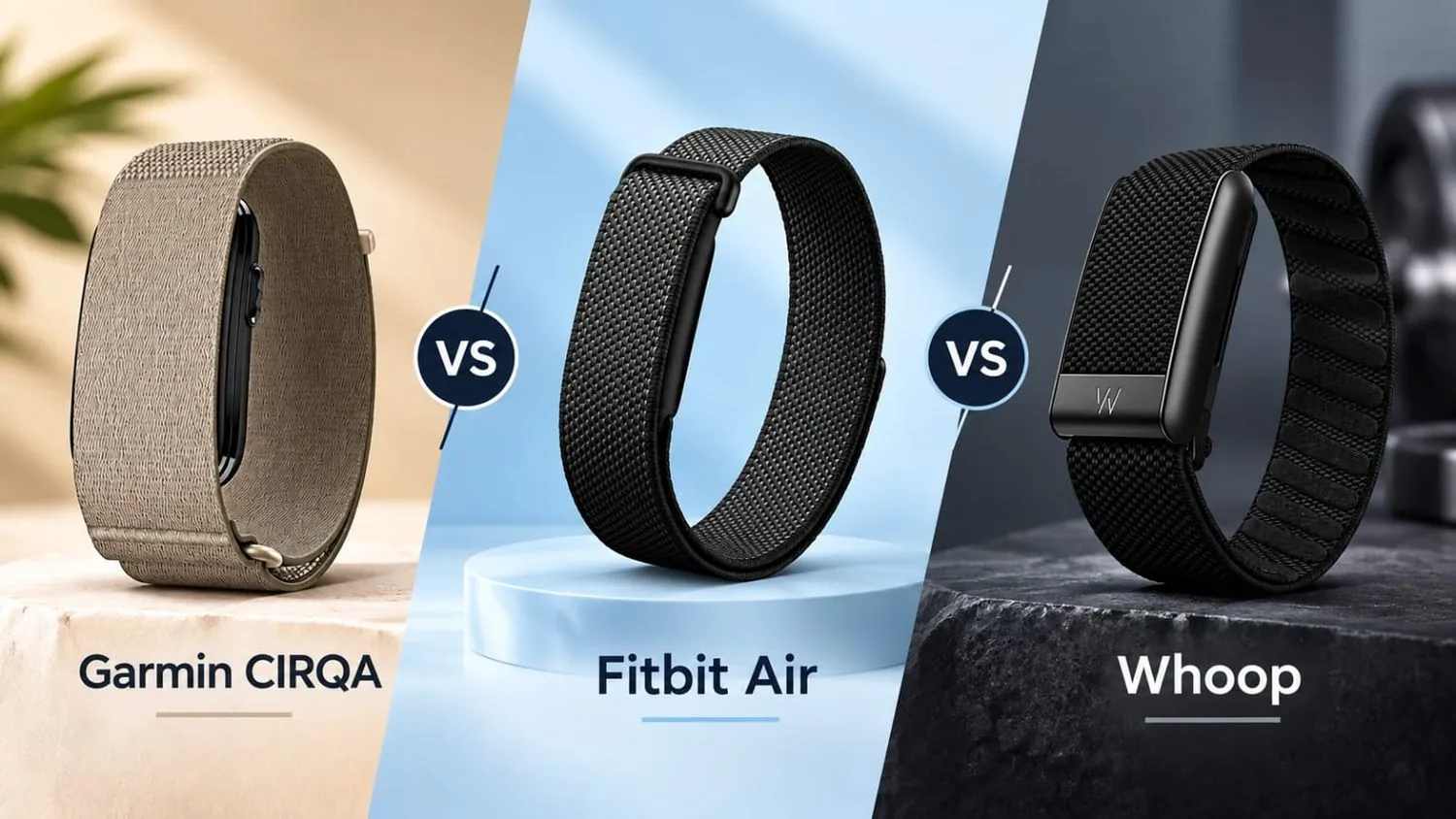
If you’re training for a marathon or doing serious athletic coaching, move to Garmin Connect or WHOOP instead. Fitbit’s metrics are designed for general wellness, not elite sports science. You’ll hit the ceiling of what its recovery algorithms can tell you very quickly.
If you share one Fitbit account with a partner, don’t buy Premium. The subscription ties to a single user profile. Buying it for a shared account mixes two different bodies’ sleep and heart data together, resulting in nonsense scores that help neither of you. Each person needs their own separate device and account for the math to work.
You don’t need a subscription to make a fitness tracker useful, but you should understand the value of the features you’re paying for. The free app handles the basics well enough for casual walkers, while the paid tier serves people who want their wristband to act like a daily coach. Pick the path that matches how closely you actually look at your phone each morning.
Related guides