

GPS tracker vs bluetooth tracker: what’s the difference comes down to range and power. A GPS tracker uses satellites to show location anywhere on Earth but needs a monthly data plan, while a Bluetooth tracker relies on nearby phones and works best indoors without ongoing fees. Choose GPS for vehicles or pets that roam miles from home; pick Bluetooth for keys, wallets, or bags you might misplace inside buildings or within a few hundred feet of your phone.
GPS vs Bluetooth Tracker Comparison
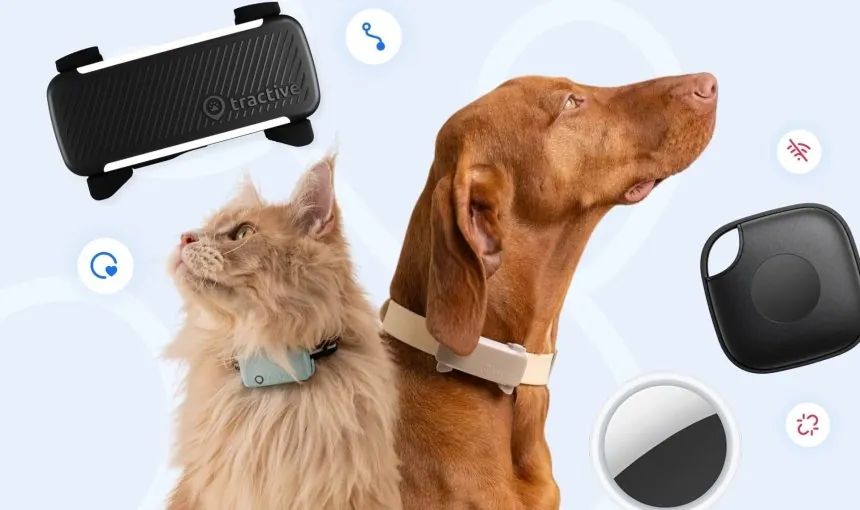
Choosing between these devices means trading unlimited range for battery life and cost. Each technology solves a different problem, so the right pick depends entirely on what you’re tracking and how far it travels from you.
| Method | How long | Effort | Cost | Best for |
|---|---|---|---|---|
| GPS cellular tracker | 1–7 days battery | Medium setup | High | Vehicles, roaming pets |
| Bluetooth proximity tag | 6–12 months battery | Low setup | Low | Keys, wallets, indoor items |
| Hybrid smart tracker | 2–4 weeks battery | Medium setup | Medium | Luggage, kids at school |
| RF radio finder | 3–6 months battery | Very low | Low | Line-of-sight household search |
Battery estimates assume standard use with default ping intervals; aggressive live-tracking cuts GPS runtime by half or more. Monthly service fees for GPS units are generally inexpensive compared to the zero-cost subscription model of Bluetooth tags. Hybrid models may require optional premium network access for global coverage beyond basic Bluetooth crowdsourcing. Always check the manufacturer’s spec sheet for exact battery claims tied to specific usage patterns before buying.
Cellular GPS Tracking Devices
Cellular GPS trackers report real-time position using satellite signals and mobile networks. They’re built for assets that move beyond your phone’s reach and require constant visibility across cities or countries.
Insert an activated SIM card or activate the embedded eSIM through the maker’s app. If the device fails to connect, check that your service plan includes data roaming, as domestic-only plans often drop signal once the asset crosses state lines.
Mount the device securely to the vehicle or asset. Use a weather-resistant housing if the unit lacks an IP67 rating, as moisture ingress is the leading cause of sensor failure in outdoor deployments.
Set geofence boundaries and alert preferences in the companion app. If your primary goal is theft recovery, draw a tight radius around your driveway. If you’re tracking livestock, set a larger perimeter to avoid false alarms caused by natural grazing patterns.
Adjust the ping interval based on movement speed to balance accuracy and battery. Set the device to report every 60 seconds when moving, but drop to once per hour while stationary. This simple rule prevents the battery from draining within 48 hours.
Test live tracking outdoors with a clear sky view before relying on it. If the device shows a location offset of more than 50 feet, it’s likely struggling with signal triangulation.
These units deliver true global positioning independent of nearby devices, making them irreplaceable for stolen car recovery or livestock monitoring. Real-time updates let you watch movement unfold on a map, which Bluetooth simply can’t do beyond a 30-foot range. The trade-off is mandatory monthly service fees and frequent recharging. If the tracked item never leaves your neighborhood, this expense and maintenance burden isn’t justified. Use a passive Bluetooth tag instead to avoid the monthly cost.
Bluetooth Proximity Tags Explained
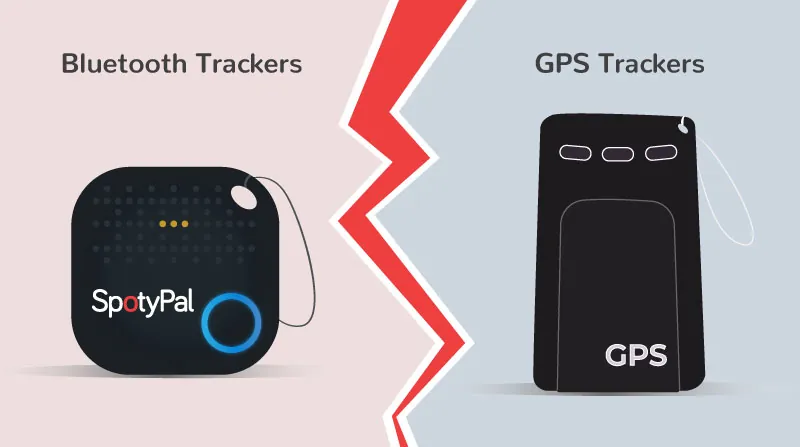
Bluetooth tags broadcast a signal that nearby smartphones detect to estimate location. They excel at finding lost everyday items quickly without subscriptions or complex setup, leveraging existing device networks instead of dedicated infrastructure.
Pair the tag with your phone via the manufacturer’s app over Bluetooth. Attach the tag to keys, wallet, backpack, or other frequently misplaced item. Enable crowd-network participation in app settings to extend detection range. Use the app’s sound alert when the item is within Bluetooth range. View last-seen location on map when out of direct Bluetooth contact.
The strength lies in year-long coin-cell batteries and zero monthly costs, plus seamless integration with phone ecosystems like Apple Find My or Samsung SmartThings. Indoor precision beats GPS since signals penetrate buildings where satellite locks fail.
However, location updates depend entirely on passing phones detecting the tag. If you lose an item in a rural area with sparse foot traffic, the data will remain stale or missing entirely. This makes Bluetooth trackers unreliable for high-value assets that could be stolen and transported far from populated zones.
If you’re tracking items in a dense city, prioritize tags with ultra-wideband (UWB) technology. This allows your phone to provide directional arrows and distance measurements accurate to within a few inches. If you’re tracking items in a remote area, skip Bluetooth tags and invest in a GPS-based tracker that uses cellular or satellite networks.
A common mistake is assuming these tags act as real-time GPS trackers. They do not. They’re proximity sensors. If your tag is moving, you’ll only see a trail of “last seen” breadcrumbs left behind by other people’s phones. Don’t rely on them to recover a stolen vehicle or a pet that wanders into the woods.
Hybrid and Radio Frequency Alternatives
Hybrid trackers combine Bluetooth for daily use with GPS fallback when separated from your phone. They bridge the gap between constant connectivity and long battery life for semi-mobile valuables like travel bags or children’s backpacks. Charge the hybrid unit fully before first deployment to calibrate the internal power management system accurately.
Register both Bluetooth and GPS modes in the companion app immediately after pairing. Define safe zones where only Bluetooth pings to conserve battery during predictable routines. Enable GPS auto-activation specifically when leaving these designated geofenced boundaries to prevent unnecessary satellite searches. Monitor battery status weekly since dual-mode operation drains power significantly faster than pure Bluetooth tags.
This approach provides security during commutes without draining batteries as fast as full-time GPS units. It works best when loss risk spikes only during transit rather than continuously throughout the day. The trade-off is higher upfront cost and moderate battery life requiring regular attention compared to simple passive tags. Pure RF finders offer line-of-sight searching without any network dependency at all.
These radio frequency tools excel during silent household hunts where audible alerts are inappropriate or disruptive. They emit a directional signal strength indicator instead of relying on crowd-sourced location networks. Use RF models exclusively for indoor recovery scenarios where GPS signals can’t penetrate walls effectively.
Hybrids handle outdoor movement while RF units solve close-range precision problems inside buildings. Choosing incorrectly means paying premium prices for unused satellite capabilities or lacking range when items disappear beyond Bluetooth reach. Match the technology to your primary loss environment rather than buying maximum features unnecessarily.
Choosing the Right Tracker Type
Your decision hinges on three concrete scenarios where one method clearly outperforms others. Matching the tool to the actual risk avoids wasting money on capabilities you’ll never use or discovering gaps when loss occurs.
When speed matters most after losing something indoors, Bluetooth wins because its sound alert guides you directly to the item within seconds. GPS adds no value here since satellite signals struggle inside structures and cellular pings lag behind instant Bluetooth response. The trade-off is accepting limited outdoor range in exchange for immediate, precise recovery where most losses actually happen.
If you’re tracking an item that moves through public spaces, check if your device supports a crowdsourced network. Devices that rely on other phones passing by your lost item can locate objects miles away without a GPS chip. If your item stays in a private home or office, this feature is useless. Rely on the direct connection instead.
For first-time users unsure about commitment, start with a Bluetooth tag due to low cost and zero subscription pressure. You’ll learn tracking habits without financial risk, and upgrading later is easy if needs expand. GPS introduces recurring bills and setup complexity that overwhelm newcomers who just want to stop misplacing essentials.
Many buyers mistakenly choose GPS for keys or wallets, only to find the battery dies every three days. If you can’t commit to a weekly charging routine, stick to Bluetooth. The cost of a dead battery is a lost item you can’t track when you need it most.
When protecting high-value assets against theft across regions, GPS is essential despite its cost and charging demands. Only satellite positioning provides continuous evidence trails law enforcement can act on, whereas Bluetooth goes dark once thieves leave populated areas. Sacrificing convenience becomes necessary when replacement cost or emotional value justifies persistent surveillance. If the item is worth more than the annual subscription fee, the GPS investment pays for itself during the first recovery.
Universal Tracker Setup Rules
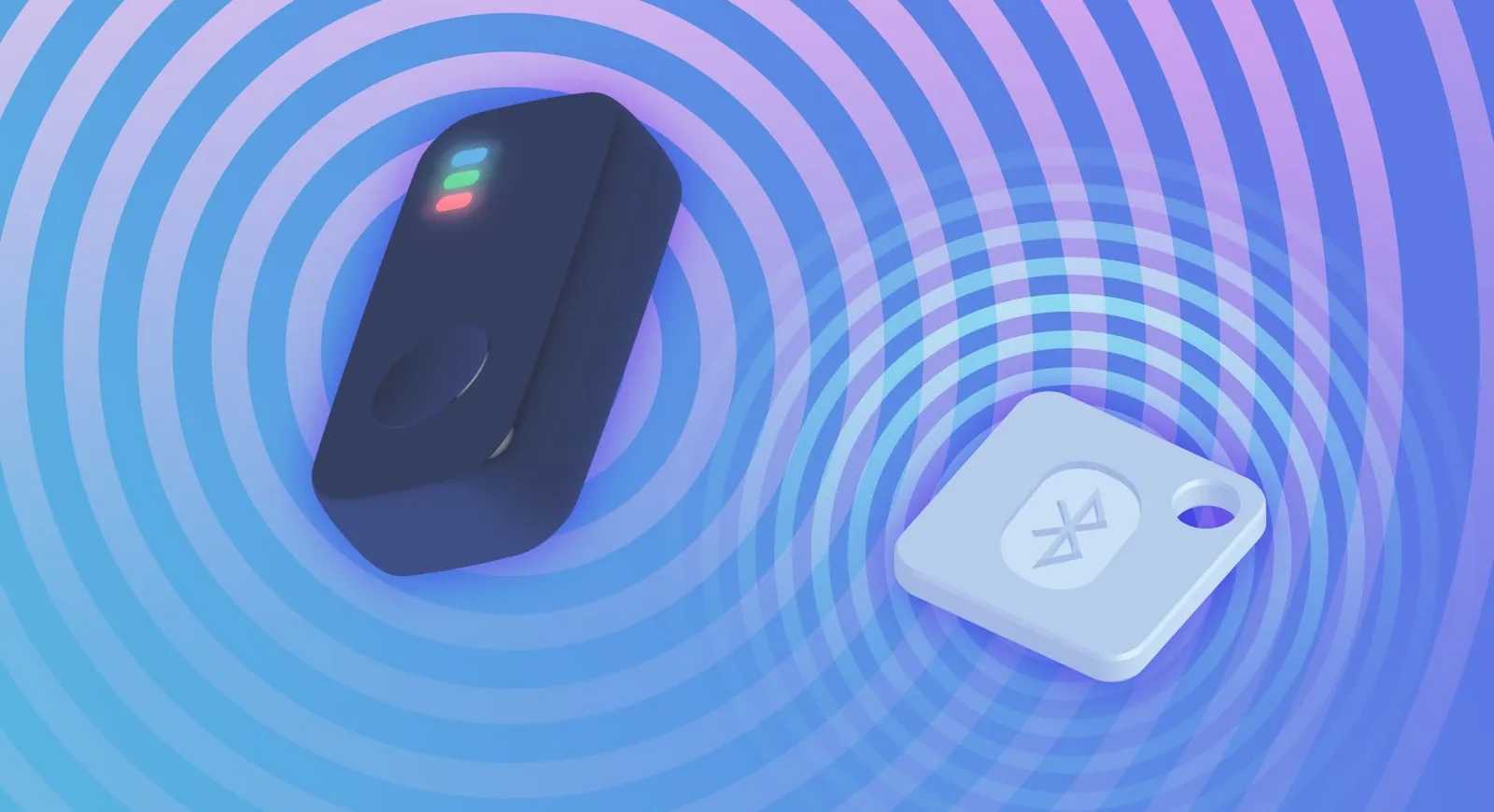
Regardless of technology chosen, certain practices determine whether tracking actually works when needed. Skipping these steps renders even expensive devices useless during critical moments, so treat them as mandatory prep work.
Register your device immediately upon purchase and verify account recovery options are current. Unregistered trackers become paperweights if you lose the paired phone or forget login credentials. Manufacturers won’t assist without proof of ownership documented in their system. Check the Federal Communications Commission guidance for regulatory compliance if importing or modifying hardware yourself.
Link a secondary email address that you can access from any browser without your primary phone. If your phone is inside the stolen bag alongside the tracker, your only recovery path is that backup credential.
Test the complete workflow under realistic conditions before trusting it with valuable items. Walk through geofence alerts, sound triggers, and map updates in environments matching actual use cases rather than assuming factory defaults perform adequately.
Battery degradation varies significantly with temperature and signal strength. Note runtime under your typical conditions rather than relying solely on advertised specs. A lithium cell loses roughly twenty percent of its capacity when operating below freezing. If you track winter gear outdoors, expect to charge twice as often as the box claims.
Secure physical attachment points against vibration, moisture, and tampering since detached trackers provide false confidence. Adhesive mounts fail on textured surfaces, and zip ties snap under stress; invest in purpose-built housings rated for the intended environment.
Sew a hidden pocket into luggage lining instead of sticking a mount to the exterior shell. Airport baggage handlers tear off protruding plastic within a few trips, but stitching survives thousands of miles.
Establish a monthly check routine to confirm firmware updates, battery health, and subscription status haven’t lapsed silently. Pick a recurring calendar event you already honor, like paying rent, and attach the tracker inspection to it.
Conclusion
Before you buy anything, think about what you lose most often. If it’s your car keys, a small tag will save you time every morning. If it’s your dog running off at the park, you’ll want something that works everywhere. Pick one today and enjoy the peace of mind.
Related guides