

Medical alert devices vs smartwatches for older adults comes down to reliability versus features, and dedicated pendants win for pure emergency response because they’re built solely for that task. If the user wants health tracking, GPS, and daily communication alongside safety, a smartwatch is the better fit despite its shorter battery life. The right choice isn’t about which is newer, but whether the priority is guaranteed help at the push of a button or broader lifestyle connectivity with more frequent charging.
Medical Alert Devices vs Smartwatches Compared
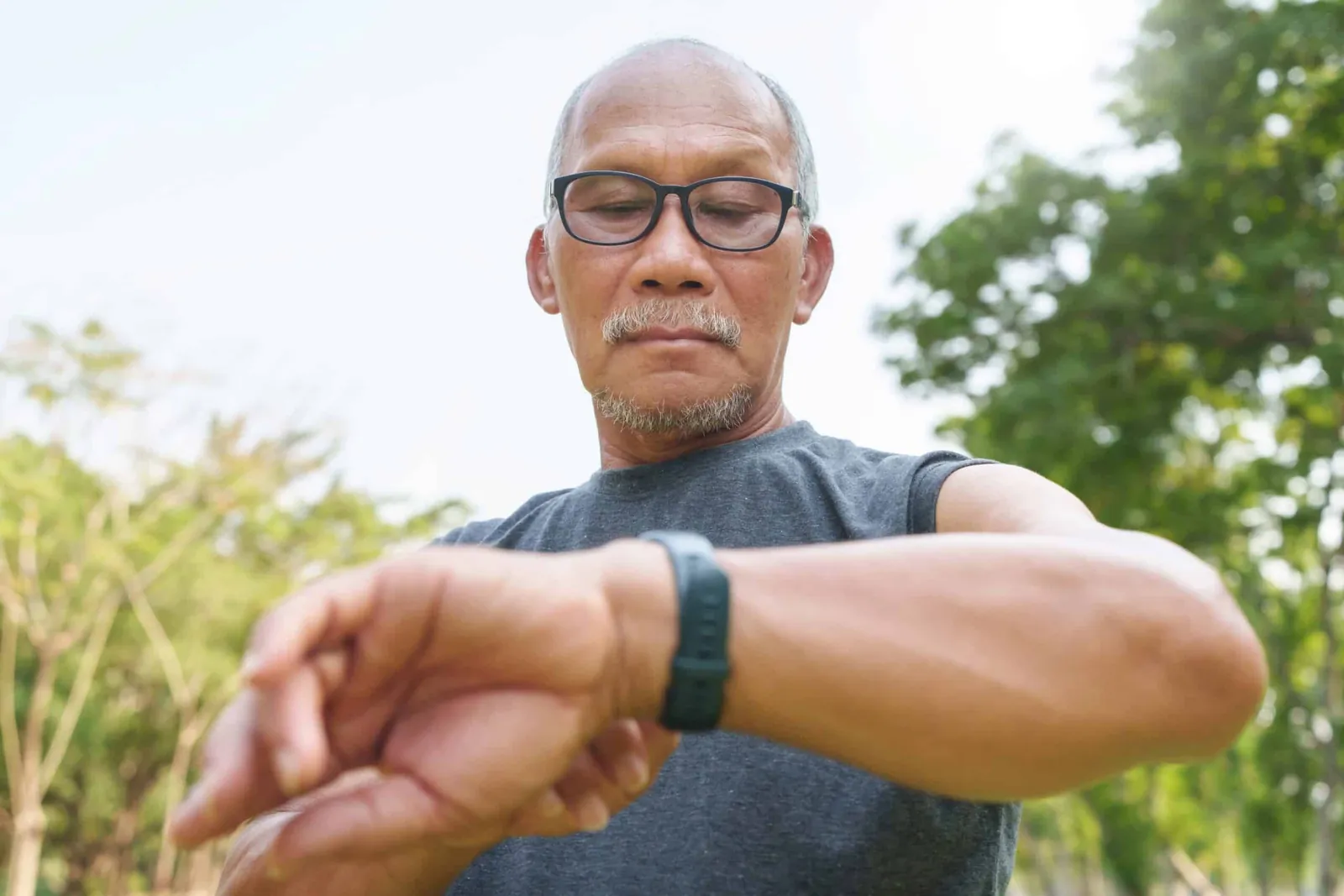
Choosing between these two options means weighing response certainty against everyday utility. Dedicated systems prioritize getting help fast with minimal user input. Wearables bundle safety into a device that does much more but demands regular attention. The table below shows how three common approaches stack up when you look past marketing claims. It focuses on what actually matters during an emergency or daily use.
| Method | How long | Effort | Cost | Best for |
|---|---|---|---|---|
| Pendant alert system | 3-5 years | Low | Medium | Reliable one-button help |
| Fall-detection smartwatch | 18-24 hours | High | High | Active users wanting health data |
| Basic cellular watch | 24-36 hours | Medium | Medium | Independent seniors needing GPS |
Battery life varies significantly across these categories because each serves a different primary function. A pendant’s multi-year lifespan means it’s always ready for emergencies. Smartwatches require daily charging routines that can fail if forgotten. If the user has cognitive decline, assume they will miss charging windows and choose a pendant instead.
Cost reflects both upfront hardware price and ongoing monitoring fees. These differ by provider and plan tier. You’ll find specific pricing on manufacturer websites since plans change frequently. Costs depend on selected features like fall detection or caregiver apps. Cellular watches often add monthly carrier fees that dedicated pendants avoid entirely. Check your current mobile plan first to see if adding a watch line costs extra.
Dedicated Pendant Alert Systems
Pendant alert systems work through a simple, proven chain of events designed for maximum reliability during crises. They don’t try to be fitness trackers or phones. They exist only to summon help when pressed, which makes them dependable even for users with cognitive decline or limited tech comfort.
Press the waterproof button firmly once to trigger the signal. Wait 10-15 seconds for the base station to connect to the monitoring center. Speak clearly into the base station’s speaker when the operator answers. Stay put unless instructed otherwise while help is dispatched. Test the system monthly using the test mode to confirm connectivity.
These devices excel at providing immediate access to trained operators who assess situations and contact emergency services or family members as needed. Their simplicity reduces user error during high-stress moments when fine motor skills or clear thinking may be compromised. Battery replacement frequency depends on use, and the owner’s manual is the authority for maintenance schedules.
The trade-off is functionality: pendants don’t track steps, heart rate, location, or allow two-way communication outside emergencies. Users wanting comprehensive health monitoring will find this limiting. If you need fall detection without pressing a button, verify the pendant includes an accelerometer, as standard models require manual activation.
Installation requires placing the base unit centrally within landline or cellular range. Testing confirms coverage extends throughout the home and yard. For those unable to manage setup, professional installation services are available through most providers. Check your chosen provider’s coverage map before purchasing to ensure reliable signal strength in your specific area.
Rural locations sometimes have gaps that only on-site testing reveals. Cellular pendants often fail in basements or metal-sided homes where landline units remain reliable. Landline systems typically offer faster connection times than cellular alternatives because they bypass network handshakes. Choose landline if you have it; choose cellular only if mobility beyond the home matters.
Fall-Detection Smartwatches
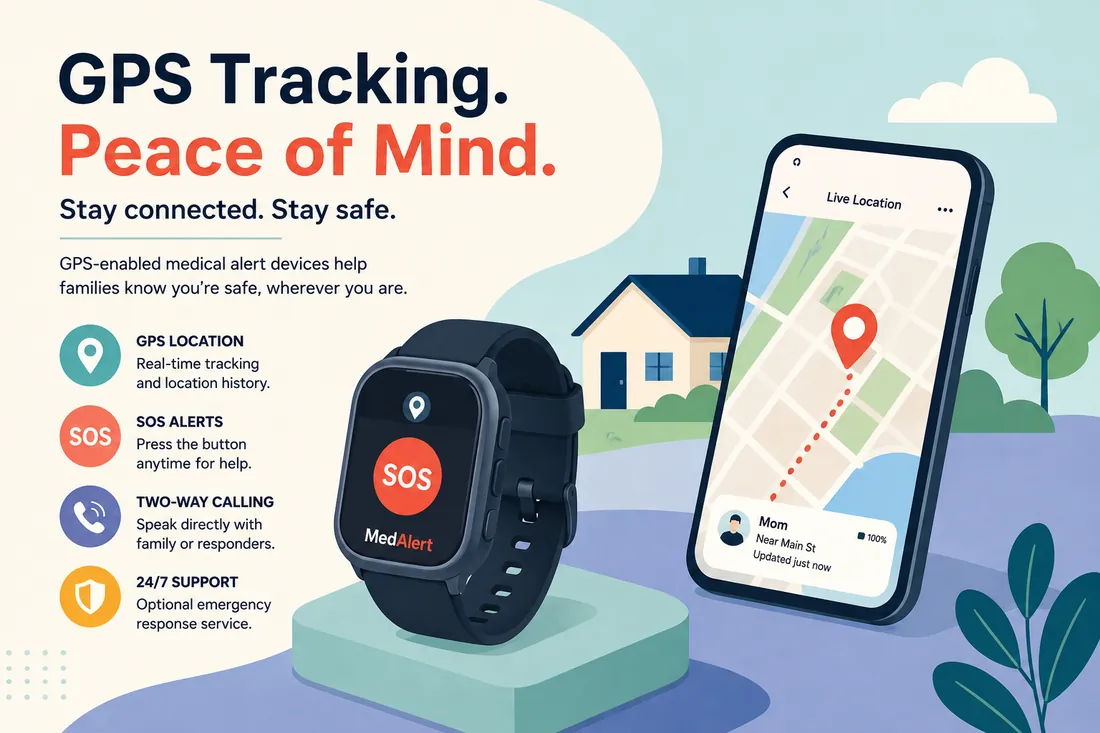
Fall-detection smartwatches combine emergency response with continuous health monitoring in a single wearable device. They use accelerometers and gyroscopes to detect sudden impacts followed by immobility, automatically alerting contacts if no response occurs within a set timeframe. This dual purpose appeals to active seniors who want safety without wearing a separate medical device.
Charge fully each night using the magnetic dock provided. Enable fall detection in settings and complete the calibration walkthrough before first use. Wear snugly above the wrist bone for accurate sensor readings. Respond to vibration alerts after detected falls to cancel false alarms immediately. Review weekly health reports via the companion app to spot trends.
Strengths include automatic incident reporting without button presses, GPS location sharing, medication reminders, and activity tracking that supports preventive care conversations with doctors. Modern models also offer ECG readings and blood oxygen monitoring approved by the FDA for consumer wellness. These features create a fuller picture of daily health beyond just emergency moments.
Weaknesses center on battery dependency and sensor accuracy limitations. Daily charging creates vulnerability windows where the device sits powerless on a nightstand. False positives from dropped arms or vigorous movement can erode trust over time. Sensors can’t detect all fall types equally well, particularly slow slides or seated collapses.
Users must understand these boundaries rather than assuming complete protection. Those with irregular movements or certain neurological conditions should consult their doctor before relying solely on automated detection. Individual physiology affects performance significantly. If you experience frequent tremors or spasticity, test the device during supervised therapy sessions first. Verify it distinguishes your baseline movement from actual falls before depending on it alone.
Battery life varies drastically when fall detection stays active versus passive monitoring modes. Some devices last only eighteen hours with continuous sensing enabled. Plan charging around your highest-risk periods rather than arbitrary overnight routines. Keep a backup alert method accessible during known dead zones like showers or charging intervals. No wearable replaces human check-ins entirely.
Cellular GPS Watches for Independence
Cellular GPS watches bridge the gap between basic pendants and full smartwatches by offering location tracking and two-way calling without smartphone dependency. They’re designed specifically for seniors who venture out independently but need reassurance that help can find them anywhere with cell coverage. Unlike smartwatches, they skip complex apps and notifications to focus on core safety functions with longer battery endurance.
- Insert activated SIM card following the manufacturer’s orientation guide.
- Program emergency contacts through the web portal or companion app.
- Set geofence boundaries for safe zones and receive exit alerts.
- Press SOS button for 3 seconds to initiate voice call to first contact.
- Recharge every 24-36 hours depending on usage patterns and signal strength.
These devices provide real-time location visibility to caregivers while maintaining the wearer’s sense of autonomy during outings. Two-way communication allows quick check-ins without carrying a phone, and geofencing offers safety assurance for dementia patients or those with wandering tendencies. Battery lasts longer than smartwatches because processors are simpler and screens smaller.
The limitation is feature depth: no health sensors, no third-party apps, and minimal customization compared to smartwatches. Monthly cellular service fees add to total cost, and coverage depends entirely on carrier networks in your region. Some models lock you to specific carriers, so verify compatibility before buying.
This option suits mobile seniors who prioritize location safety over health metrics but still want more independence than a pendant provides. Fourth-tier options like basic flip phones with SOS buttons exist but lack automatic detection or GPS precision, making them suitable only as backup devices rather than primary safety solutions.
Choosing the Right Safety Device
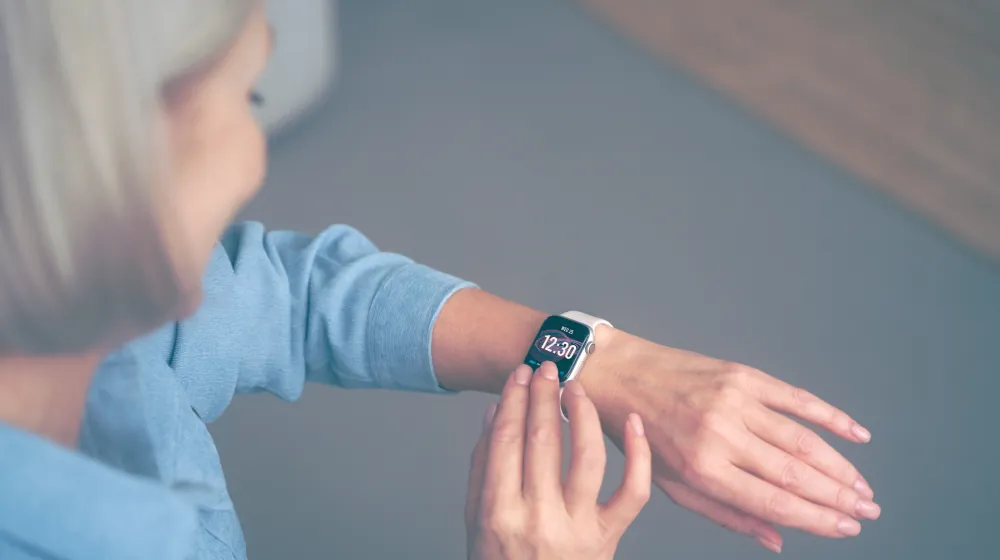
Selecting between these options depends entirely on your specific situation rather than general recommendations. When you’re in a hurry after a recent fall or hospital discharge, choose a pendant alert system because it works immediately without learning curves. Setup takes minutes, not hours, and there’s nothing to charge or configure incorrectly during stressful transitions.
For first-time users unfamiliar with wearables, dedicated pendants again win due to their singular purpose and proven reliability. Introducing multiple functions simultaneously increases abandonment risk among those already anxious about losing independence. Start simple to build confidence before upgrading later.
A common mistake is buying a smartwatch for a parent who refuses to wear glasses or hearing aids. If they struggle with basic daily accessories, they will stop wearing a watch within weeks. The monthly monitoring fee then pays for an unused device sitting on a nightstand.
When you want the best possible result regardless of effort, fall-detection smartwatches deliver comprehensive protection plus preventive health insights. They demand daily charging and occasional troubleshooting but provide data that helps avoid future emergencies through early intervention. This trade-off shifts from pure reaction to proactive management for active individuals managing chronic conditions.
Verify battery life against actual usage patterns before committing to a smartwatch. Marketing claims often assume passive use, but frequent GPS tracking or heart rate monitoring can drain batteries by mid-afternoon. Test the device during a normal week to confirm it lasts until bedtime reliably.
Reconsider your choice annually as needs evolve. What worked post-surgery may feel restrictive six months later, and what seemed too complex initially might become manageable with practice. Your safety device should match your current reality, not your past limitations or future hopes.
Essential Rules for Any Safety Device
Regardless of which device you choose, certain fundamentals determine whether it actually protects you when needed. Verify this specification before purchasing any equipment claiming compliance. Without backup power, your lifeline fails precisely when infrastructure stress makes emergencies more likely.
Prepare your environment before activating service by testing signal strength in every room, bathroom, and outdoor area where you spend time. Dead zones render even the best device useless, and discovering gaps during crisis is catastrophic. Document tested locations and retest seasonally, as vegetation and construction can alter coverage patterns unexpectedly over time.
Check functionality weekly using built-in test modes rather than waiting for monthly provider tests. Batteries degrade, connections loosen, and software updates occasionally introduce bugs that silent failures won’t reveal until activation attempts fail. Keep written logs of test dates and results to identify patterns before complete failure occurs.
Monthly provider checks only confirm network connectivity, not whether the wearable button itself still triggers an alert. Physical damage from drops or water exposure often breaks internal switches while leaving the base unit fully operational. Press the actual help button during your weekly self-test instead of relying solely on automated system diagnostics.
At year-end, review your entire setup against current health status, mobility changes, and living arrangements. Devices aren’t install-and-forget solutions; they require adjustment as circumstances shift. Professional assessments through local Area Agencies on Aging can identify mismatches between equipment capabilities and actual needs before incidents expose them dangerously.