

Modern wearable heart rate sensors typically track within 5 to 10 beats per minute during steady exercise, though accuracy decreases during high-intensity interval training. Their precision depends on how well the device fits against your wrist and the type of activity you perform. A loose sensor struggles to track your pulse, while a tight fit provides more consistent results.
Tips for more accurate heart rate tracking
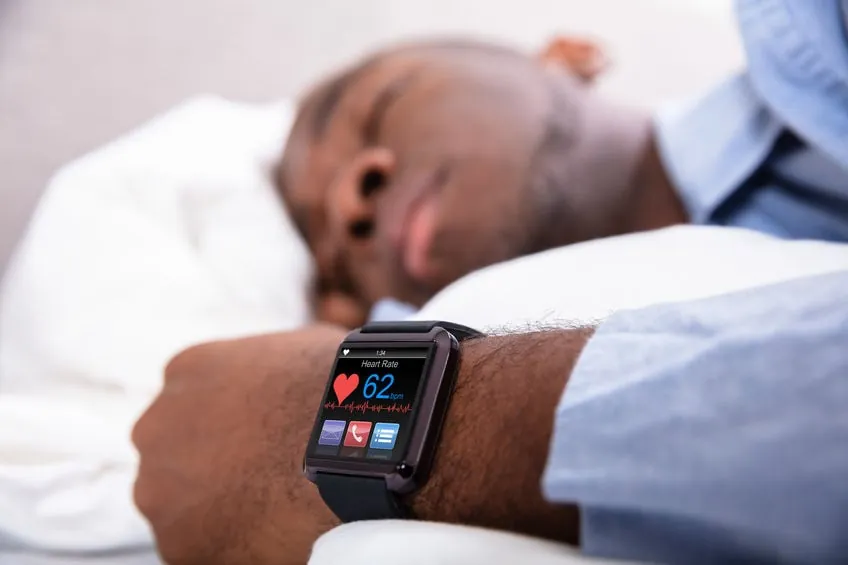
Optical sensors use light to measure blood flow, which is most reliable when the device sits snugly above the wrist bone. Position the sensor at least one finger-width away from your wrist joint to avoid interference from bone movement. If the device slides during a workout, the gap between your skin and the sensor allows ambient light to corrupt the data.
Most consumer-grade devices lose accuracy during rapid movements like boxing or heavy weightlifting, where the band shifts on your skin. If you perform explosive, high-intensity intervals, expect a lag of up to thirty seconds before the sensor catches up to your true heart rate. For these activities, tighten the strap one extra notch before you begin to minimize sensor bounce.
Cold weather reduces blood flow to the skin, which often causes sensors to report lower heart rates than your actual exertion levels. If you’re training in temperatures below 50 degrees Fahrenheit, warm up your wrists indoors or wear a long-sleeved base layer over the device to keep the skin surface vascularized.
Darker skin tones can sometimes affect the signal quality of green-light optical sensors, leading to a higher margin of error in some conditions. If your device consistently reports erratic spikes or drops, check the manufacturer’s app for firmware updates, as many brands have released algorithms specifically calibrated to improve signal processing and noise filtering.
Chest strap monitors are significantly more accurate than wrist-based sensors because they measure electrical signals directly from the heart. Use a chest strap if your training requires precise heart rate zones for recovery or endurance pacing. If you rely on wrist tracking for medical monitoring, cross-reference your results with a manual pulse count during a period of rest to verify your baseline accuracy.
Why Wrist Sensors Struggle with Precision
The primary reason for variance in sensor data is the way optical heart rate monitors, known as photoplethysmography (PPG) sensors, interact with your body. These sensors shine light into your skin and measure how much light reflects back based on the volume of blood in your vessels. When your heart beats, the volume of blood under the sensor changes, which the device translates into a pulse reading.
This mechanism is highly sensitive to external movement. When you run, the motion of your arm creates noise that the sensor must filter out to isolate the heartbeat. If your arm swings vigorously, the device may mistake the rhythm of your movement for your heart rate. This phenomenon is known as motion artifact, and it’s the main cause of inaccurate readings during intense exercise.
To mitigate this, ensure your watch sits at least two finger-widths above your wrist bone. If the sensor rests directly on the bone, the gap allows ambient light to leak into the sensor, which confuses the optical reading. You should tighten the strap until it leaves a faint, temporary indentation on the skin. If the watch slides during a sprint, the sensor is too loose to track blood flow accurately.
Skin tone and blood perfusion also dictate the accuracy of these readings. Darker skin tones absorb more green light, which is the standard wavelength for most PPG sensors. While skin tone can influence light absorption, modern optical sensors use adaptive algorithms to maintain signal quality across a wide range of skin tones. In these cases, a chest strap monitor using electrical sensors remains the only way to ensure data integrity.
Cold weather introduces another layer of error. When your body temperature drops, your peripheral blood vessels constrict to preserve core heat. This reduces the blood volume in your wrist, making the pulse signal too weak for the sensor to detect. If your skin feels cold to the touch, don’t rely on your watch for heart rate data. The readings will likely be significantly lower than your actual pulse.
Furthermore, these sensors aren’t medical devices meant for diagnosing health conditions. While these tools are helpful for general fitness tracking, they often fail to capture rapid changes in heart rate accurately. If you need precise data for heart rate variability or medical monitoring, you should always consult with a professional to discuss clinical-grade equipment.
Variables That Change Your Results
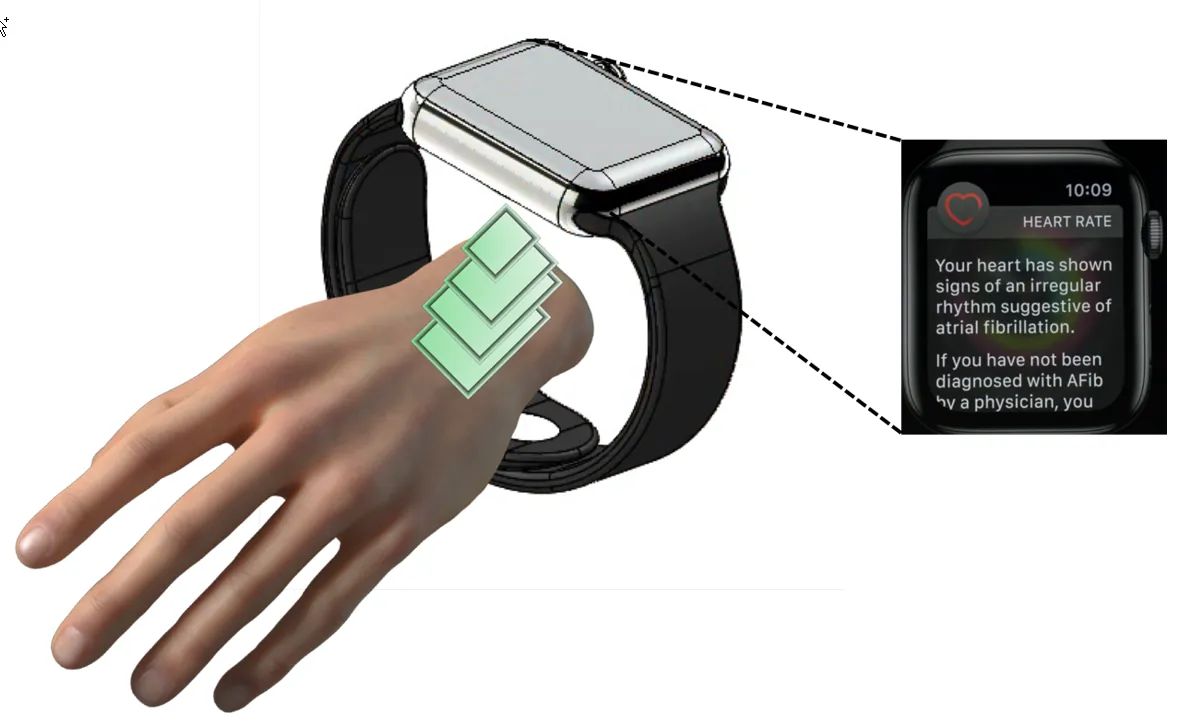
You can expect different levels of reliability depending on your specific circumstances. The table below illustrates how common factors impact the data you see on your screen.
| Situation | What changes | What to do instead |
|---|---|---|
| High intensity | Rapid movement | Use a chest strap |
| Loose band | Light leakage | Tighten the strap |
| Cold air | Skin blood flow | Warm up first |
| Heavy sweat | Sensor contact | Wipe skin dry |
| Dark skin | Light absorption | Use infrared monitors |
Optical sensors rely on photoplethysmography, which measures blood volume changes by shining light into your skin. If your heart rate exceeds 140 beats per minute, the sensor often struggles to distinguish between your pulse and the rhythmic cadence of your limbs. In these cases, the device may report a “cadence lock,” where it tracks your steps rather than your heart. Switch to a chest strap if you prioritize accuracy during interval training.
Ambient temperature also dictates performance. When your skin temperature drops, peripheral vasoconstriction reduces blood flow to the surface. The sensor can’t detect a clear pulse, leading to erratic readings or total signal loss. If you’re exercising outdoors in winter, perform ten minutes of dynamic movement indoors before starting your watch. This ensures your blood vessels are dilated enough for the sensor to capture a consistent signal.
Skin tone affects the signal-to-noise ratio due to melanin absorption. If your device consistently reports lower than expected heart rates during steady-state cardio, it’s likely failing to penetrate the dermis. Check the underside of your watch for a green light; if it appears dim or flickers, the sensor is compensating for light absorption issues.
You’ll get more reliable data by using a device equipped with multi-wavelength infrared sensors. These penetrate deeper than standard green LEDs, providing a more stable reading regardless of skin pigmentation or sweat accumulation.
How to Get the Best Reading
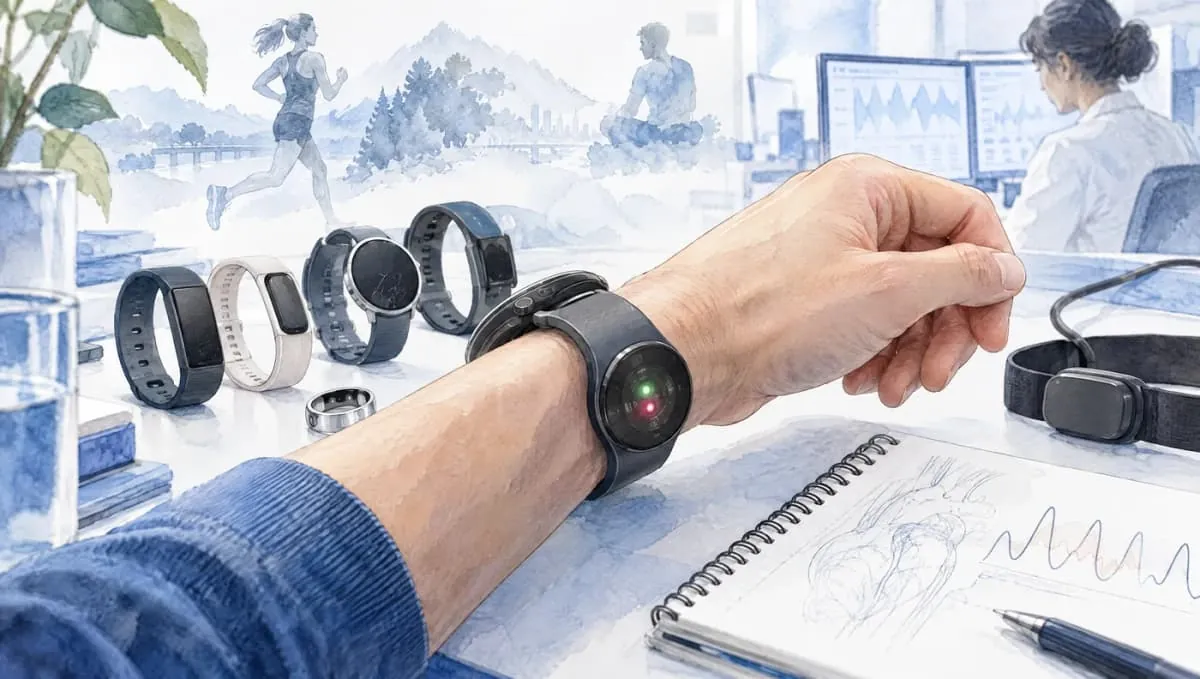
Position the device at least one finger-width above your wrist bone. This placement prevents the sensor from pressing against the protruding ulna, which creates gaps that allow ambient light to bleed into the optical path and corrupt your data.
Tighten the strap until it’s snug but not uncomfortable. The device shouldn’t slide around your arm when you shake your hand firmly. If the strap is too loose, the sensor loses contact during the peak of your stride, causing the device to report a sudden, inaccurate drop in heart rate. If you see a persistent “searching” icon, tighten the band by one notch.
Clean the sensor lens with a soft, dry cloth before every workout. A buildup of microscopic salt crystals from dried sweat acts as a filter that dims the LED signal.
If you’re doing interval training, wait for your heart rate to stabilize for 30 seconds before you rely on the number shown on the screen. Optical sensors lag behind rapid physiological spikes. If your reading stays flat while your breathing is labored, stop moving for ten seconds to allow the algorithm to recalibrate.
Keep your arm relatively steady during the measurement if you notice the numbers jumping. Rapid, rhythmic arm movement is the primary cause of motion artifacts. If you’re lifting heavy weights, shift the device to your inner forearm or move it further up your arm to minimize the vibration of the sensor against the skin.
Compare your device reading against a manual pulse count on your neck for 60 seconds if you suspect the sensor is providing an incorrect number. If the counts differ by more than five beats per minute, reset the device connection. You can distinguish between a sensor error and a true heart rate spike by observing your recovery; if the number remains unnaturally high after you stop moving, the sensor is likely locked onto your cadence rather than your pulse.
Common Mistakes That Ruin Accuracy
Wearing the device too far down on the wrist bone allows ambient light to leak under the sensor, which ruins the signal. Position the device at least one finger-width above the prominent ulnar bone. If you can slide a finger between the strap and your skin while moving, the sensor is too loose to track blood flow consistently.
Ignoring the need for a warm-up period often leads to inaccurate readings during the first few minutes of activity. Cold skin restricts peripheral blood flow, making it difficult for optical sensors to detect a steady pulse. Wait at least five minutes until you have broken a light sweat before relying on the data for intensity tracking.
A worn-out or stretched-out strap fails to keep the sensor pressed firmly against the skin during fast movements. If the strap has lost its elasticity, replace it immediately. A loose fit causes the sensor to track the rhythmic motion of your arm rather than your heartbeat.
If the device shows a heart rate that feels physically impossible, stop and check your pulse manually. If your reading is 180 beats per minute while you’re walking comfortably, the sensor is likely locked onto your cadence. In this case, tighten the strap slightly or move it further up your forearm to break the cadence lock.
When training for a specific heart rate zone, remember that these devices are tools for guidance rather than absolute truth. Your breathing rate is often a more reliable indicator of exertion than the flashing number on your wrist. If you can maintain a conversation, you’re likely in an aerobic zone regardless of what the screen displays.
If you notice a persistent gap between your perceived effort and the sensor’s output, switch to a chest-based monitor. Optical sensors struggle with high-intensity interval training where heart rate spikes rapidly. A chest strap uses electrical signals, which remain accurate even during the most explosive movements.
[…] price tag equates to medical-grade accuracy. A device that’s expensive is often just as prone to motion artifacts as an inexpensive tracker. These errors occur when physical movement shifts the sensor’s contact […]