

Selecting the right smart glasses starts with deciding whether you want audio, a camera, a display, or all three together. The wrong pick costs you money and a device that sits in a drawer.
Choosing the right smart glasses for you
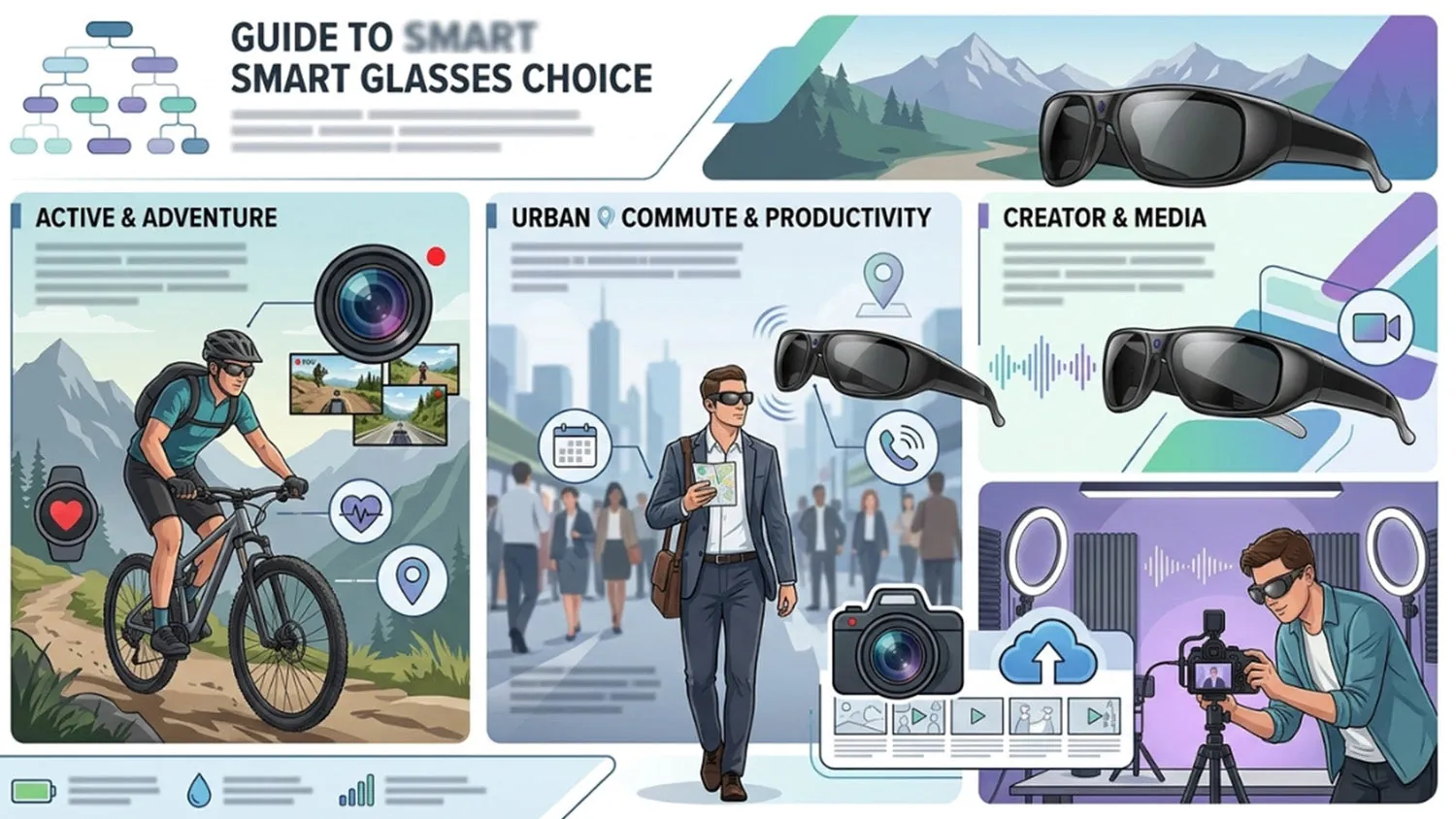
| Your situation | Answer | Why |
|---|---|---|
| You mainly listen to music or podcasts | Yes | Audio-only glasses are lighter and cheaper |
| You want to take photos and video | Yes | Camera glasses let you shoot hands-free |
| You need directions or notifications in your view | Yes | Display glasses project information ahead of your eyes |
| You need prescription lenses | Yes, but | Not every style takes prescription lenses |
| You want all-day battery life | No | Most models run out in a few hours |
If you prioritize audio, consider how you use your current headphones. Open-ear designs allow you to maintain situational awareness while walking or commuting, which is a major safety advantage over noise-canceling earbuds. However, realize that these frames leak sound in quiet environments. If you work in a shared office, your colleagues will likely hear your playlist.
When choosing camera-equipped frames, focus on your primary intent. These are best suited for capturing fleeting, spontaneous moments that would be missed while fumbling for a phone. They aren’t replacements for a dedicated camera. The short recording bursts are designed for social sharing rather than high-fidelity filmmaking.
For those seeking heads-up displays, identify exactly which data points you need to see. If you only need turn-by-turn navigation, a basic monochrome projection is often clearer and less distracting than a full-color overlay. Overloading your field of vision with notifications can become a safety hazard, particularly if you wear these while cycling or driving.
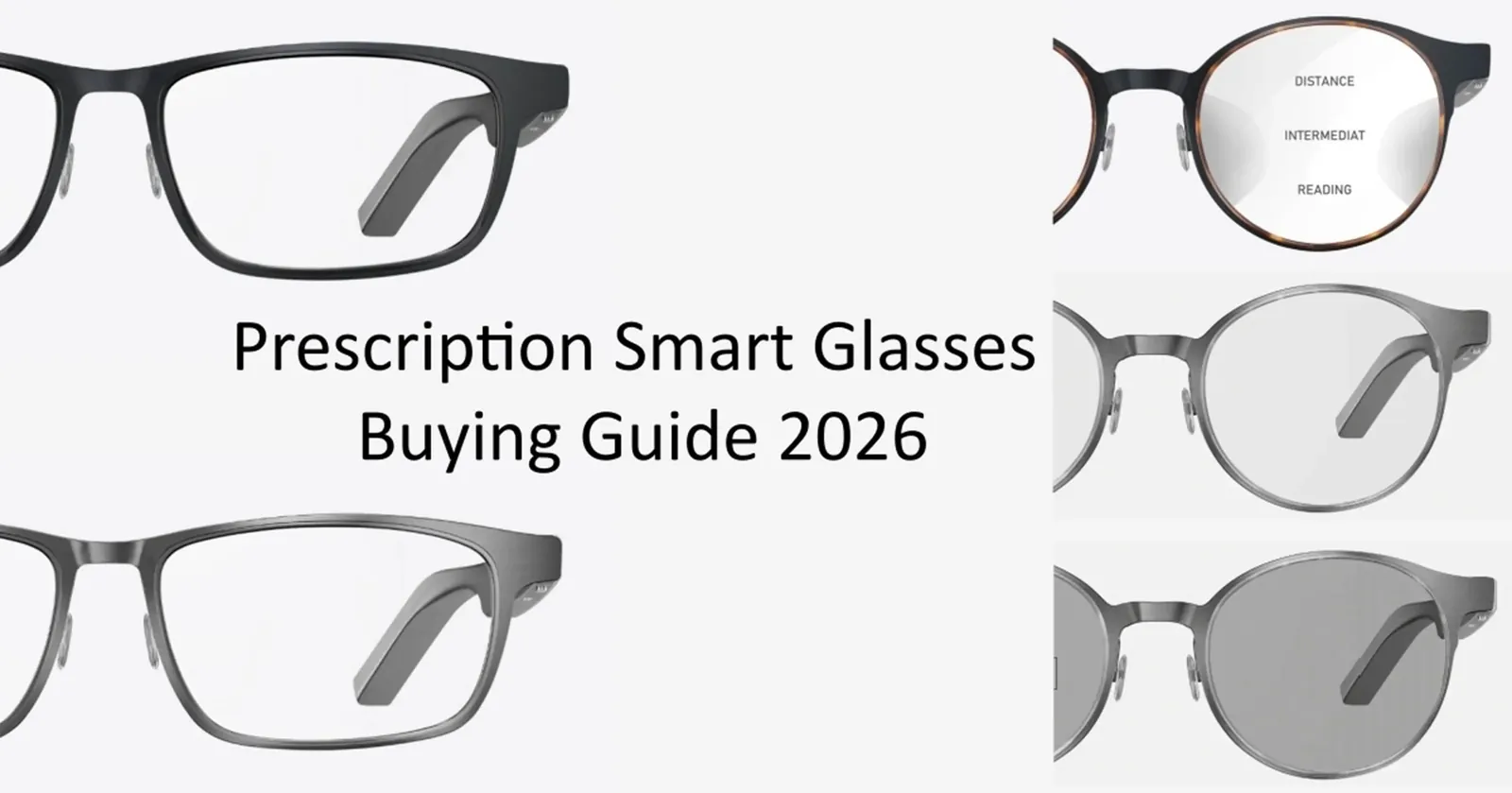
Prescription compatibility remains the biggest hurdle for daily wearers. Many high-tech frames use proprietary lens shapes that standard optical labs can’t process. Before falling in love with a specific aesthetic, check if the manufacturer offers an official lens replacement service. If they do not, you’re limited to the stock lenses provided, which may not match your vision needs.
Battery life is the ultimate constraint for power users. Because these devices pack sensors, cameras, and processors into a slim frame, they can’t house large cells. If you need functionality for an entire workday, you must carry a charging case or keep a backup pair of traditional glasses nearby. Expect to recharge at least once during a standard afternoon.
What actually decides it
The deciding factor is the display type, because it changes weight, battery life, and price more than anything else. Audio-only frames are the lightest and can last a full day on one charge. Camera glasses add a lens and a shutter button, which makes the arms thicker and shortens battery life to a few hours.
Display glasses project information in front of your eyes, so they’re heavier still and often need a separate battery pack or a cable to your phone. If you want a display, then check whether the model works with your phone’s operating system; if you do not, then audio-only or camera-only glasses will serve you better.
If you go ahead
List what you’ll use them for. Pick audio, camera, display, or a mix, and ignore everything else. If you prioritize audio, focus on the speaker placement rather than frame weight. A camera-first device demands a look at the storage capacity, as high-definition video fills internal memory faster than most users anticipate during a typical day.
Try the frames on. They should sit level on your nose without pressing on your temples. If the arms pinch your head, you’ll experience fatigue within an hour, regardless of how light the materials feel in your hands. Test the weight distribution by looking down; if they slide forward, the nose pads aren’t fitted correctly for your face shape.
Check the battery rating. Most models list two to six hours, and heavy display use cuts that in half. If you intend to use them for navigation or live translation, keep a portable charging case nearby. Without a top-up mid-day, these features often fail right when you need them most.
Match the app to your phone. Open the companion app on your phone before you buy to confirm it installs and opens. Check the permissions requested during setup. If the app requires constant background location access to function, decide if that’s a trade-off you’re willing to make for the device’s convenience.
Look for the sign it worked. Put them on, play audio, and check that the sound comes from the frame arms, not your phone. If you hear audio leaking from the phone speaker, the Bluetooth pairing is incomplete. Ensure the connection is stable by walking a few feet away from your device; if the music stutters or stops, the antenna strength may be insufficient for your specific environment.
The mistake people make
Buying a model because it looks like regular glasses is the most common error. Smart frames are thicker at the arms to hold batteries and speakers, so a style that looks good in a photo can feel heavy and unbalanced after twenty minutes. It costs you a device you stop wearing. Try the exact pair on before you buy, or buy only from a seller with a return window long enough to wear them for a full day.
The weight distribution is the hidden trap. Unlike standard eyewear, smart glasses concentrate mass behind the ears and along the temples. This shifts the center of gravity forward, often causing the bridge to dig into your nose or the frames to slide down during simple movements. A frame that feels secure in a store mirror may prove impossible to keep in place once you start walking or looking down at a screen.
You must also consider the physical footprint of the electronics. Manufacturers often use bulky hinges to accommodate internal wiring, which limits how much an optician can adjust the fit. If the frame is too wide or the temple length is slightly off, you can’t simply heat and bend them like traditional acetate frames. You’re stuck with the factory geometry.
If you wear prescription lenses, this constraint becomes even more critical. The added weight of high-index or thick glass lenses can exacerbate the imbalance, turning a lightweight frame into a persistent headache. Always test the frames with your actual lenses installed if possible. If the retailer can’t guarantee a comfortable fit after a full day of use, the aesthetic appeal will never outweigh the physical fatigue of wearing them.
When to stop and get help

If you need prescription lenses fitted into smart frames, stop and see an optician. Regular retail staff can’t grind lenses or verify that a frame will hold them safely. An optician measures your pupillary distance, checks the frame’s fit, and orders lenses that match your prescription. Never try to fit lenses yourself, because a misaligned lens causes eye strain and headaches.
The internal geometry of smart frames is often more complex than standard eyewear. These frames house micro-electronics, antennas, and batteries within the temples or bridge. An optician must evaluate the frame’s structural integrity before attempting to mount optical glass. If the frame is too brittle or the lens groove is too shallow, the pressure of a standard lens press can crack the housing or sever internal wiring.
You should also consult a professional if you have a high prescription or a complex astigmatism. Smart glasses often have a specific base curve designed to accommodate the onboard sensors. If your prescription falls outside the manufacturer’s recommended range, the lenses may distort your peripheral vision or cause the frame to sit unevenly on your face.
An optician can tell you if your specific visual needs are compatible with the frame’s curvature. They can also adjust the nose pads and temple tips to ensure the optics align perfectly with your pupils. Without this precise calibration, the smart features may become a distraction rather than a tool.
If the device feels heavy or slides down your nose, the display won’t align with your line of sight. Professional fitting ensures the hardware stays stable, keeping the digital overlay sharp and comfortable for extended use.
Related guides
- Fitbit Versa Series: Features and Buying Guide
- Fitbit vs Apple Watch: Features and Differences
- Fitbit Charge Series: Features and Buying Guide
Frequently asked questions
Can I wear smart glasses all day?
Most models run for two to six hours on a single charge, assuming normal audio use and moderate camera use. Heavy display use cuts that time roughly in half. Charge them overnight if you plan to wear them for a full day.
How much do smart glasses cost?
Basic audio frames are inexpensive compared to camera or display models, assuming standard frames without prescription lenses. Prescription lenses add their own cost, which an optician can quote.
Is it safe to wear them while walking?
They’re safe when you keep one ear open to traffic and don’t watch the display while crossing streets. Audio-only models let you hear your surroundings better than camera or display versions. Never wear them while driving unless local law allows hands-free devices.
What happens if the battery dies?
The glasses stop working, but most frames still function as ordinary glasses. Audio, camera, and display features all need power, so you won’t hear music, take photos, or see information until you recharge.
Does it matter which phone I have?
Yes, because the companion app must run on your phone before the glasses will set up. Check the app store listing for your phone’s operating system before you buy.
What to do next
Start by writing down the three most frequent tasks you intend to perform. If your list includes outdoor navigation, prioritize models with high-contrast displays and robust frame materials. If you plan on using them primarily for office communication, focus on microphone clarity and the weight of the device on your bridge.
Once you have your list, head to a physical retailer. You need to verify how the weight distributes across your face. A pair that feels balanced in the store may cause pressure headaches after an hour of continuous use. Pay close attention to the temple arms, as these should grip your head firmly without pinching the skin behind your ears.
Check the battery performance against your daily routine. If you commute for an hour, ensure the device supports that duration at your preferred brightness settings.
Finally, don’t assume your current vision prescription will work with any pair. Many smart frames have specific curvature requirements that standard optical lenses can’t accommodate. Visit an optician before you finalize your purchase to confirm if your specific prescription is compatible with the frame geometry. If the frame is too flat or too curved, you may need to choose a different model entirely to ensure your vision remains clear and distortion-free while wearing the device.