

The fitbit charge series is a line of wrist-worn trackers that count steps, measure heart rate and monitor sleep. Current models like the Charge 6 are inexpensive relative to the alternative and run for roughly seven days on one battery. They don’t replace medical devices or full smartwatches. This guide covers the sensors inside each model, what they actually track, how to pick the right size and where the limits sit.
What these fitness bands actually do
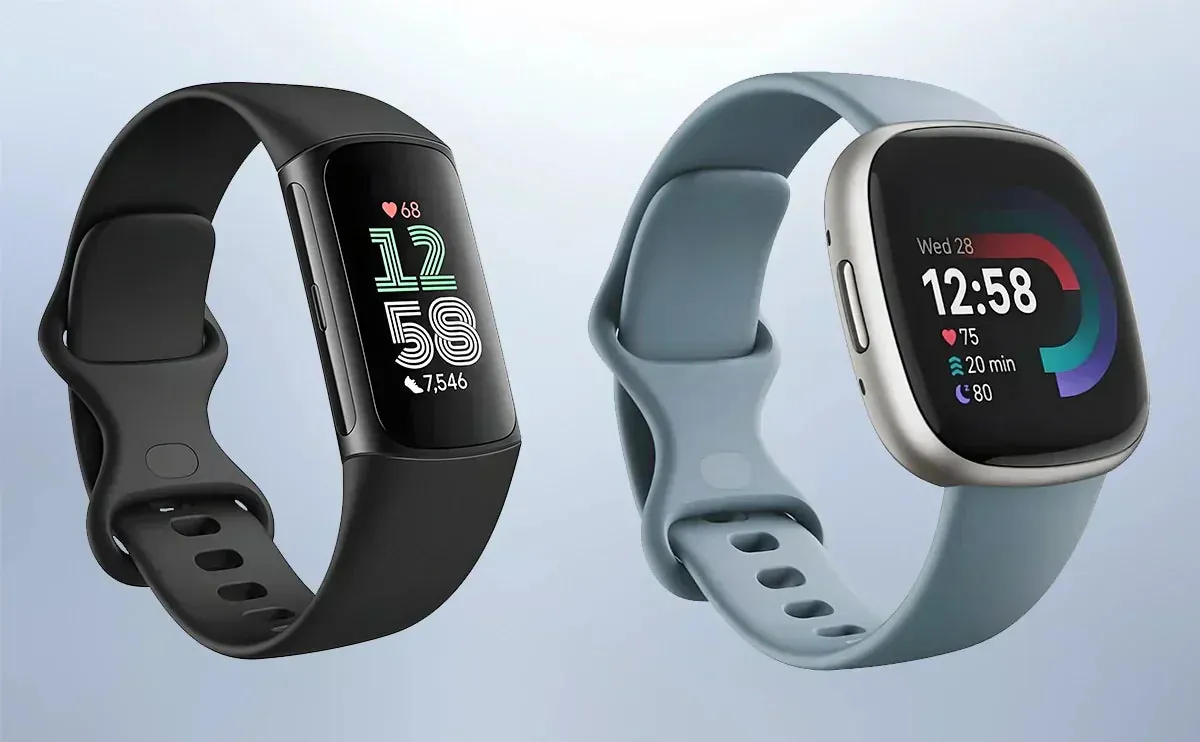
A Fitbit Charge band is a slim tracker you wear on your wrist all day. It counts your steps, reads your heart rate through the skin, and tracks how long you sleep. It’s built for people who want daily health numbers without carrying a bulky smartwatch. You sync it to your phone over Bluetooth to see your history in the app.
These bands don’t diagnose illness. The optical sensor shines green light into your wrist and measures how much light bounces back to calculate your pulse. That’s a fitness reading, not a hospital test. If you need clinical accuracy, check with your doctor first.
A common mistake is assuming the step counter is perfect. It works by detecting rhythmic arm swings. If you push a stroller or carry a heavy bag in your tracker hand, the device may miss up to 30 percent of your actual steps. If you’re walking for exercise, keep your tracker hand swinging naturally to ensure the data remains reliable.
The current lineup includes the Charge 5 and Charge 6. Both use an accelerometer to detect movement. The newer Charge 6 adds built-in GPS and deeper links to Google apps like Maps and Wallet. Use the GPS mode for outdoor runs to get precise distance, but switch to manual tracking if you’re walking indoors on a treadmill.
How to set up your Fitbit Charge band
Getting the tracker ready takes about ten minutes if your phone is fully charged. Follow these steps in order so the sensors work properly from the start.
- Unbox the band and plug the magnetic charger into a USB port until the screen lights up.
- Download the Fitbit app from your phone’s store and create a free account using your email.
- Tap “Set Up a Device” in the app, select your specific model and hold the band near your phone.
- Wait for the Bluetooth pairing prompt, then tap confirm when the six-digit code appears on both screens.
- Enter your height, weight and age exactly as measured so the calorie math starts correctly.
- Wear the band one finger-width above your wrist bone, snug enough that it doesn’t slide but loose enough to breathe.
- Walk around for five minutes and check the app to confirm your steps are updating live.
If the band slides up and down your arm while you walk, tighten it by one notch; if it leaves a deep red mark after an hour, loosen it by one notch. A loose band gives you bad heart rate data because the light sensor loses contact with your skin. Don’t guess your body stats during setup either. Using old numbers skews every calorie estimate the device makes.
Fitbit Charge settings and numbers
These figures apply to the standard models running the latest firmware with typical notifications enabled. Your battery life will drop if you leave the screen on constantly or track GPS workouts every day.
| Situation | What to use | How long | What to watch for |
|---|---|---|---|
| Daily steps and sleep | Charge 6 | 7 days battery | Screen brightness drains power fast |
| Outdoor runs with GPS | Charge 6 GPS mode | 5 hours continuous | Battery drops much faster than usual |
| Swimming laps in a pool | Charge 5 or 6 | Up to 50 meters depth | Rinse with fresh water afterward |
| Basic budget tracking | Charge 5 | 7 days battery | No built-in GPS, uses phone instead |
| Wrist size under 6 inches | Small band included in box | All day | Large band slips and ruins sensor data |
| Wrist size over 7 inches | Large band included in box | All day | Small band feels tight and restricts blood flow |
Keep in mind that cold weather shortens battery life. Lithium-ion cells lose capacity when temperatures drop below freezing. If you run outside in winter, expect closer to four days between charges instead of seven.
Getting accurate readings from your tracker
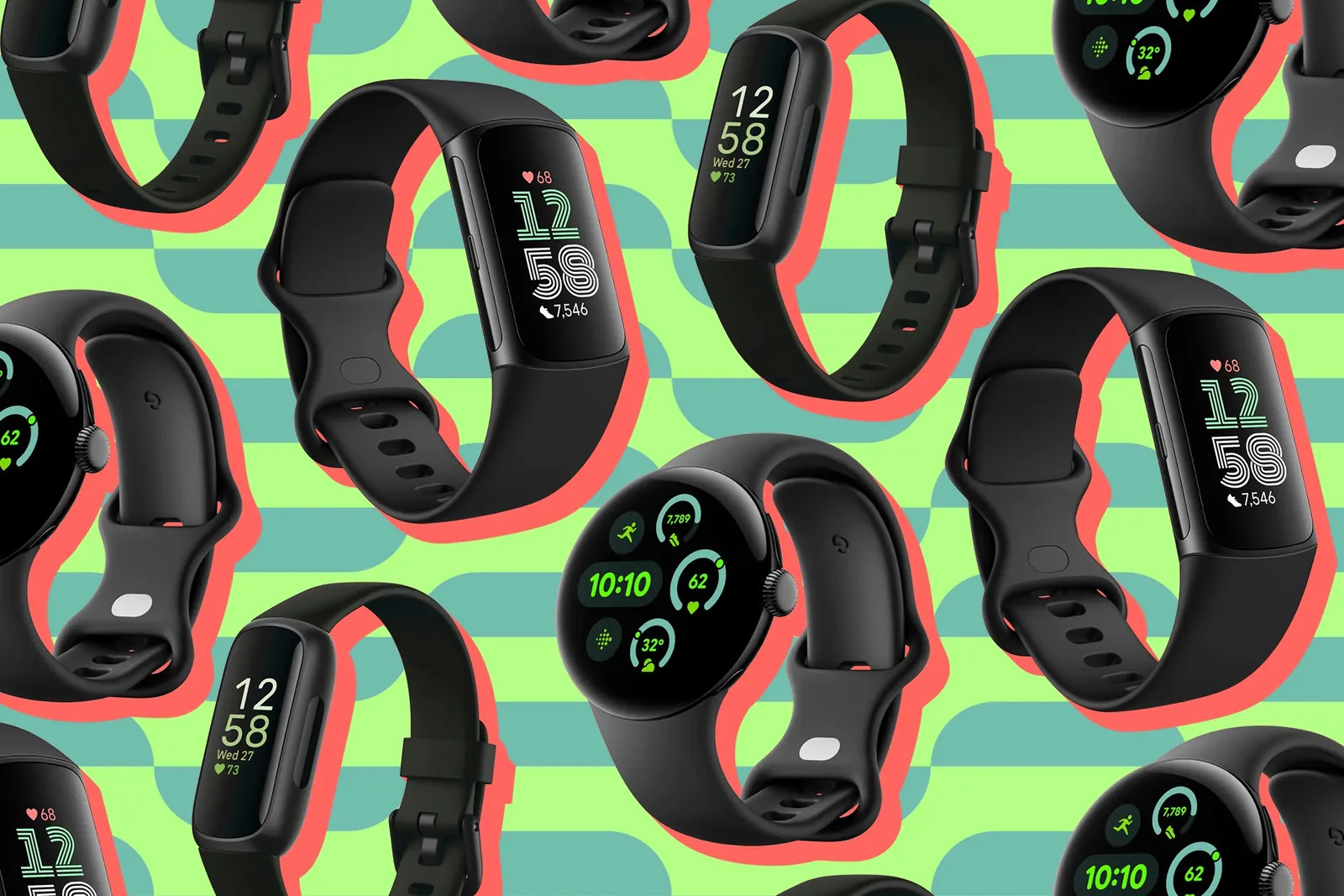
The biggest difference between good data and useless numbers comes down to how you wear the band. Place it flat against your skin, just above the wrist bone. Don’t let it hang loose like a bracelet. When the green light leaks out the sides, the sensor is reading air instead of your pulse.
Tattoos directly under the sensor block the green light completely. Dark ink absorbs the signal, so the device can’t measure your heart rate accurately. If your wrist is heavily tattooed, wear the band on your other arm. There’s no software fix for this physical limit.
Cleaning the back of the device matters too. Sweat and lotion build up over the glass and scatter the light. Wipe the sensor area with a damp cloth once a week. Don’t use soap or alcohol, as they can damage the coating.
You’ll also notice the step count jumps when you wash dishes or type quickly. The accelerometer reads those repetitive arm swings as walking. Tuck the band in your pocket during heavy hand tasks if you care about exact step totals. Otherwise, let the algorithm average it out over the whole day.
Fixing common Fitbit Charge problems
When the band stops working right, the cause is usually simple. Check this table before you contact support or buy a new charger.
| What you notice | What it usually means | What to do first |
|---|---|---|
| Screen stays black | Battery died or software crashed | Hold the side button for 10 seconds |
| Steps won’t sync to phone | Bluetooth dropped the connection | Turn phone Bluetooth off and on again |
| Heart rate shows dashes | Band is too loose or dirty | Tighten one notch and wipe the sensor |
| Skin turns red or itchy | Trapped moisture or soap residue | Take it off, dry your wrist and the band |
| GPS takes forever to lock | Trees or buildings blocking satellites | Move to an open area away from tall walls |
If restarting doesn’t fix a blank screen, plug it into a different USB port. Sometimes the wall adapter doesn’t push enough current to wake a fully drained battery. Leave it connected for thirty minutes before trying the button again.
For persistent syncing issues, forget the device in your phone’s Bluetooth menu entirely. Then open the app and pair it fresh. This clears out corrupted connection files that a simple restart misses.
Water resistance and warranty rules
Fitbit rates the Charge 5 and Charge 6 as water-resistant to 50 meters. This follows the ISO 22810 standard for wrist watches. It means you can swim in a pool or shower with it, but you shouldn’t scuba dive or use it in a high-pressure sauna. Salt water and chlorine won’t break the seal immediately, but leaving them on the band degrades the rubber over time. Always rinse it with fresh water after swimming in the ocean.
If you submerge the device in a hot tub, the heat can cause the internal seals to expand and fail. Stick to cool or lukewarm water to maintain the integrity of the casing.
The standard warranty covers hardware defects for one year from the date you bought it. It doesn’t cover cracked screens from dropping it on concrete or dead batteries from leaving it in a hot car. If the band stops charging within that first year, contact Fitbit support directly.
Don’t try to pry the case open yourself. Breaking the waterproof seal voids your warranty instantly, and the tiny lithium cell inside can catch fire if punctured. If you notice moisture under the screen, stop using the device immediately to prevent a short circuit.
Keeping your band in good shape
Charge the device before it hits zero percent. Letting the battery drain completely every time wears out the cell faster over the months. Plug it in while you shower or get ready in the morning for twenty minutes. That’s usually enough to top it off without keeping it tethered all night.
Wash the silicone band with plain water once a week. Don’t put it in the washing machine or use harsh cleaners. Soap gets trapped under the edges and causes rashes. Dry it completely with a towel before putting it back on your wrist. If your skin feels irritated, switch the band to your other arm for a full day to allow the skin to breathe.
Update the firmware whenever the app prompts you. These updates fix bugs that drain battery life or mess up sleep tracking. Keep the band within three feet of your phone during the update so the Bluetooth connection doesn’t drop. A failed update can leave the device in a recovery loop that requires a factory reset.
If you stop wearing it for a few weeks, charge it to fifty percent and turn it off. Storing a lithium battery at full charge or empty damages its capacity permanently. If you plan to store it for longer than a month, check the charge level every thirty days to ensure it hasn’t dropped below twenty percent.
When the Fitbit Charge isn’t the right choice
This band doesn’t work for everyone. If you need to reply to text messages or type emails from your wrist, the Charge series will frustrate you. It only offers quick preset replies. Buy a full smartwatch like the Apple Watch or Samsung Galaxy Watch instead.
Preset replies fail when you need to send a specific address or confirm a time. You end up pulling out your phone anyway. That defeats the purpose of wearing a wrist device.
If you’re training for a marathon and need advanced running metrics like stride length or ground contact time, the basic sensors here fall short. Dedicated sports watches from Garmin give you those specific numbers.
Runners often mistake standard heart rate tracking for complete performance data. That error leads to overtraining because you lack the metrics that reveal actual fatigue.
If you have a severe nickel allergy, check the materials list carefully. While the casing is mostly resin, some internal components and the charging contacts contain metal alloys. Consult your dermatologist before wearing any electronic device against your skin all day if you’ve had reactions to jewelry before.
Sweat accelerates metal ion transfer into the skin during workouts. A band that feels fine at the office might trigger a rash after a long run.
For someone who just wants to know if they hit their daily step goal and slept well, the Charge 6 handles that perfectly. But pushing it beyond basic health tracking leads to disappointment. Match the tool to your actual daily needs rather than buying features you’ll never look at.