

Usb-c chargers explained means a small power adapter with a USB-C port that delivers electricity to phones, laptops, tablets, and other devices through a single cable. Most models range from 18 watts for a phone to 100 watts or more for a laptop, and they adjust the power they send to match what the device asks for. This guide covers how to pick the right wattage, how the charging speed is set, what the safety rules are, and when a different charger is the better choice.
What a usb-c charger does
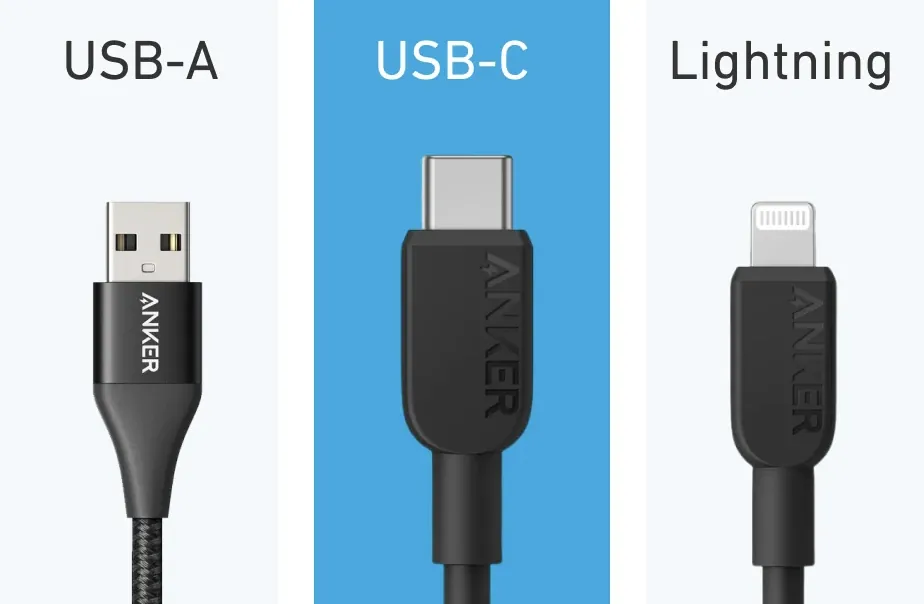
A USB-C charger is a power adapter with a USB-C socket. You plug a USB-C cable into it, then into your phone, tablet, laptop, or another device. It converts mains electricity into the low-voltage power those devices need. Most modern phones, tablets, and laptops now ship with USB-C charging, so one charger can often handle several gadgets.
The charger doesn’t force power into a device. The device tells the charger how much power it wants, and the charger supplies that amount up to its own limit. This is why a high-wattage charger won’t damage a phone that only needs a small amount—the phone decides what to draw. A common misconception is that a bigger charger charges every device faster. It does not; a device only charges as fast as its own circuitry allows.
Think of the charger as a reservoir and the device as a pump. The reservoir holds a maximum capacity of energy, but the pump determines the flow rate. Even if you connect a 100-watt charger to a device designed for 20 watts, the device will only pull the current it’s rated to handle.
Charging speed is measured in watts. A phone often needs 18 to 25 watts, while a laptop may need 45 to 100 watts or more. If you aren’t sure what your device needs, check the label on its original power brick or the specifications page on the manufacturer’s website. If the label is missing, the device’s manual will list the minimum wattage required for a full charge.
How to pick the right charger
First, find the wattage your device supports. Look at the original charger or the device manual. A phone usually needs 18 to 25 watts, a tablet often needs 30 to 45 watts, and a laptop commonly needs 45 to 100 watts.
Second, choose a charger rated at or above that wattage. A 65-watt charger works for a phone that needs 25 watts, because the phone only takes what it needs. A 30-watt charger won’t charge a 65-watt laptop at full speed.
Third, check the cable. A USB-C to USB-C cable must handle the wattage you want. A cable rated for 60 watts can’t carry 100 watts safely, even if both the charger and the device support it.
Fourth, look for safety certification marks such as UL or ETL on the charger body. These show the charger has been tested to meet safety standards.
Fifth, buy from the device maker or a known brand. Cheap, unbranded chargers sometimes skip safety parts, which can damage your device or overheat.
Sixth, match the plug to your wall outlet. If you travel, get a charger with interchangeable plugs or a travel adapter that supports the charger’s wattage.
The single judgement call is wattage headroom. Buy a charger a little above what your device needs, not far above it. A charger rated far beyond your device’s capability costs more, is larger, and brings no extra speed.
Charger sizes and speeds at a glance
The table below shows common charger sizes, what they suit, and the figure that matters for each.
| Charger size | Best for | Wattage to look for | What to watch for |
|---|---|---|---|
| Small phone charger | Smartphones, small earbuds | 18–25 watts | Won’t fast-charge a laptop |
| Mid-size charger | Tablets, small laptops | 30–45 watts | Check the cable matches |
| Standard laptop charger | Most 13–15 inch laptops | 45–65 watts | Some gaming laptops need more |
| Large laptop charger | 16-inch laptops, creative work | 65–100 watts | Bigger and heavier to carry |
| Multi-port charger | Charging phone and laptop together | 65–100 watts total | Speed splits between ports |
| GaN charger | Travel, fewer adapters | 30–100 watts | Costs more than older designs |
Gallium nitride, or GaN, chargers use a different material that runs cooler and lets makers build smaller adapters. They cost more than traditional silicon chargers but are useful if you carry one bag. If a row doesn’t match your device, check your device’s own specifications before buying.
Details that separate good results from bad ones
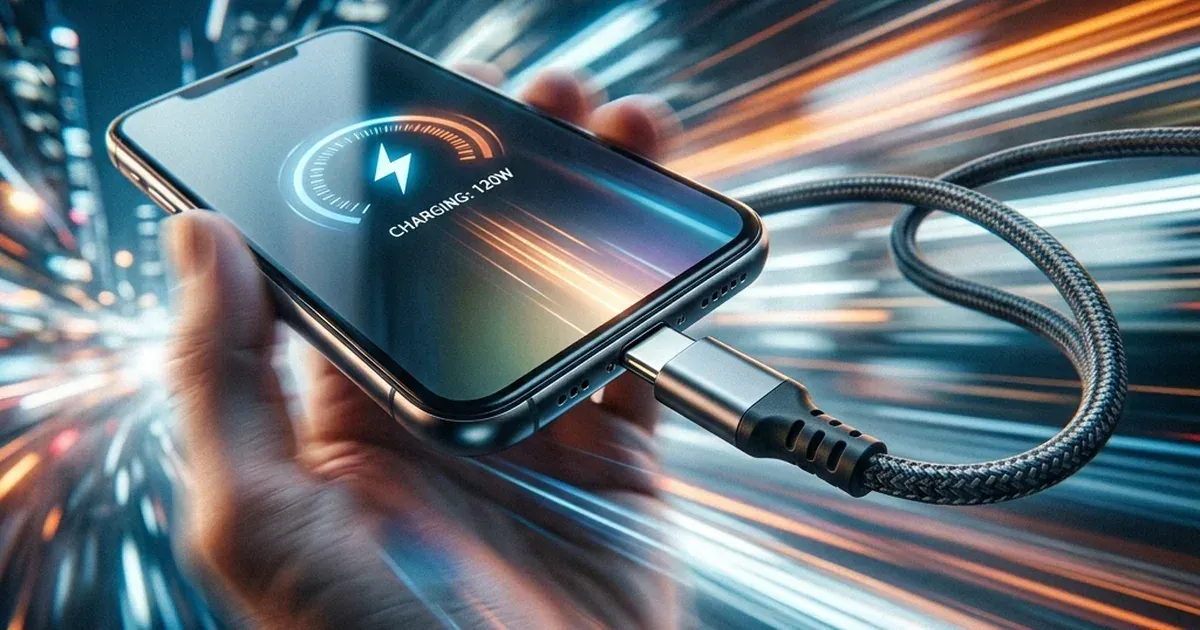
Good chargers list their wattage clearly on the body or the box. Before you buy, confirm the port supports the full wattage, because some multi-port chargers advertise a total wattage that drops when two devices are plugged in at once. Check whether the cable is included, and whether it’s rated for the same wattage as the charger.
A cable’s rating is often printed in tiny text on the connector housing. If you use a 100-watt charger with a cable only rated for 60 watts, the system will default to the lower speed. Mismatched cables create a bottleneck that prevents your hardware from reaching its peak performance.
Experienced buyers match the charger to the device they charge most often. A 100-watt charger is overkill for a phone and adds weight to a travel bag. A 20-watt charger will work with a laptop, but it may charge so slowly that the battery level still drops while you use it.
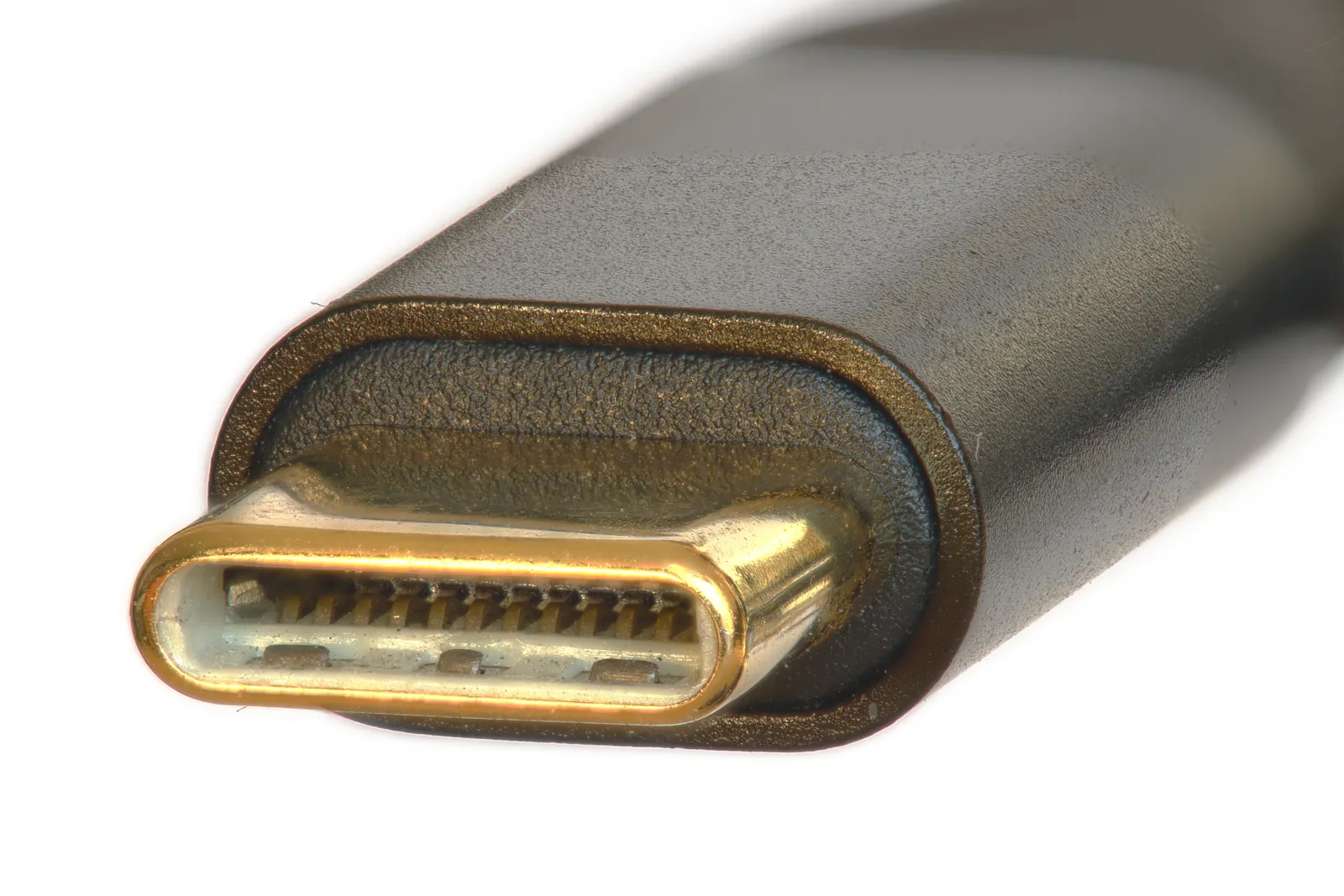
Order matters too: plug the charger into the wall first, then connect the cable to the device, and unplug the device before the charger when you’re done. This sequence prevents small electrical arcs from damaging the delicate pins inside the USB-C port.
Leave the charger alone while it’s in use. Covering it with a pillow, clothing, or a bag traps heat and shortens its life. If the charger feels hot to the touch, unplug it and try a different outlet or a different charger.
Rules and checks before you buy
No single government rule sets a maximum wattage for usb-c chargers, so there’s no legal limit you need to memorize. Instead, check five things before you start.
First, confirm your device’s supported wattage from the maker’s specifications. Second, check that the cable rating matches the charger. Third, look for a recognized safety mark such as UL or ETL on the charger itself. Fourth, confirm the plug fits your wall outlet or that you have a suitable travel adapter. Fifth, buy from the device manufacturer or a brand you can verify.
Verifying a brand requires looking for an official website or a history of retail presence rather than relying on marketplace listings alone. Unknown sellers often bypass safety testing to lower costs, which can lead to overheating or internal shorts.
If a step needs a licensed electrician—for example, adding a new wall outlet—call one rather than doing it yourself. A charger that smells of burning, makes a buzzing sound, or has a cracked case should be unplugged and replaced, not repaired. For local electrical safety guidance, contact your city or county building department. These agencies provide the most accurate information regarding fire codes and outlet compatibility for your specific region.
Keeping your charger working
Keep the charger in a dry place at room temperature. Don’t wrap the cable tightly around the charger body, because that stresses the wires where they join the plug. Coil the cable loosely instead. If you travel, store the charger in a pouch so the port doesn’t collect dust or lint.
Unplug the charger when you aren’t using it. This reduces wear and removes any small risk from a power surge. Check the cable and the charger body every few months for fraying, cracks, or discoloration. If you see any of those signs, stop using it and replace it.
Internal degradation often precedes visible damage. If the charger feels excessively hot to the touch or emits a faint buzzing sound during operation, the internal components are likely failing. These thermal warning signs indicate that the protective circuitry is struggling to manage power flow.
There’s no fixed lifespan I can give you, because it depends on how often you plug and unplug it and the quality of the unit. The sign that it’s due for replacement is physical damage, overheating, or a device that suddenly charges much more slowly than before. Check your charger’s own paperwork for any warranty period the maker offers.
When a different charger is the better choice
This approach is the wrong choice if your device uses an older connector, such as Micro-USB or Lightning, and you don’t have a cable or adapter to convert it. In that case, buy the charger made for that connector instead.
It’s also the wrong choice if your device supports a fast-charging standard that a basic USB-C charger doesn’t speak. Some phones charge fastest only with the maker’s own charger and cable. Check your device’s specifications to see whether a named fast-charge standard is listed. Proprietary protocols often require specific handshake signals that universal chargers lack.
If you need to charge several large devices at once, a single small USB-C charger may be too weak. A multi-port charger or a charging station with enough total wattage is the better option. Without sufficient power, the charger may cycle on and off or throttle speeds to a crawl.
Mains chargers rely on alternating current, while car adapters must regulate the fluctuating voltage of a vehicle’s electrical system.
Related guides
- How to Choose the Right Fitbit Device
- Best Wearable Devices for Older Adults
- How Wearable Devices Estimate Sleep Stages
Frequently asked questions
Can I use a higher-wattage charger with my phone?
Yes. The phone only draws the power it needs, so a 65-watt charger won’t force extra power into a 20-watt phone.
How many watts does my laptop need?
Check the original charger or the maker’s specifications. Many laptops need 45 to 100 watts, but the exact figure varies by model.
Is it safe to leave a usb-c charger plugged in all the time?
Yes, if the charger is undamaged and from a known brand. Unplug it if you notice heat, a smell, or a cracked case.
What happens if I use a charger with too few watts?
The device charges slowly, or the battery level may fall even while plugged in if you’re using the device heavily.
How long does a usb-c charger last?
There’s no fixed figure. Replace it when you see frayed cables, cracks, discoloration, overheating, or slower charging than before.
Can I use any USB-C cable with any charger?
No. The cable must be rated for the wattage you want. A 60-watt cable can’t safely carry 100 watts.
Why does my charger get warm?
Warmth is normal during charging. If it’s hot to the touch, unplug it and try a different outlet or charger.
Conclusion
Choosing the right power adapter doesn’t have to be complicated once you understand these basics. You’ll find that a high-quality, versatile brick makes life much easier when you’re on the go. Check your device’s manual today to see its specific needs, and you’ll be ready to simplify your charging setup for good.