

Charge your power bank to about half before storage to extend its battery life. Lithium-ion cells degrade fastest at full or empty states, so keeping them in the middle preserves capacity. Temperature also plays a critical role; avoid heat to maximize your cycles.
How you use your power bank
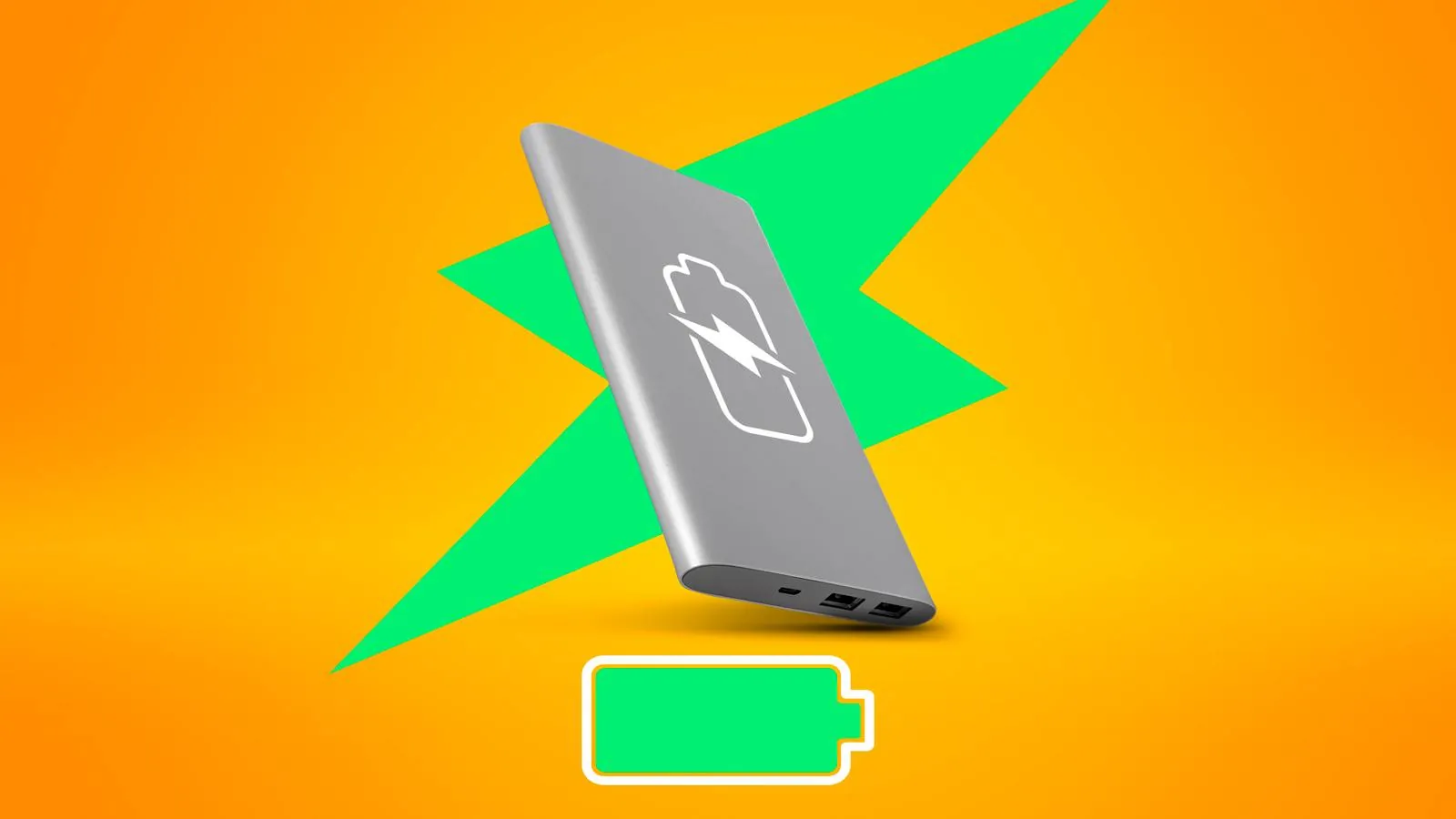
Photo: electronics.alibaba.com on Google
How you use your power bank sets how often you need to think about its battery. A light user who keeps it as a backup and tops it up now and then faces less stress than someone who drains it to zero every day and leaves it plugged in overnight. The frequency of maintenance depends on your usage patterns; consult your owner’s manual for the manufacturer’s specific recommendations.
| How you use it | How often | What tells you it’s due |
|---|---|---|
| Emergency backup, rarely used | Every 3–6 months | Charge level falls below half when you check it |
| Weekly top-ups, light daily use | Every 2–3 months | It takes noticeably longer to reach full |
| Daily full drain and recharge | Monthly | Capacity drops by a fifth or more |
| Left plugged in constantly | Monthly | The case feels warm while connected |
| Stored for travel or long trips | Before every trip | It doesn’t hold enough for one full phone charge |
| Used in hot cars or direct sun | Monthly | The battery swells or the case warms up |
Check the charge level every few months by pressing the button and watching the indicator lights. If the lights show less than half, plug it in and stop when it reaches about 70 or 80 percent — you don’t need a full charge for storage. Heat is the real enemy here, so if your power bank feels warm while charging or sitting in a bag, move it somewhere cooler before you do anything else.
What happens when you leave it too long
A power bank that sits fully charged for months loses capacity quietly. The chemistry inside the lithium-ion cells degrades fastest at high voltage, so a unit kept at 100 percent ages faster than one stored near half. After a few months you may notice it no longer charges your phone as many times as it used to. That drop is permanent — the cells don’t recover their lost capacity.
Left completely drained, the danger is different. The battery can fall below its safe voltage floor, at which point the protection circuit cuts it off to prevent damage. Once that happens, the power bank may refuse to charge at all, and there’s no user-friendly way to reverse it. Some units can be revived with a specialized charger, but most simply become useless.
Over a year or two of neglect, the result is a dead brick. You won’t get warning before the protection circuit trips, so the only honest check is to press the button and look at the lights every few months.
If you’re unsure what voltage your model uses or how long it can sit unused, look at the fine print on the unit itself or the documentation that came with it — that’s where the maker states its own limits, and it varies by brand and model.
Signs your power bank is overdue for care
- The indicator lights show less than half after months of sitting — the cells are aging at the wrong voltage.
- It takes much longer to reach full than when it was new — internal resistance has risen as the cells wear.
- One phone charge now lasts only half as long as it used to — capacity has dropped significantly.
- The case feels warm while charging or sitting idle — heat is stressing the battery right now.
- The lights blink but nothing comes out of the port — the protection circuit may have locked it out.
- The case looks puffed or the seams have shifted — the battery is swelling and must be replaced immediately.
- It won’t accept a charge at all — the cell voltage has likely fallen below the safe floor.
Any one of these means the battery has already been stressed. Swelling is the only sign that demands you stop using the unit right away — a swollen lithium cell can catch fire, and there’s no safe way to fix it at home.
What each round of care takes
Caring for a power bank takes minutes, not hours. You press the button to read the lights, plug it in if the level is below half, and unplug it once it reaches about 70 or 80 percent. That whole check takes under five minutes, and you only need to do it every few months unless you use the unit daily.
The effort is almost nothing. You need the power bank, its cable, and a wall charger or USB port. No tools, no disassembly, and no special knowledge. The only real cost is your attention — forgetting to check it for six months is what lets the damage creep in. If you travel with the unit, add a quick check before you pack it so you aren’t caught with a dead backup far from an outlet.
Heat exposure is the one factor that changes how long this takes. A power bank kept in a cool drawer needs almost no attention, while one left in a hot car requires more frequent monitoring. If you aren’t sure how often your specific model should be topped up, consult your owner’s manual, as the maker’s guidance varies by brand and model.
Habits to extend power bank battery life
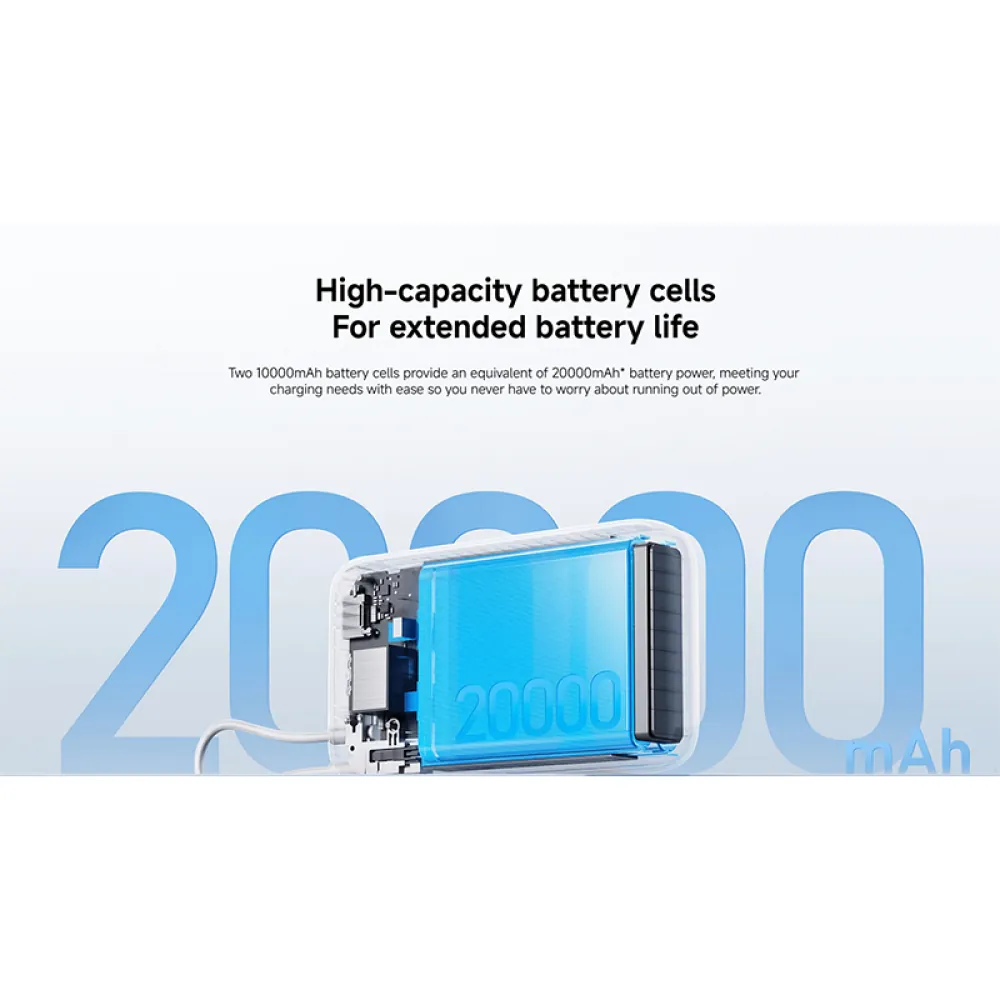
Keep the charge between about 20 and 80 percent for daily use, and store it near half when you won’t touch it for weeks. Cells held at full voltage age faster, and cells drained to zero risk tripping the protection circuit. Staying in the middle avoids both extremes.
Never leave it in a hot car, on a windowsill, or next to a radiator. Heat speeds up the chemical wear inside the battery, and a warm case while charging is a warning sign. Move it to a cool, shaded spot and let it cool before you plug it in again.
Use the cable and charger that came with it, or a matching replacement with the same output. Use a charger that meets the power bank’s input requirements; the power bank’s internal circuitry will manage the current flow to protect the cells.
Don’t use your phone while the power bank is charging it. Combined draw and input warms both devices, and heat is what wears lithium cells fastest. Let the power bank do its job without asking your phone to work at the same time.
If you won’t use it for a month or longer, charge it to about half, turn it off, and set a reminder to check it every three months. A forgotten power bank left fully charged or fully drained is the fastest way to kill it.
Related guides
- How to Extend Fitness Tracker Battery Life
- Fitbit Battery Life: What to Expect
- Smart Glasses Battery Life and Charging: A Complete Guide
Frequently asked questions
How long does a power bank battery last before it wears out?
Expect a period of regular use before capacity drops enough to notice, assuming you keep it out of heat and avoid draining it to zero every day. Heavy daily use can shorten this lifespan significantly. The exact duration depends on how often you cycle it and how hot it gets; check the small print on your unit for the maker’s own estimate.
Can I leave my power bank plugged in all the time?
No. Keeping it at 100 percent constantly holds the cells at high voltage, which ages them faster than storing them near half. Unplug it once it reaches about 70 or 80 percent, and only plug it back in when the level drops. Constant connection also keeps the circuit warm, which adds wear even when you aren’t using it.
How long should I charge it before putting it away?
Charge it to about half, not full, and top it up every three months if it sits unused. A full charge held for months stresses the chemistry, while a completely drained cell can fall below its safe voltage and refuse to charge later. Half is the safest place for storage.
Is it safe to use my power bank while it’s charging my phone?
Yes, but expect both devices to get warmer than usual. Passing power through while drawing it out creates extra heat inside the power bank, and heat is the main thing that wears lithium cells down. If the case feels hot, stop and let it cool before you use it again.
What happens if I let it drain to zero?
The battery voltage can drop below the safe floor, tripping the protection circuit so the unit won’t accept a charge again. Some power banks can be revived with special equipment, but most cannot, and there’s no safe do-it-yourself fix. Recharge it before the lights go out completely.
Does it matter which cable and charger I use?
Yes. Use a charger that meets the power bank’s input specifications to ensure efficient charging. Use the cable and charger that came with the unit, or a replacement with the same output rating printed on the original.
Can heat really kill a power bank?
Yes. High temperatures speed up the chemical aging inside lithium-ion cells, and a swollen case means the cell is already damaged. Never leave the unit in a hot car or direct sun, and stop using it immediately if the case puffs up — a swollen lithium cell can catch fire.
How do I know when it’s time to replace it?
Replace it when one full charge no longer gives your phone a full top-up, or when the case feels warm while sitting idle. Swelling, refusal to charge, or a capacity drop of a fifth or more are all signs the cells are worn out. There’s no reset that brings the lost capacity back.
Check your power bank now
Check your battery level today and charge it to roughly 75 percent if it sits low. Moving forward, prioritize keeping the unit in a cool, dry environment to ensure it maintains its capacity and provides reliable power for your devices whenever you need it.