

Fitness tracker calories burned estimates are typically off by 20% to 30%, so the number on your screen isn’t a precise measurement. The real accuracy depends heavily on whether you’re resting or exercising, because movement changes how the sensors read your body. If you’re sitting still, the error might drop below 10%. During intense exercise, that same device can miss the true value by 40% or more.
Fitness tracker calorie accuracy at a glance
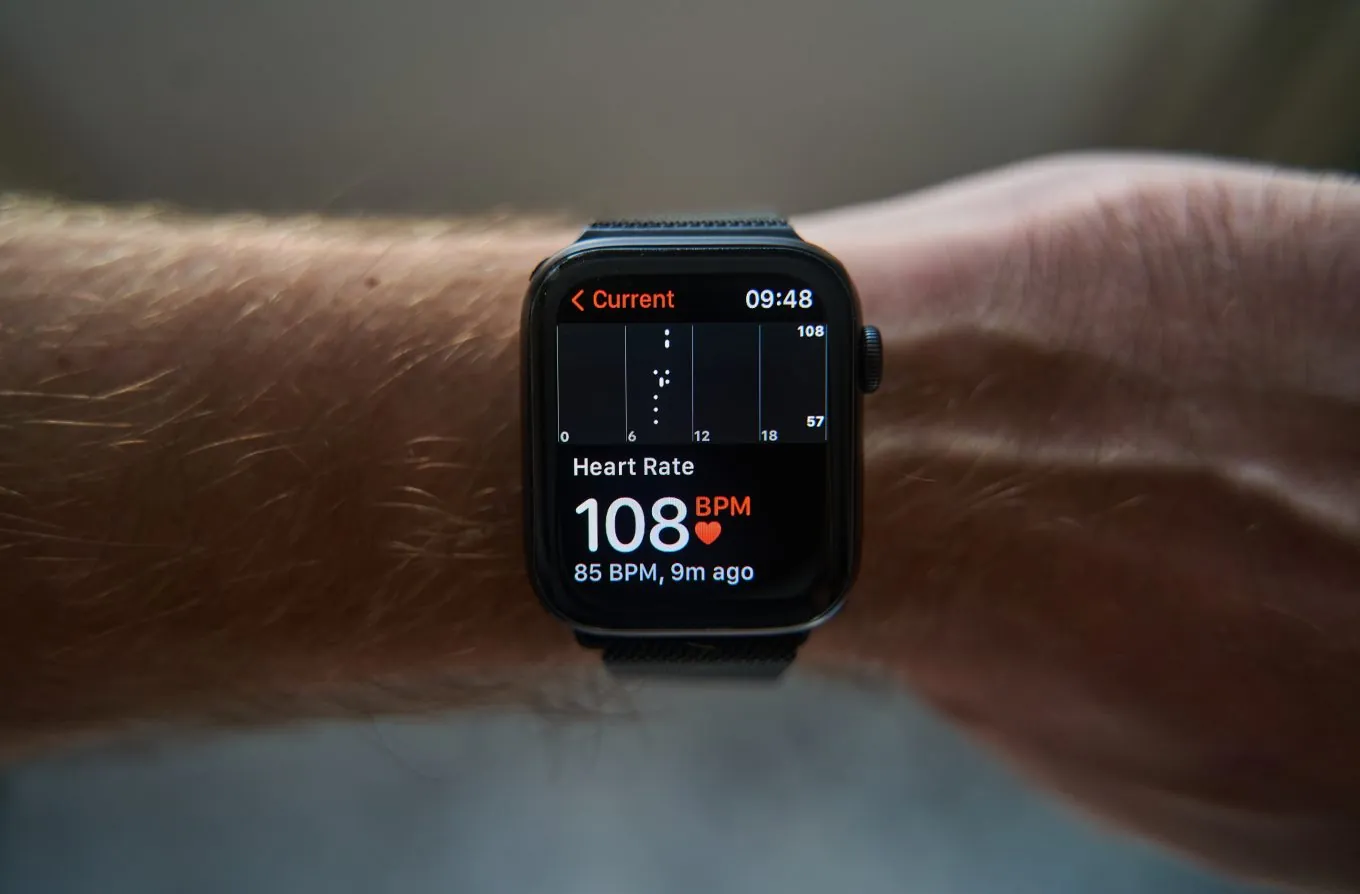
Resting estimates stay within about 8% to 10% of your actual burn when your height and weight are entered correctly. Update those fields every time your weight shifts by more than five pounds. The algorithm scales your baseline metabolism directly from that input.
Walking numbers carry roughly a 20% to 30% error margin, assuming you wear the device snugly above your wrist bone. Pushing a stroller or holding a dog leash restricts your arm movement. Without normal arm swing, the accelerometer undercounts your steps and misses much of your actual effort.
Running and cycling readings often miss by 30% to 40% because optical heart rate sensors struggle with heavy arm movement. Grip vibration on a bike handle confuses the green light reading your pulse through the skin.
Wrist-worn devices can overcount steps during repetitive desk work or chores like chopping vegetables, which may falsely inflate your daily total. These small wrist movements can sometimes trick the accelerometer into registering extra steps. Switch your tracker to your non-dominant hand to reduce this phantom count.
Chest straps paired with a watch cut the heart rate error in half compared to using the wrist sensor alone. The strap reads electrical signals directly from your heart rather than guessing from blood flow changes under your skin.
No consumer wearable measures energy directly; they guess it from motion and pulse, so treat the number as a rough trend. Use it to compare your Tuesday against your Thursday rather than counting exact calories eaten.
Why fitness trackers misread calories
A fitness tracker doesn’t actually measure the energy leaving your body. It guesses that number using an algorithm fed by two main inputs: your movement data and your heart rate. The device takes your profile details—age, sex, height, and weight—and plugs them into a mathematical model built for average populations. You aren’t an average population. Your muscle mass, metabolism, and stride length all differ from the baseline the software assumes, and that gap creates the error.
Accelerometers count your steps and estimate intensity by feeling how fast your wrist moves. This works decently for walking on flat ground. But if you push a stroller, carry groceries, or type aggressively at a keyboard, your wrist moves without your whole body burning proportional energy. The algorithm can’t tell the difference between swinging your arms while running and waving them while talking. It just sees motion and adds calories to your daily total.
Heart rate is the second piece of the puzzle, measured through green LED lights shining into your skin. Blood absorbs green light, so the sensor tracks your pulse by watching how much light bounces back.
Sweat, dark skin tones, tattoos, and a loose band all scatter that light before it reaches the sensor. A Stanford University study published in 2017 tested several popular devices and found that calorie estimates varied widely across different brands and activities, with none measuring energy expenditure accurately.
Even when the heart rate reading is perfect, converting beats per minute into calories requires knowing your exact oxygen consumption because that relationship shifts depending on what fuel your muscles are burning. Fat and carbohydrates require different amounts of oxygen to produce the same energy. The tracker doesn’t know what you ate for breakfast or how your specific body partitions fuel, so it applies a standard conversion factor that simply doesn’t fit everyone.
If you use the tracker to spot general trends over weeks, it’s a useful tool. If you use it to justify eating an extra 500-calorie meal because the screen says you earned it, the math will work against you. The trade-off is clear: convenience comes at the cost of precision. A lab-grade metabolic cart measures your actual breath gases, but you can’t wear one to the grocery store.
The one thing that varies is your personal error rate, and you’ll only find yours by comparing the tracker’s weekly trend against real changes in your body weight over the same period.
When fitness tracker calorie counts change

The standard 20% to 30% error margin assumes normal conditions. Different bodies, sports, and environments force the sensors to work outside their ideal range, which shifts the numbers significantly.
Optical sensors read blood flow by bouncing green light off your wrist. Anything that alters that reflection or changes how blood moves will distort the reading.
A loose band is the most common fix people miss during high-impact workouts. The sensor must sit flat against the skin without sliding when you jump.
| Situation | What changes | What to do instead |
|---|---|---|
| Weightlifting | Wrists stay still while muscles work hard | Use a chest strap for better heart rate |
| Swimming | Water blocks the optical light sensor completely | Pick a swim-specific mode or waterproof watch |
| Cycling | Arms don’t move, so step counting fails | Mount a cadence sensor to the bike |
| Loose band | Sensor loses contact with skin during jumps | Tighten the strap one notch higher |
| Darker skin | Melanin absorbs more green LED light | Ensure a snug fit to maximize the light reaching the sensor |
| Cold weather | Blood vessels shrink, reducing the pulse signal | Warm up indoors before starting the workout |
During weightlifting, your forearm muscles contract tightly around the wrist bones. This mechanical pressure restricts capillary blood flow right under the sensor.
If your tracker shows a steady heart rate during heavy deadlifts, it’s likely failing to detect your pulse due to restricted blood flow rather than capturing your true heart rate.
Cycling presents a different problem because your arms remain entirely static on the handlebars. Many algorithms mistake this stillness for resting rather than riding.
How to get better calorie estimates
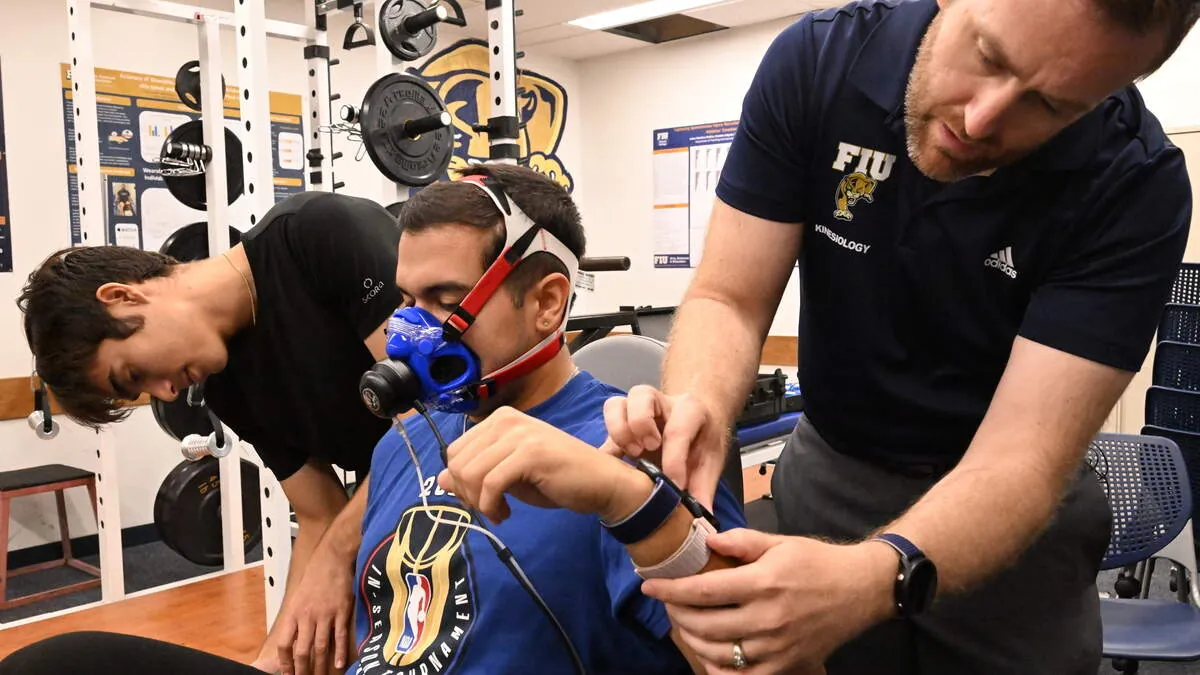
You can’t make a wristwatch perfectly accurate, but you can tighten the gap between its guess and reality. Follow these steps to give the algorithm the best possible data to work with.
-
Enter your exact current weight and height in the companion app, not rounded figures. Update your weight every time it changes by more than five pounds. The algorithm scales its entire formula based on this single number. A ten-pound error in your profile translates directly into a daily calorie error.
-
Wear the device one finger-width above your wrist bone on your non-dominant hand. Fasten the strap snugly enough that it doesn’t slide when you shake your arm. Don’t cinch it so tight that it leaves deep marks. A sliding sensor loses the pulse signal entirely during fast movements.
-
Select the correct activity mode before you start moving. Don’t leave the watch in “general” mode for a run. Tapping the running icon tells the software to apply a running-specific formula, often incorporating GPS pace to estimate effort even if your arm swing is restricted.
-
Pair a Bluetooth chest strap heart rate monitor if your watch supports one. Electrical chest straps read the heart’s actual signals rather than bouncing light off blood vessels. This halves the heart rate error during high-intensity intervals where wrist sensors fail most often.
-
Calibrate your stride length by walking or running a known distance with GPS enabled. Do this outdoors on a flat track for at least one mile. The watch uses this measured distance divided by your step count to learn exactly how far you travel per step.
-
Sync your device to its app daily so the background algorithms update your resting metabolic rate. Missing syncs mean the software calculates today’s burn using last week’s fitness baseline. Check the app’s dashboard to confirm the sync completed successfully.
-
Cold weather and dark skin tones both reduce optical accuracy. Low temperatures restrict blood flow near the surface, while melanin absorbs the green light the sensor relies on. If either applies to you, warm up indoors for five minutes before starting your workout. That brief delay pushes enough blood back to your wrists to stabilize the reading.
Mistakes that ruin fitness tracker accuracy
-
Wearing it too loosely during workouts. The optical sensor needs constant skin contact to read your pulse. A bouncing watch records gaps in your heart rate data. The algorithm then falls back on basic motion tracking and severely undercounts your effort. Snug the band one notch tighter than your daily wear before you start sweating. Slide it about a finger’s width up your forearm, away from the wrist bone. That bony ridge blocks light and ruins the seal when your wrist bends.
-
Using the calorie number to plan meals exactly. Eating back every calorie the screen shows leads to weight gain. The device routinely overestimates active burn. Treat the number as a relative score to compare against yesterday, not as a strict dietary allowance. If you eat back those numbers, you’ll erase the deficit you worked for. People who track food alongside their watch often stall out because they trust the higher estimate. Subtract twenty percent from the active burn figure before logging it as food you earned.
-
Leaving old profile data unchanged after losing weight. A lighter body burns fewer calories to perform the exact same physical task. If your app still thinks you weigh twenty pounds more than you actually do, it will overestimate your daily expenditure every single day. Update your weight in the companion app every time you drop five pounds. Mass is the primary variable in the metabolic equations running behind the screen.
-
Ignoring firmware updates from the manufacturer. Companies regularly patch their calorie algorithms to fix known errors with specific exercises. Running year-old software means you’re missing corrections that could improve your readings by several percentage points. These patches often target specific activities where users reported bad data. An update might finally fix the elliptical machine formula or adjust how the watch counts swimming laps. Check for updates monthly rather than waiting for the app to prompt you.
-
Expecting accuracy during strength training. Lifting heavy weights spikes your heart rate and taxes your muscles, but your wrists barely travel any distance. The tracker sees low movement and moderate heart rate, then assigns a calorie value that misses the true muscular demand entirely. Wrist-based sensors fail here because heavy gripping restricts blood flow near the skin. This confuses the optical reader during deadlifts or heavy rows. Log these sessions manually using a dedicated strength app if you need the volume tracked properly.
These devices serve you best when you understand their limits. They’re excellent tools for spotting long-term trends, like noticing your resting burn slowly rise as you build muscle over several months. They aren’t scientific instruments meant to dictate your exact daily food intake. For everyday tracking, keep the band tight and your profile updated, then compare your weekly averages to guide your next training adjustment.