

This buying guide covers the fitbit versa series, which tracks daily steps, heart rate, sleep, and notifications. The Versa 4 offers premium fitness features, while the Versa 2 provides an inexpensive way to monitor basic health data. You will learn what each model tracks, where the sensors fall short, and how to select the right device without paying for unnecessary extras.
What the Fitbit Versa actually does
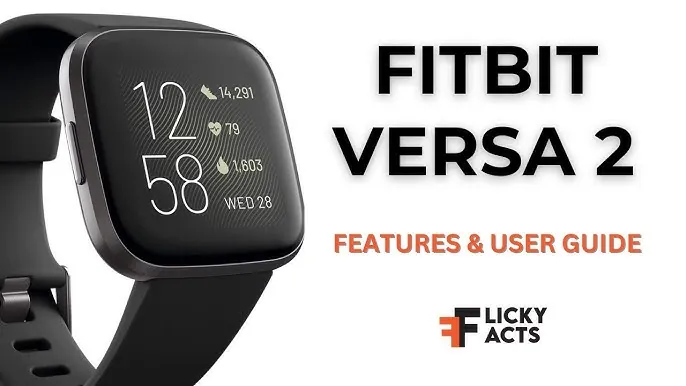
This line of watches sits between a simple step counter and a full sports computer. It’s built for people who want their daily movement, resting heart rate, and sleep stages tracked without carrying a bulky device. The screen shows calls, texts, and app alerts from your phone, so you don’t have to reach into your pocket every time it buzzes.
It works by shining green LED lights through your skin to measure blood flow. That optical sensor reads your pulse day and night, feeding the data into Fitbit’s app to build a daily readiness score. This score tells you if your body recovered enough overnight to handle a hard workout today.
People often think these watches count calories burned with perfect accuracy. They do not. Optical wrist sensors struggle during heavy weightlifting because flexed muscles block the light. If you lift weights three days a week, the calorie estimate will drift far from reality. For steady walking or running, the readings stay much closer to the truth.
If you’re training for a specific heart rate zone, check your pulse manually after five minutes of exertion. If the watch shows a number significantly lower than your manual count, tighten the band by one notch. A loose strap allows light leakage, which causes the sensor to miss beats during high-intensity intervals. Always prioritize the watch for steady-state cardio and rely on manual checks for explosive, short-duration movements.
How to set up your Fitbit Versa watch
Getting the watch ready takes about ten minutes if your phone’s Bluetooth is already turned on. Follow these steps in order so the sensors calibrate correctly before you start wearing it.
- Charge the watch fully using the magnetic cable in the box; a dead battery stops the first sync.
- Download the Fitbit app on your iOS or Android phone and create an account.
- Tap “Set Up a Device” in the app, select your exact Versa model, and hold the watch within two feet of your phone.
- Enter the six-digit code shown on the watch screen into your phone to pair them.
- Type your exact height, weight, age and dominant hand into the profile settings so the step algorithm calculates distance properly.
- Wear the watch one finger-width above your wrist bone, tightening the band until it doesn’t slide but still lets blood flow.
- Walk outside for ten minutes with your phone nearby so the watch can lock onto GPS satellites through your phone’s connection.
The single choice that ruins your data happens at step five. If you guess your height or leave the default stride length alone, your daily distance will be wrong by hundreds of meters. Measure yourself and type the real number.
Fitbit Versa specs and settings you need
These are the numbers you’ll check when deciding which model fits your routine. Each setting assumes the standard silicone band; if you buy a thicker metal link band, expect the battery to drain slightly faster because the watch sits heavier and the sensor works harder to get a clean pulse reading.
| Situation | What to use | How long | What to watch for |
|---|---|---|---|
| Daily wear (Versa 4) | Standard mode | Up to 6 days | Battery drops faster with always-on display |
| Daily wear (Versa 2) | Standard mode | Up to 5 days | No built-in GPS means phone must be near |
| Outdoor run (Versa 4) | Built-in GPS | About 12 hours | GPS drains battery twice as fast |
| Sleep tracking | Night mode | 8-10 hours | Loose bands cause missed heart rate data |
| Swimming | Water lock mode | 5 ATM water resistance | Touchscreen stops working until unlocked |
| Charging from empty | Magnetic charger | About 2 hours | Clean the contacts if charging stalls |
Check the official Versa 4 specifications page on Fitbit’s website if you need the exact screen resolution or supported Bluetooth version for your specific region.
Getting accurate readings from your Versa
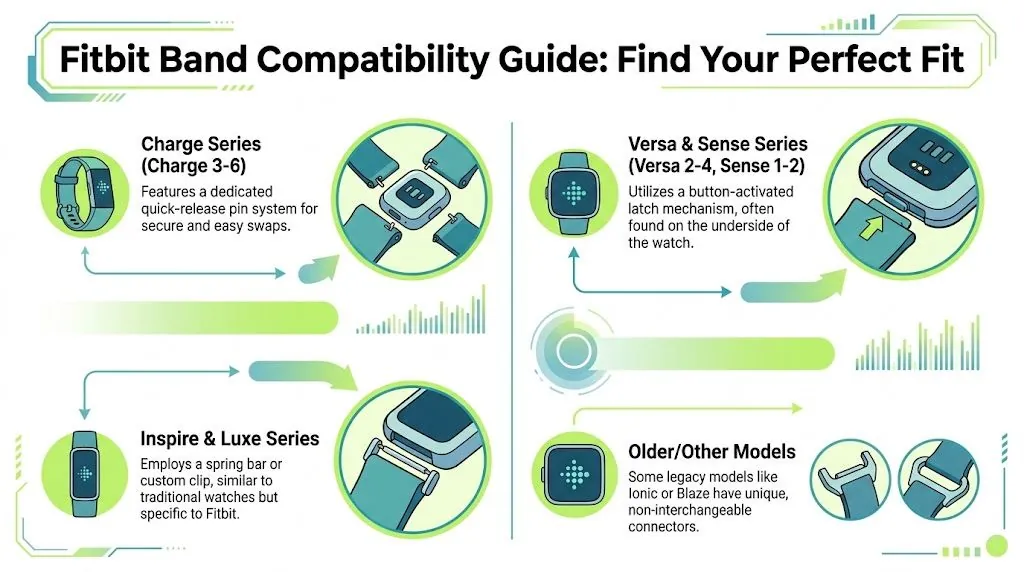
A loose watch band is the fastest way to ruin your health data. The green lights on the back need steady contact with your skin to read your pulse. If the watch slides up and down your arm while you walk, the sensor catches ambient light instead of your blood flow. Pull the strap tight enough that you can’t fit a second finger under it.
If you track runs outdoors, wait for the GPS icon to turn solid on the screen before you take your first step. Starting the timer while the signal blinks means the first half mile gets mapped using your phone’s rough cell tower location. That adds phantom distance to your route.
Don’t trust the sleep score blindly after drinking alcohol. Alcohol raises your resting heart rate and changes your breathing pattern, which tricks the optical sensor into logging restless sleep even if you feel unconscious. The watch records the physical signals accurately, but the software interprets them as poor rest. Read the raw heart rate graph instead of relying on the single sleep number the next morning.
Fixing common Fitbit Versa problems
When the watch stops behaving normally, the issue usually traces back to one of these physical causes. Check the simplest fix before resetting anything.
| What you notice | What it usually means | What to do first |
|---|---|---|
| Screen stays black | Battery drained completely | Charge for 30 minutes before pressing buttons |
| Steps look too high | Arm movements counted as steps | Push “dominant hand” setting to non-dominant |
| Heart rate drops out | Band is too loose or dirty | Wash the sensor back with soap and water |
| Won’t sync to phone | Bluetooth connection timed out | Toggle phone Bluetooth off, wait 10 seconds, turn on |
| Skin turns red underneath | Moisture trapped against skin | Take the watch off for one hour daily to let skin dry |
If your steps remain inflated after changing your dominant hand setting, you’re likely wearing the tracker too loosely. The device relies on a tight, consistent contact point to filter out casual arm swings. Aim for a fit where you can’t easily slide a finger between the strap and your wrist.
If washing the sensor and tightening the band fails to restore heart rate tracking, restart the watch by holding the side button for ten seconds. A frozen background process often blocks the sensor feed. If the screen remains unresponsive after a hard reset, check the charging pins for debris.
A tiny buildup of lint or sweat residue can prevent a full charge, causing the processor to throttle performance to save power. Clean these pins gently with a soft, dry toothbrush to ensure a clean connection.
Safety limits and water rules
Fitbit rates the Versa line water-resistant to 50 meters. That rating means it survives swimming in a pool or getting caught in heavy rain. It doesn’t mean you should wear it scuba diving or inside a hot sauna. High heat expands the rubber seals that keep water out, and steam enters places liquid water cannot.
Pool chemicals degrade those same seals faster than fresh water does. Rinse the watch under plain tap water after every swim. Leaving chlorine to dry on the back cover will eventually cause moisture to reach the charging contacts.
The electrical heart rate sensor isn’t a medical device. The US Food and Drug Administration clears certain chest straps for diagnostic use, but consumer wrist watches like this one are sold only for general wellness. Never change medication based on a resting heart rate number from your watch.
Dark skin tones and heavy tattoos reduce the accuracy of optical sensors. If your readings jump around during workouts, tighten the band by one notch. Moving the watch higher up your forearm also helps when wrist bones block the light.
If you notice the watch shocking your wrist or the battery swelling under the glass, stop wearing it immediately. A swollen lithium battery needs professional disposal. Don’t throw it in the regular trash. Contact Fitbit support directly, as opening the case yourself voids the warranty and risks a fire.
Keeping your Versa running longer
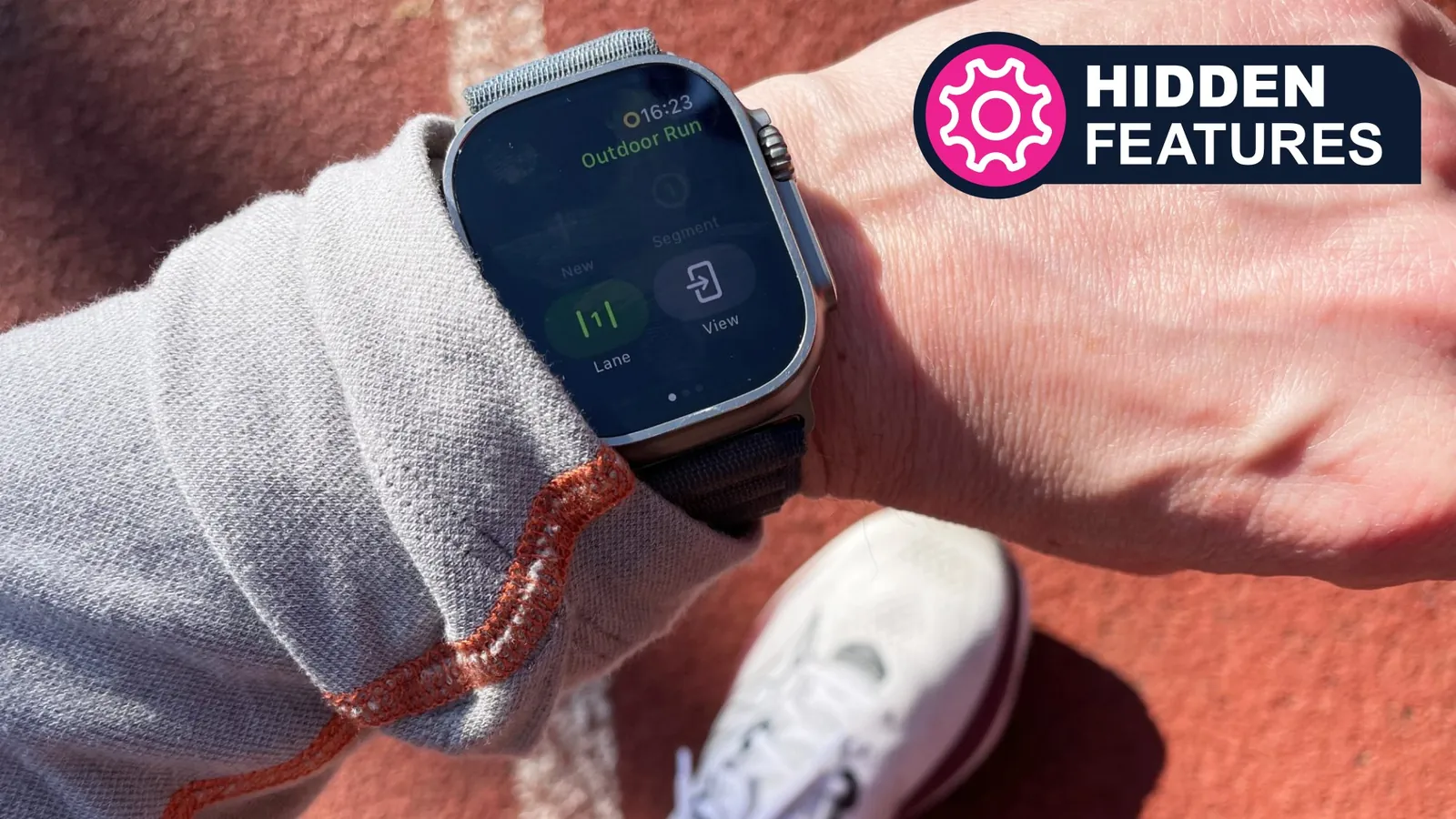
Wipe the back of the watch with a damp cloth every night before bed. Sweat dries into a white crust over the sensor lights, blocking the green LEDs from reaching your skin. A blocked sensor forces the watch to boost its light output, which drains the battery hours earlier than normal.
Charge the watch while you shower rather than waiting until it dies overnight. Plugging it in for fifteen minutes daily keeps the battery in a healthy middle range. Letting it hit zero percent every few days wears out the lithium cells faster over a year. If you notice the device feels warm while charging, unplug it immediately; heat is the primary enemy of long-term battery capacity.
Update the software whenever the app prompts you. Fitbit pushes fixes for background processes that silently drain power. Skipping updates leaves old bugs running on your wrist. If the touchscreen stops responding after a swim, dry the edges thoroughly; water droplets register as finger taps and freeze the interface.
Most users make the mistake of leaving their watch on the charger all night. This constant trickle charge keeps the battery at 100 percent, which accelerates chemical degradation.
When the Versa isn’t the right watch
If you run marathons or train for triathlons, this watch will frustrate you. The screen is too small to show pace, distance, and heart rate zones at the same time. You can’t toggle through data fields while running at a sprint. Buy a dedicated running watch like a Garmin Forerunner instead, because those devices offer multi-band GPS and physical buttons that work with wet fingers.
If you need continuous ECG readings or FDA-cleared irregular rhythm notifications, older Versa models lack the necessary hardware. The Apple Watch Series 8 or newer Samsung Galaxy Watches carry the required electrical sensors for these specific medical checks. If your primary goal is clinical-grade health monitoring, skip the Versa entirely.
If you dislike weekly charging, the Versa’s battery life is a drawback. Hybrid watches with physical hands last months on a coin battery, sacrificing the bright screen for longevity. If you spend more than three nights away from an outlet, consider a hybrid device to avoid the inconvenience of a proprietary charger.