

Medical alert pendants, smartwatches with fall detection, and dedicated GPS trackers are the best fall detection wearables for seniors who need reliable safety monitoring. These devices all use accelerometers and gyroscopes to detect sudden impacts or changes in orientation that signal a potential fall. The key difference between them lies in how they connect to help: some rely on Bluetooth tethering to a smartphone, while others operate independently through cellular networks or landline base stations. Choosing the right one depends entirely on whether the user carries a phone consistently and needs coverage outside the home.
Fall Detection Wearable Types at a Glance
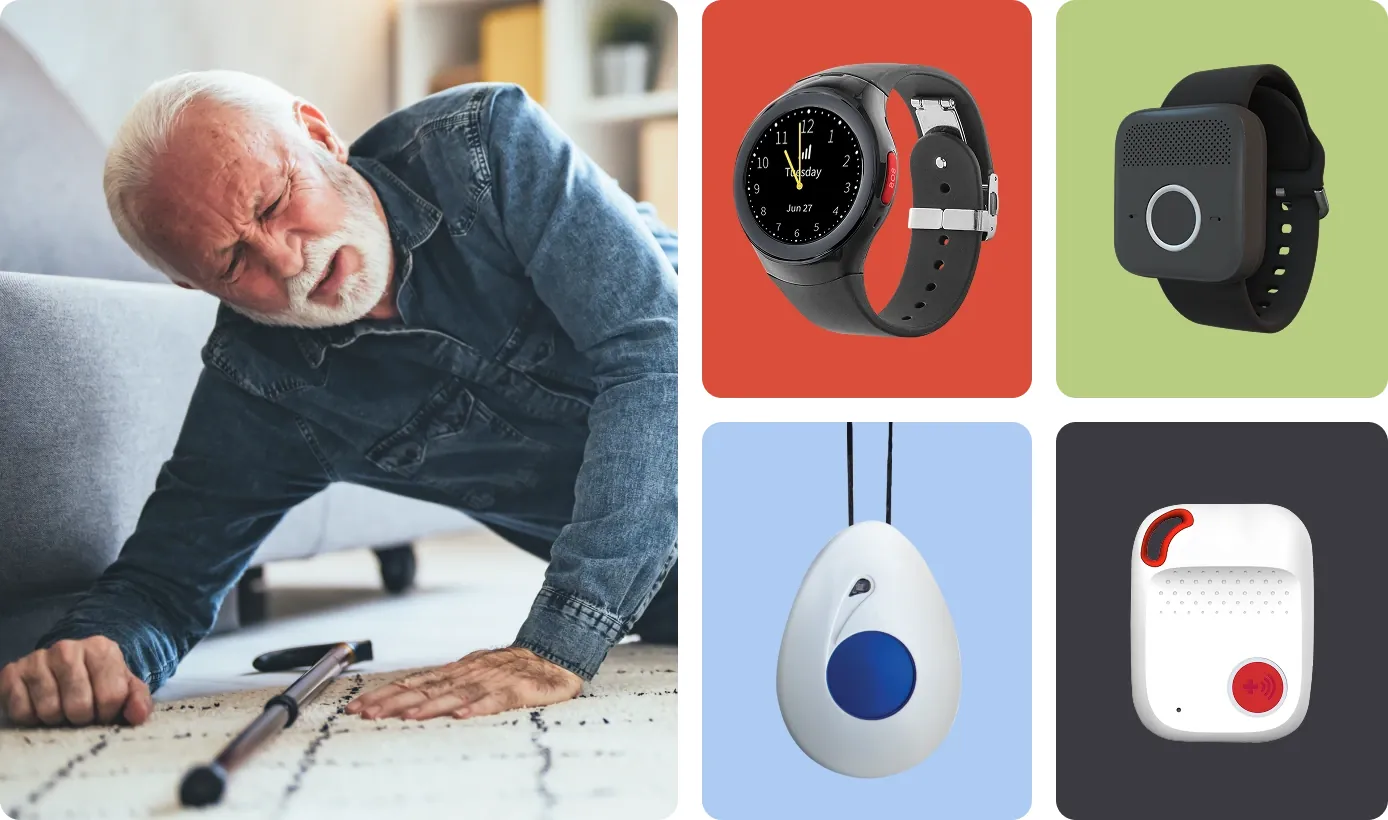
These five categories cover every reliable option currently available for personal emergency response. Each serves a distinct need based on mobility, tech comfort, and budget constraints.
| Device Type | Best For | Concrete Example |
|---|---|---|
| Cellular Medical Pendant | Active seniors without smartphones | Medical Guardian MGMini2 |
| Smartwatch with Detection | Tech-comfortable users wanting health features | Apple Watch Series 9 |
| Home-Based Pendant System | Seniors staying primarily indoors | Philips Lifeline AutoAlert |
| GPS Tracker with SOS | Wandering risk or dementia patients | Jiobit Smart Tag |
| Belt-Worn Clip Device | Users who forget neck pendants | Lively Mobile Plus |
Home-based systems rely on landline or Wi-Fi base stations with limited range. Test the pendant at your property line before assuming coverage extends to detached garages. Cellular pendants work anywhere with signal but require monthly subscriptions, as do some smartwatch monitoring services.
Smartwatch detection demands daily charging and correct wrist placement. Loose bands cause missed alerts during actual falls. Belt clips prevent removal during bathing but may trigger false alarms when bending. GPS trackers offer geofencing yet lack automatic fall detection in most models.
Choose based on primary risk environment rather than feature lists. Indoor-only users waste money on cellular plans. Active seniors lose protection relying solely on home base stations. Match the device to where emergencies actually occur.
Cellular Medical Pendants
Cellular medical pendants provide standalone emergency communication without requiring a smartphone or home base station. They suit active seniors who leave home regularly but don’t want to manage another smart device’s charging routine or complex interface.
Connects directly to monitoring centers via built-in cellular chips, ensuring coverage anywhere with network signal regardless of phone proximity. Verify specific carrier compatibility before purchasing, as rural coverage varies significantly between providers and dead zones render the device useless during critical moments outside metropolitan areas.
Includes automatic fall detection sensors calibrated specifically for elderly gait patterns rather than general fitness tracking algorithms. False alerts still occur when users clap hands forcefully or drop heavy objects, so test sensitivity settings immediately upon activation to avoid unnecessary emergency dispatches that erode confidence in the system.
Offers 3-5 day battery life with simple magnetic charging docks that require no precise alignment or tiny ports. Establish a fixed nightly charging habit because battery indicators often fail to warn adequately before complete shutdown, leaving users unprotected during morning routines when most falls actually happen.
Features two-way voice communication through built-in speakers and microphones so help arrives even if the user can’t speak clearly after impact. Operators can also listen silently if the button was pressed accidentally, preventing panic while confirming whether genuine assistance is needed through ambient audio assessment.
A typical setup is inexpensive relative to cellular alternatives, which you can verify directly on providers’ official pricing pages before committing. If your senior rarely leaves home and already has a landline, this independence becomes unnecessary expense; choose a home-based system instead. The trade-off is paying premium monthly fees for cellular freedom that may go unused during sedentary periods.
Smartwatches with Fall Detection
Smartwatches with fall detection integrate safety monitoring into everyday wearable technology that also tracks health metrics. They differ from dedicated pendants by combining emergency response with fitness tracking, notifications, and apps in a single wrist-worn device.
- Detects hard falls using advanced motion sensors and confirms incidents through follow-up prompts before alerting emergency contacts automatically.
- Provides continuous heart rate, blood oxygen, and ECG monitoring alongside fall alerts for comprehensive health oversight.
- Sends location data and medical ID information to responders through paired smartphone connections when cellular models aren’t selected.
- Allows customization of emergency contacts and sensitivity settings through companion apps rather than fixed monitoring center protocols.
Apple states that fall detection requires watchOS 4 or later and works only when enabled manually in settings for users under 65. This device isn’t for seniors who struggle with touchscreens or forget to charge daily; missed charges mean zero protection. You’ll gain multifunctionality but sacrifice the always-on reliability of dedicated medical devices designed solely for emergencies. Battery life typically ranges 18-36 hours depending on usage intensity and sensor activation frequency.
Home-Based Pendant Systems
Home-based pendant systems connect through landlines or Wi-Fi base stations rather than cellular networks. They serve seniors whose activities stay within property boundaries and who prefer not managing mobile connectivity or smartphone pairing requirements.
- Operates through wall-mounted base stations with backup batteries maintaining function during power outages lasting up to 24 hours.
- Costs significantly less monthly than cellular alternatives because infrastructure relies on existing home telephone or internet connections.
- Limits coverage to base station range, typically 300-600 feet indoors depending on building materials and interference sources.
The catch here is geographic: check your base station’s specified range against actual property size before purchasing, as walls and floors reduce effective distance substantially. If wandering beyond property lines occurs even occasionally, this system fails completely at the boundary. Installation assumes stable landline or broadband service; losing either connection disables the entire system until restored. Monthly monitoring fees are inexpensive relative to cellular pendant costs according to Medicare.gov’s guide to medical alert systems.
GPS Trackers with SOS Buttons
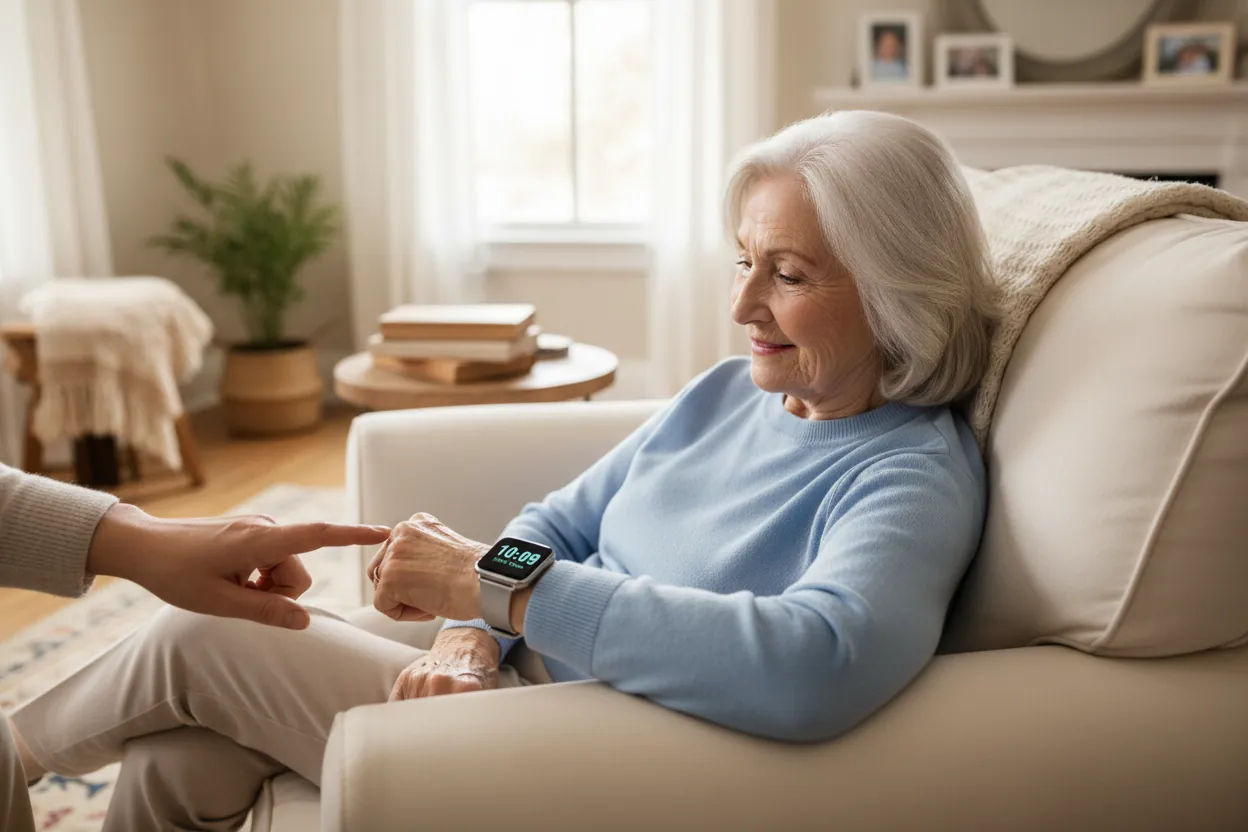
GPS trackers with SOS buttons prioritize location monitoring over automatic fall detection algorithms. They address wandering risks associated with dementia or cognitive decline where preventing loss matters more than detecting impacts after they occur.
Transmits real-time location updates to caregiver apps every 1-5 minutes depending on selected tracking frequency and battery conservation settings. Includes geofence alerts notifying caregivers immediately when wearers cross predefined virtual boundaries around safe zones.
Requires manual SOS button presses rather than automatic detection, making it unsuitable for unconsciousness or immobilization scenarios. Test the button monthly because arthritis or neuropathy can make pressing difficult during actual distress.
Demands frequent charging every 1-3 days based on tracking interval selection and cellular signal strength in frequented areas. Weak signals drain batteries faster as devices repeatedly search for connections.
This isn’t a fall detection device despite marketing claims; it’s a location tracker with emergency signaling capability. Confusing these functions costs families critical response time when automatic detection is actually needed.
Choose this only when wandering prevention is the primary concern and fall risk remains secondary. Always pair with traditional fall detection if both risks coexist in your care situation. Verify that your chosen model supports simultaneous use without signal interference between devices.
Additional Wearable Safety Options
Belt-worn clips attach to waistbands for seniors who remove neck pendants during sleep or bathing. Position matters significantly since hip impacts register differently than chest-mounted sensors during sideways falls. Calibrate sensitivity carefully because loose clothing can cause false negatives when the device shifts away from the body.
Insole pressure sensors embed inside shoes detecting weight distribution anomalies preceding falls rather than impacts themselves. These are useful for preventive gait analysis but not emergency response. They require specific footwear, so verify compatibility before purchasing to avoid rendering the system useless with everyday slippers.
Wall-mounted pull cords install in bathrooms and bedrooms as stationary backup when wearables get removed. Cover transition moments when most bathroom falls occur according to CDC injury statistics. Mount the cord within six inches of the floor so a person lying down can still reach it after collapsing.
Voice-activated assistants respond to verbal distress calls through smart speakers placed strategically. Supplement wearables during charging periods but can’t detect silent incapacitation events. Test microphone range at floor level since voice recognition often fails when the user is prone or whispering from a distance.
Choosing the Right Fall Detection Device
Your decision hinges on three concrete factors: mobility range, smartphone ownership, and cognitive capacity. If the senior leaves home daily without carrying a phone consistently, cellular medical pendants provide necessary independence. If they own and comfortably use a smartphone already, smartwatches add value without redundant subscription costs. If movement stays strictly within home boundaries and budget constrains choices, home-based systems deliver adequate protection at lower ongoing expense.
Cognitive status determines whether automatic detection is mandatory or optional. Seniors with memory impairment or confusion during emergencies can’t reliably press buttons; automatic fall detection becomes essential regardless of other preferences. Those with full mental clarity may prefer manual SOS triggers to avoid false alarms from vigorous activity or accidental bumps. Match the device’s automation level to actual cognitive reliability, not hoped-for capabilities.
Budget realities shape sustainable long-term protection. Monthly fees accumulate to hundreds annually; calculate total first-year costs including equipment and activation before deciding. Higher upfront purchases sometimes reduce monthly obligations through prepaid plans or owned equipment options. Never select based on monthly fee alone if it sacrifices necessary coverage area or automatic detection features your situation demands.
These technologies generally can’t combine effectively; wearing multiple devices creates confusion about which button to press and doubles charging burdens. Pick one primary system matching your highest-priority risk factor, then add stationary backups like bathroom pull cords for coverage gaps during wearable removal periods. Trying to layer incompatible systems usually results in neither being used consistently.
Taking the First Step Toward Safety
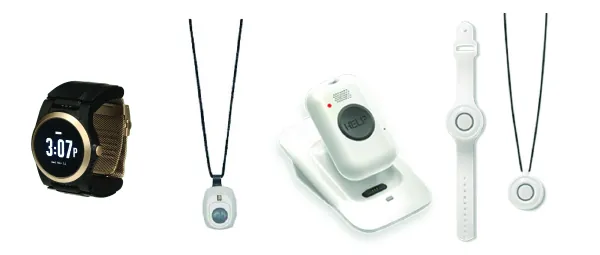
Start by mapping the senior’s actual daily movement patterns and honest technology comfort level before browsing products. Note specific times they leave home alone or navigate stairs without supervision.
Test any chosen device together during normal routines for two weeks to confirm it stays worn and charged consistently. Track charging habits alongside wear time to identify friction points early. Expect an adjustment period where false alarms or forgotten wear occurs. Consistent use matters more than perfect initial compliance during this phase.
Consult occupational therapists if repeated non-use persists despite adjustments, as resistance often signals unaddressed fears or physical discomfort. Professional evaluation identifies whether barriers are behavioral, physical, or technological before investing in replacements.
Conclusion
Don’t just compare specs online; you’ll want to test a few devices at home first. It’s the only way to see what feels comfortable and works reliably in your daily routine, ensuring you won’t hesitate to wear it every single day.