

Smart glasses with displays show digital information on tiny screens built into the frames, letting you read messages, follow directions, or watch media without a phone. They sit between regular glasses and virtual-reality headsets, categorized by whether they layer information over your view or replace it entirely. These devices come in three main kinds: see-through models, video-viewing models, and immersive headsets.
Types of smart glasses with displays
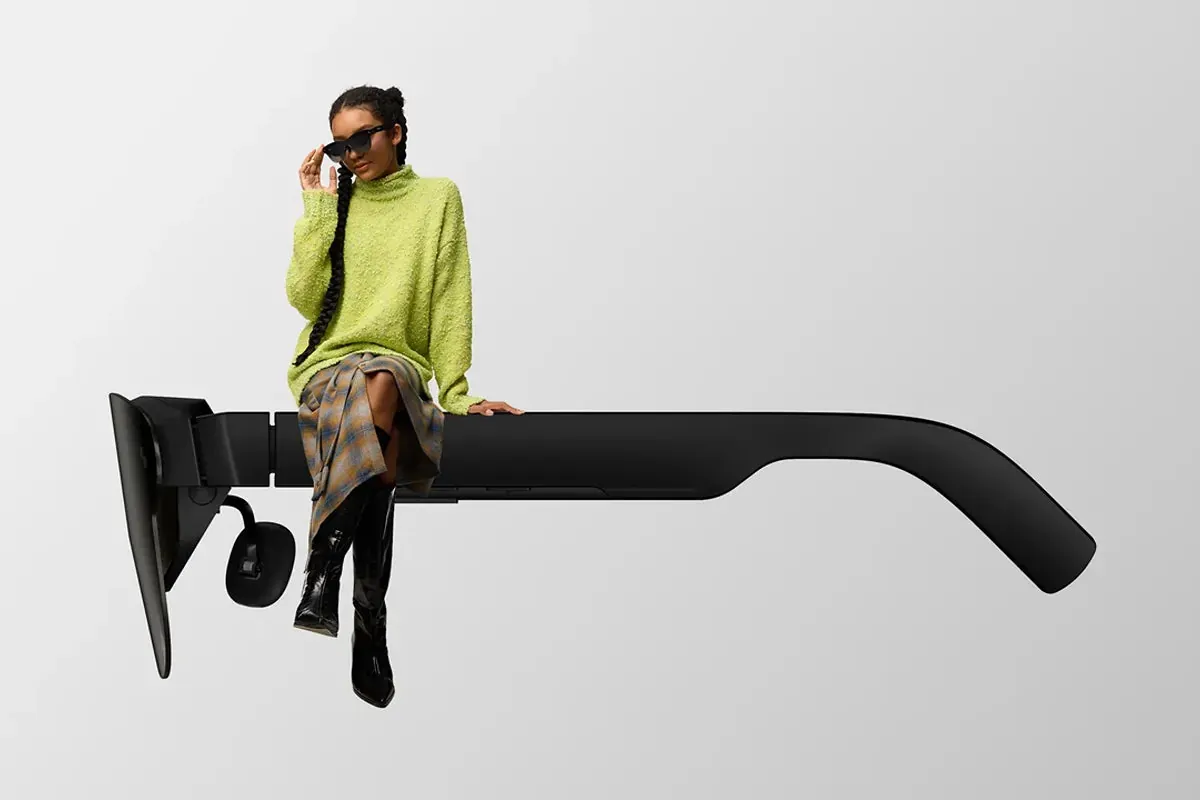
One sentence leads in, then the table below lists every type this page covers.
| What it’s called | What it’s best for | A real example |
|---|---|---|
| See-through smart glasses | Reading messages and directions while walking | Ray-Ban Meta |
| Video-viewing glasses | Watching movies and shows on a personal screen | Xreal Air 2 |
| Immersive smart glasses | Gaming and virtual workspaces | Meta Quest 3 |
See-through models keep your eyes on the street while showing small bits of information. Video-viewing glasses are built for media, not for walking around in public. Immersive headsets block out the room and are used indoors, usually while sitting down.
Ray-Ban Meta
See-through smart glasses with a camera and small display elements in the frame suit people who want notifications and photos without pulling out a phone. They’re good for taking pictures, recording short videos, receiving calls, and listening to music through open-ear speakers.
The glasses connect to a phone over Bluetooth, so the display stays minimal and the battery lasts a few hours of mixed use. A person walking through a city can glance at a navigation arrow on the lens without stopping to check a phone.
These devices rely on your phone’s processing power to function. If your phone loses its connection, the glasses lose their primary utility for navigation or messaging. They’re designed for brief, high-utility interactions rather than long-form content consumption.
Xreal Air 2
Video-viewing glasses project a large virtual screen in front of your eyes and suit people who want to watch films or work on a big display while traveling. They’re good for streaming video, mirroring a laptop screen, and gaming through a connected device.
The glasses plug into a phone, laptop, or gaming console through a USB-C cable, so they need a source device to run. Someone on a long train ride can watch a movie on a private screen the size of a small television without disturbing other passengers.
Unlike see-through models, these glasses often have tinted lenses to improve contrast for media. This makes them unsuitable for walking through a busy terminal or navigating a city sidewalk. They’re strictly stationary tools for when you’re seated.
Meta Quest 3
Immersive smart glasses cover your eyes fully and suit people who want to play games or enter virtual workspaces rather than glance at information. They’re good for virtual reality games, 360-degree video, and spatial computing apps that place windows around a room.
The headset runs its own processor and needs a clear space to move in, so it isn’t something you wear on a street. A person in a living room can walk around a virtual object as if it were standing on the coffee table.
These devices use cameras to create a “passthrough” view of your actual surroundings. While this allows you to see your couch or walls, it’s a digital representation rather than a direct view. This makes them the best choice for tasks requiring total focus on a digital environment.
The rest of them
Snap Spectacles — augmented-reality glasses for developers building lens-based experiences; best for creators testing AR ideas rather than everyday buyers. These units prioritize field-of-view over battery life, often requiring frequent charging during development sessions.
Viture One — video-viewing glasses with a neckband controller for private screen viewing; best for people who want a big screen on planes or trains. The neckband houses the battery and processor, which keeps the glasses themselves lightweight for longer viewing sessions.
Rokid Max — display glasses that mirror a phone or computer screen; best for viewers who want a simple plug-and-play personal display. These focus on high refresh rates, which helps reduce eye strain when you’re reading text or spreadsheets on a virtual monitor.
How to choose between them
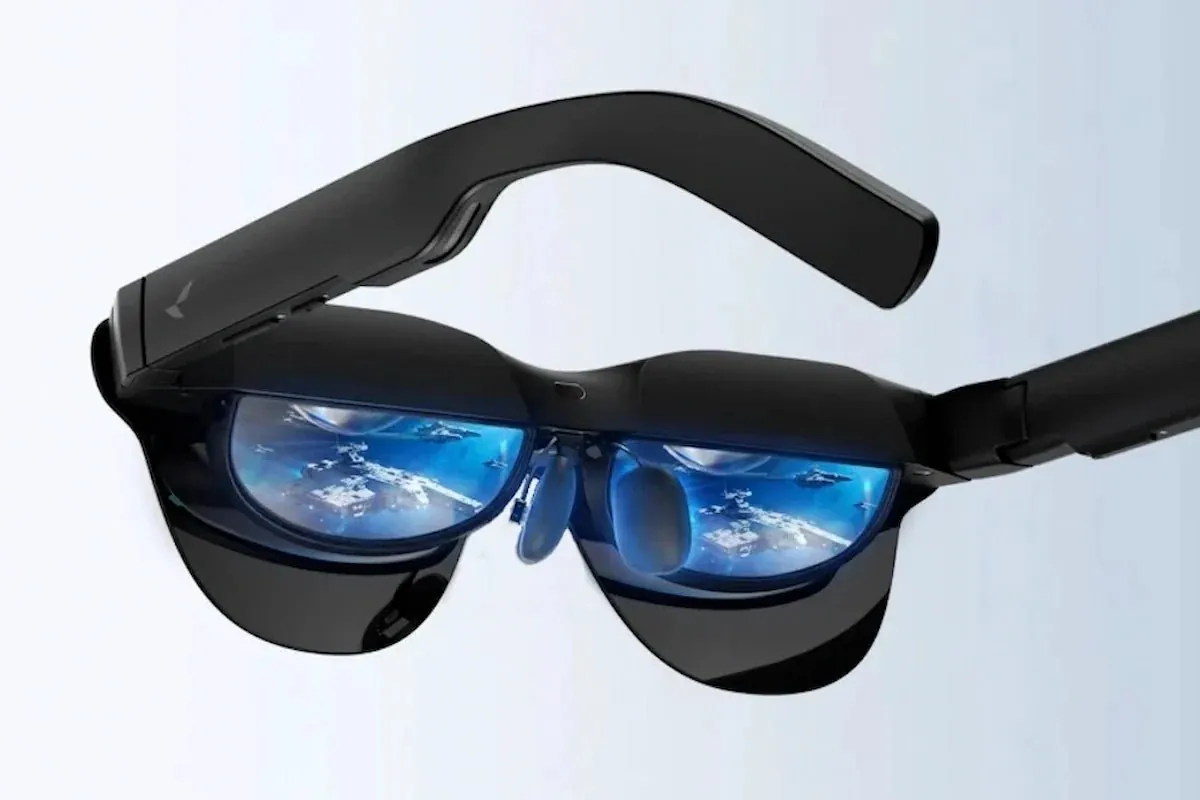
The choice settles on three things about you: where you’ll wear them, what you want to see, and what device you already own.
If you want to check messages and take photos while walking around outside, choose see-through smart glasses such as Ray-Ban Meta. These prioritize social interaction and mobility. They keep you anchored in your physical environment, making them ideal for urban commuting or casual social gatherings where you need to maintain situational awareness.
If you want a large private screen for movies or laptop mirroring while sitting down, choose video-viewing glasses such as Xreal Air 2. These rely on a tethered connection to your phone or laptop. They excel when you’re stationary, such as on a long flight or at a desk, because they transform a small device screen into a cinematic display that floats in your field of vision.
If you want games and virtual spaces that fill your whole view, choose an immersive headset such as Meta Quest 3. See-through and video-viewing glasses can be used in different moments, but an immersive headset replaces your view entirely, so picking one means leaving the others behind for that activity.
Consider the hardware you already carry. If you rely on a locked-down ecosystem, check if the glasses require specific ports or software to function. Some video-viewing glasses demand a device with DisplayPort over USB-C, which many budget phones lack. If your current phone can’t output video, you might find yourself tethered to an extra adapter or a secondary computing unit, which defeats the purpose of a portable display.
Think about your threshold for comfort versus utility. Immersive headsets are heavier and more noticeable in public, which often limits their use to private rooms. Conversely, lighter smart glasses look like standard eyewear but offer limited functionality. If you wear prescription lenses, verify if the model supports magnetic inserts or custom frames. Without this, you’ll be forced to choose between seeing clearly and using the display, a compromise that often leads to eye strain and early abandonment of the device.
Finally, evaluate your tolerance for tethering. Glasses that require a cable to a phone or battery pack offer better battery life and higher resolution, but they tether you to your hardware. If you prefer total freedom of movement, you must accept the trade-off of shorter battery life and lower processing power found in standalone units.
Frequently asked questions
Can you wear smart glasses with displays outside?
See-through models are made for outdoor use, but immersive headsets block your view and should only be used indoors in a clear space.
Why do some models need a cable?
Video-viewing glasses mirror a phone or computer, so they draw video and power from that device through a USB-C cable; standalone models run their own processor.
How long does the battery last?
Most see-through smart glasses last a few hours of mixed use, while video-viewing glasses plugged into a phone run as long as the phone’s battery allows.
Is it safe to wear them while walking?
See-through models keep your view of the street, but any screen in your line of sight can distract you, so don’t use them in traffic or while crossing roads.
What happens if the display freezes?
Restart the glasses or reconnect the cable to the source device; if the screen stays blank, contact the maker’s support team.
Does it matter which phone you own?
Some features work best with phones from the same company, so check the compatibility list before buying.
What to do next
Decide where you’ll wear the glasses and what you want to see, then pick the type that matches that setting. If you plan to use them primarily for outdoor navigation or casual photography, prioritize a lightweight frame that integrates seamlessly with your existing mobile ecosystem. For immersive media consumption, look for a model that offers a wider field of view and superior color reproduction.
Try the fit and check that the display is clear before you wear them for a long session. Pay close attention to how the nose pads sit against your face, as the added weight of the internal optics can create pressure points that become painful after thirty minutes.
Ensure the projection is crisp across your entire peripheral vision, rather than just the center. If the image appears blurry at the edges, the glasses may not be compatible with your specific facial geometry.
Stop using them right away and contact the maker if you get a headache, eye strain, or dizziness that doesn’t go away. These symptoms often signal that your eyes are struggling to reconcile the focal distance of the digital display with the physical environment. Don’t attempt to “push through” this discomfort, as it can lead to lasting eye fatigue or motion sickness.
Before committing to a daily routine, test the battery life under your typical usage conditions. If you intend to use the glasses for long commutes or extended work sessions, verify that the device can be charged while in use. Some models require a tethered connection to a smartphone or external battery pack, which can impact your mobility.
Finally, check the software update policy for your chosen brand. Smart glasses rely heavily on firmware to manage connectivity and display stability. If the manufacturer doesn’t provide regular updates, you risk losing functionality as your phone’s operating system evolves. Confirm that the companion app is compatible with your current device before finalizing your purchase to ensure a smooth setup process.