

Power bank charging speeds depend on how quickly the device refills and how fast it powers your phone or tablet. Input speed determines your wait time, while output speed dictates whether your device charges in twenty minutes or two hours. This guide explains how wattage, ports, and cable compatibility determine your actual charging performance.
What charging speed means for a power bank
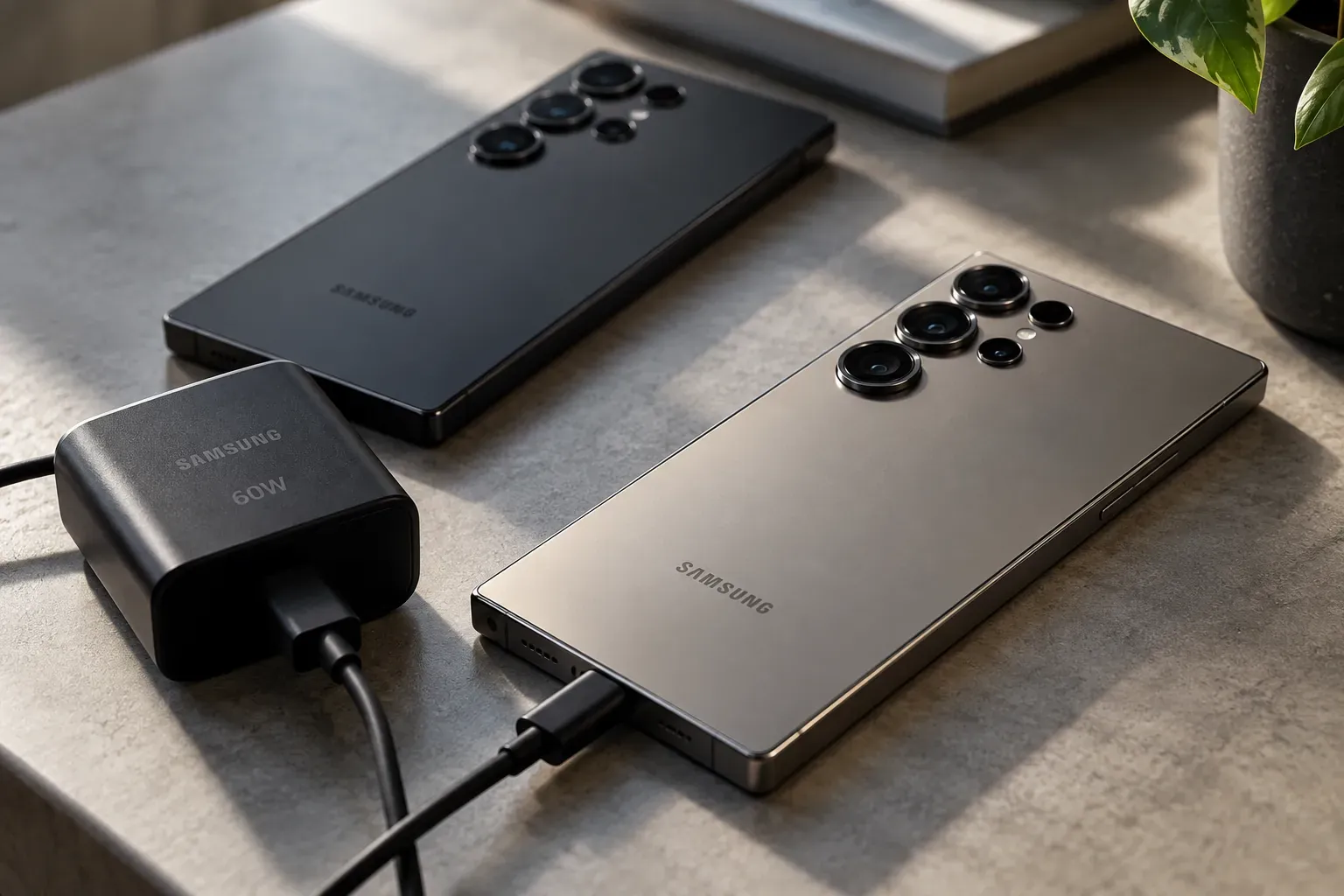
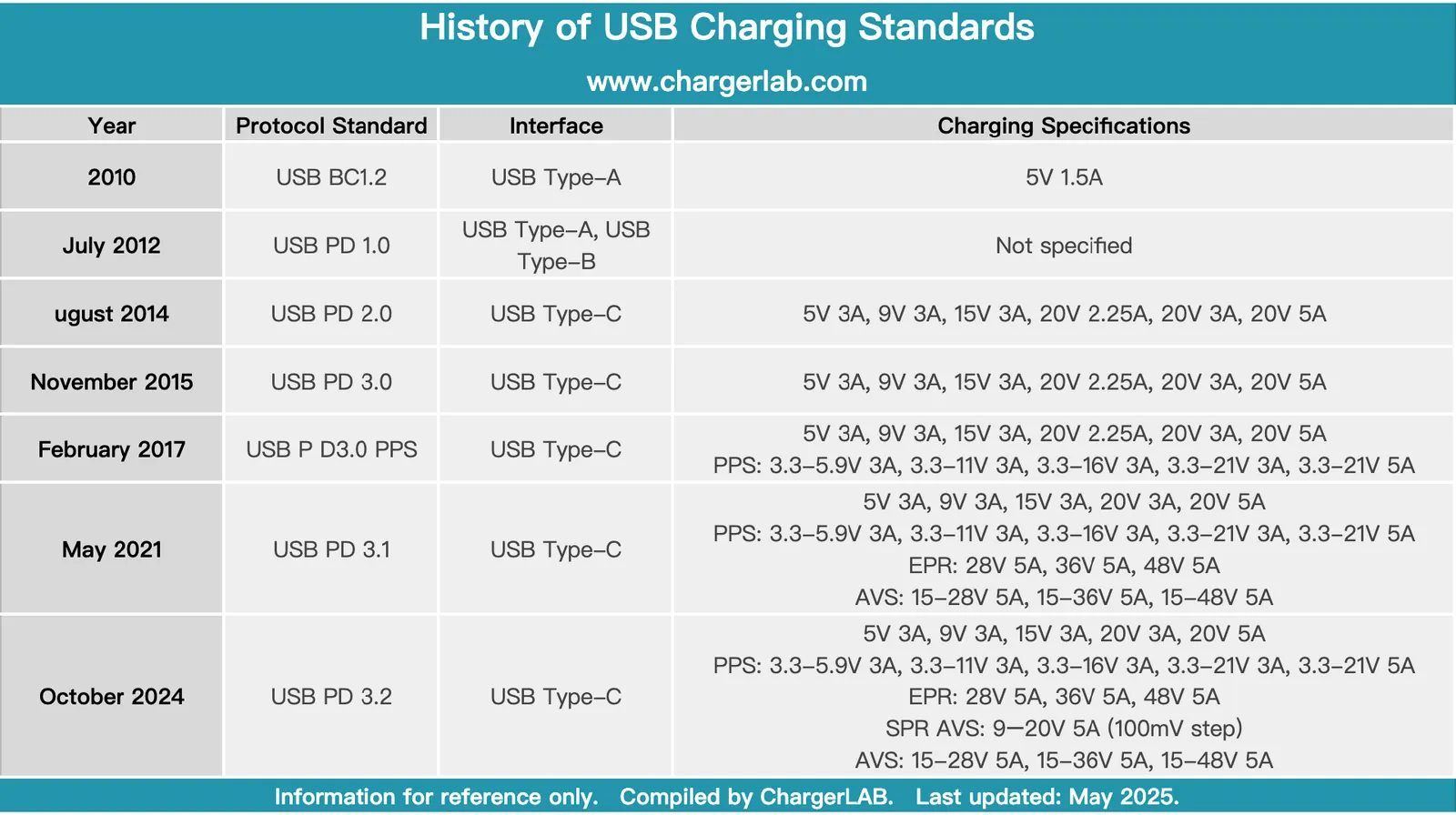
Charging speed is the rate at which energy moves into or out of a power bank, measured in watts. A watt comes from multiplying volts by amps, so a port marked 5V/2A delivers ten watts, while one marked 20V/3A delivers sixty.
Input speed is how fast the power bank recharges from a wall charger. Output speed is how fast it refills your phone, tablet, or headphones. Most power banks list both figures, but they’re often different numbers — the input is usually slower than the fastest output.
The one misconception people bring to this is that a higher milliamp-hour rating means faster charging. It does not. Capacity tells you how much energy the power bank holds; wattage tells you how quickly it moves. A 20,000 mAh power bank can still charge at a slow ten watts if its ports and circuitry are built for it.
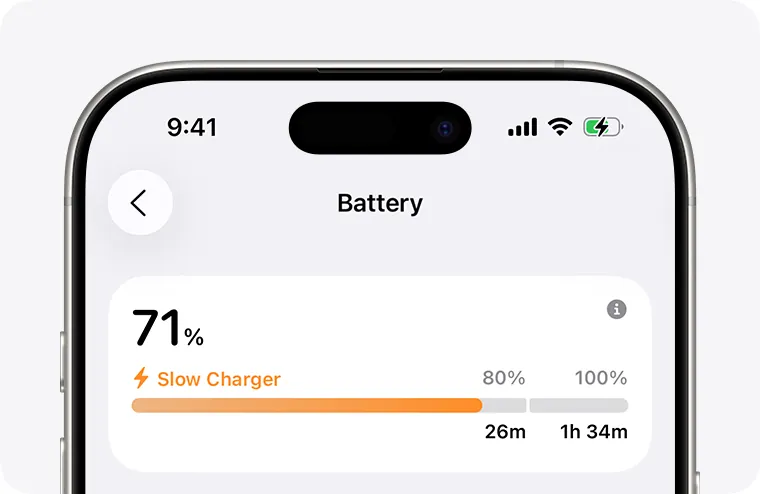
The actual speed depends on three things working together: the wall charger you plug into the power bank, the cable between them, and the port on the power bank itself. If any one piece is slower than the others, the whole chain runs at that slowest speed.
Find the right input and output speed
Look at the fine print on your power bank, not just the big number on the box. You need the input wattage and the output wattage for each port.
- Check the input rating printed on the power bank or in its manual. This tells you the fastest speed at which it can recharge.
- Match a wall charger to that input wattage. A charger rated below the input limit slows everything down; one rated above it’s safe but gives no extra speed.
- Use a cable rated for the wattage you want. A standard phone cable often tops out at ten to fifteen watts, while a USB-C to USB-C cable marked for sixty or one hundred watts carries much more.
- Plug the charger into the wall, then connect the cable to the power bank’s input port, usually labeled IN or USB-C IN.
- Watch the indicator lights or a small display if your model has one. It should show the power bank drawing power at the expected rate.
- For output, plug your phone into the port labeled with the highest wattage, often marked PD or Quick Charge.
- Unplug the power bank once it’s full. Leaving it connected after it reaches 100 percent adds heat without adding speed.
The single judgement call that separates a good result from a bad one is matching the weakest link in the chain. A sixty-watt power bank connected with a ten-watt cable and a five-watt charger charges at five watts, not sixty.
Every piece must support the speed you want, or the slowest one decides the result. If your power bank or phone becomes uncomfortably hot to the touch during charging, stop and inspect the equipment; excessive heat can indicate a fault or a mismatch in the charging chain.
Speed by port and what to expect
The table below shows common port types, the speed each one typically handles, and what limits it. These figures assume a matching charger and cable; a weaker piece in the chain drops the result to its own limit.
| Situation | What to use | The figure that matters | What to watch for |
|---|---|---|---|
| Recharging a small power bank | Standard USB-A wall charger | 5 to 10 watts input | Slow refill; may take several hours |
| Recharging a midsize power bank | USB-C wall charger, 18 watts | 18 watts input | Needs a USB-C cable that carries 18 watts |
| Recharging a large power bank | USB-C PD wall charger, 30 to 65 watts | 30 to 65 watts input | Check the power bank’s input ceiling first |
| Charging an older phone | USB-A output port | 5 to 12 watts output | Slower than modern fast charging |
| Charging a modern smartphone | USB-C PD output port | 18 to 45 watts output | Phone must support the same fast-charge standard |
| Charging a tablet or small laptop | USB-C PD output port, 45 to 100 watts | 45 to 100 watts output | Cable must be rated for the full wattage |
Never invent a price, a statistic, a study or a lifespan; when you aren’t sure of a figure, tell the reader where they can check it themselves. The U.S. Consumer Product Safety Commission publishes guidance on lithium-ion battery safety, including how to handle rechargeable power banks and what to do if a battery overheats or swells.
The details experienced users get right
Experienced users check the port labels before they buy, not after. A power bank with two USB-C ports often charges devices at different speeds on each one, so the port labeled PD or with the higher wattage number gets the phone or tablet, while headphones or a smartwatch go on the slower port. They also use short, thick cables for high-wattage charging because long, thin cables lose more energy as heat and deliver less power to the device.
They check partway through the first charge. If the phone says it’s fast charging but the power bank’s indicator barely moves, the cable or charger isn’t carrying the promised wattage. They also leave the power bank in open air while it charges or discharges, never under a pillow or inside a bag, because trapped heat reduces speed and can damage the battery over time.
Leaving a modern power bank plugged in overnight is generally safe, as internal circuitry is designed to stop the charging process once the battery reaches capacity. Modern power banks automatically stop drawing current once the battery is fully charged. Every power bank model charges at its own maximum rate, so the figure to check is the input and output wattage printed on your own unit or listed by its maker.
What goes wrong and how to fix it
| What you notice | What it usually means | What to do first |
|---|---|---|
| Charging takes much longer than listed | Charger or cable is below the power bank’s input rating | Swap in a charger and cable rated for the full input wattage |
| Phone charges slowly despite a fast power bank | Wrong port or phone doesn’t support the fast-charge standard | Move to the PD or higher-wattage output port |
| Power bank or phone gets hot | Mismatched cable, poor ventilation, or a failing battery | Unplug, let it cool, and try a different cable in open air |
| Indicator lights don’t move while plugged in | No power reaching the input port | Test the wall charger and cable with another device |
| Power bank shuts off during charging | Overheating or built-in safety cutoff | Let it cool completely, then recharge in a cooler spot |
Each cause here is one I am certain of; where a cause isn’t certain, I have given the fix and left the cause out. If a power bank swells, leaks, or smells unusual, stop using it immediately and contact the manufacturer or a local electronics recycler rather than trying to repair it yourself.
Rules and limits to check before you buy
No single government rule sets a universal charging speed for power banks, so this section covers what to confirm before you start. First, check the input wattage printed on the power bank and match your wall charger to it. Second, confirm that your cable is rated for the wattage you want — packaging usually states this.
Third, check whether your phone supports the same fast-charge standard, such as USB Power Delivery or Qualcomm Quick Charge, because mismatched standards fall back to basic charging. Fourth, look for a certification mark from a recognized safety body such as UL or ETL on the power bank itself. Fifth, confirm the airline rules if you plan to fly, since most carriers limit lithium-ion power banks to 100 watt-hours in carry-on luggage without special approval.
If your next step involves opening the power bank, modifying its circuitry, or using it with medical equipment, stop and contact the manufacturer or a qualified repair service instead.
Keeping it working after you charge it
Store your power bank at about half charge if you won’t use it for a month or longer. A fully charged or fully depleted battery left in storage for a long time wears down faster than one kept in the middle range. Keep it in a cool, dry place away from direct sunlight and inside a bag or pocket where it won’t be crushed or pressed against metal objects like keys or coins.
Recharge it every three to six months even while in storage, because lithium-ion cells slowly lose charge on their own and can fall below a safe voltage if left alone too long. When you bring it back into regular use, charge it fully once, then use it normally.
The sign that it needs attention isn’t a date on the calendar but a noticeable drop in how many phone charges it delivers, or a unit that grows warm during ordinary use. There’s no universal replacement interval I can name with certainty, so check your manufacturer’s guidance for the specific model you own.
When a fast power bank is the wrong choice
A high-speed power bank costs more, weighs more, and often needs a larger wall charger to reach its top speed. If you only need to top up wireless earbuds or a smartwatch overnight, a small ten-watt model does the job without the extra bulk.
If you’re traveling by air and want to avoid limits, a lower-capacity power bank under 100 watt-hours is simpler than carrying a large one that needs airline approval. And if your phone only supports basic five-watt charging, buying a sixty-watt power bank won’t make it charge faster — the phone decides the speed it accepts.
Related guides
Frequently asked questions
What is a good charging speed for a power bank?
Eighteen watts is a solid baseline for most smartphones, while thirty to sixty-five watts suits larger power banks, tablets, and small laptops.
How long does it take to charge a power bank?
A small power bank at ten watts can take four to six hours, while a large one at sixty watts may refill in one to two hours. The actual time depends on the power bank’s capacity and the charger you use.
Can I use any charger with my power bank?
You can use any charger that physically fits, but it will charge at the lower of the charger’s output or the power bank’s input limit. A weaker charger simply slows things down; a stronger one is safe but adds no speed.
Is fast charging safe for my power bank?
Yes, when the power bank, cable, and charger are all rated for the same wattage and show no signs of heat or damage. Mismatched or damaged gear is where risk enters.
Why is my power bank charging so slowly?
The slowest piece in the chain — charger, cable, or port — sets the speed. Check that each piece is rated for the wattage you expect and try a different cable first.
What happens if I leave my power bank plugged in overnight?
Modern power banks automatically stop drawing current once the battery is fully charged. Unplug it once it’s full if your model doesn’t shut off automatically.
How many charges can a power bank give my phone?
Divide the power bank’s watt-hours by your phone’s battery watt-hours, then subtract about twenty percent for conversion loss. The real number depends on both batteries’ actual condition and health.
Conclusion
Choosing the right gear doesn’t have to be complicated once you check your device’s requirements. Before you buy your next portable charger, look at your phone’s manual to see what wattage it supports. You’ll find that picking the right match makes a big difference, so you’re always ready to go.