

Smart glasses for navigation and outdoor activities are wearable devices that put directions, maps, and activity data in front of your eyes while you walk, run, bike, or hike. They differ from regular glasses because a small display projects route information into your line of sight instead of forcing you to look down at a phone. The main thing that separates models from each other is how they show that information — some use a tiny screen in one lens, others project across both lenses, and some rely on audio cues only.
Smart glasses for navigation and outdoor activities
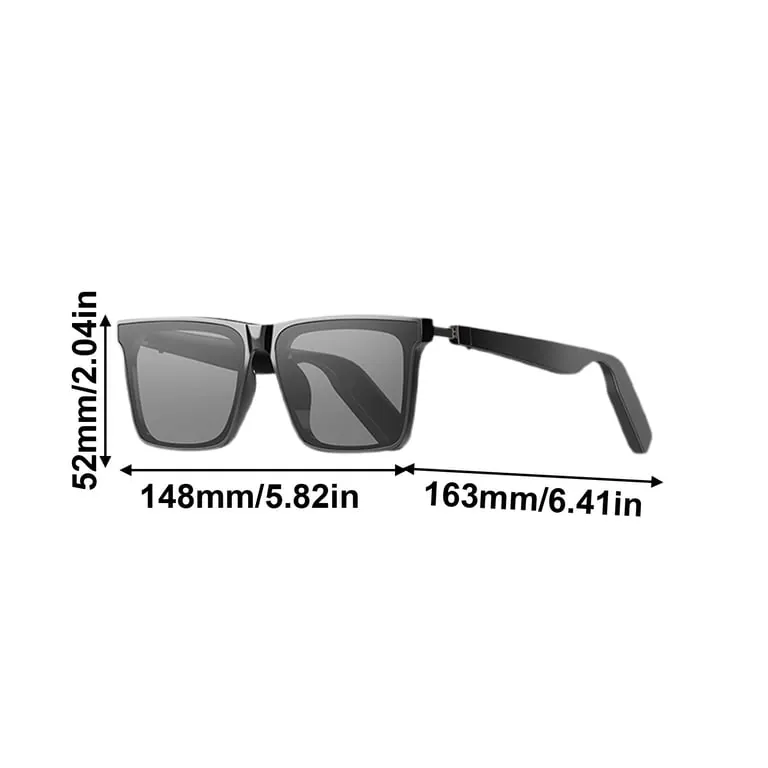
| What it’s called | What it’s best for | A real example |
|---|---|---|
| Audio-only smart glasses | Runners and cyclists who need their eyes on the path | Bose Frames Tempo |
| Single-lens display glasses | Hikers who want turn arrows in one eye | Vuzix Blade |
| Dual-lens display glasses | Mountain bikers who want full-field map views | Xreal Air 2 |
| Camera-equipped smart glasses | Trail users who record while navigating | Ray-Ban Meta |
| Prescription-compatible frames | Wearers who need vision correction plus navigation | Various prescription inserts |
| Audio sunglasses with open-ear speakers | Walkers who stay aware of traffic and surroundings | Amazon Echo Frames |
Audio-only smart glasses
These frames carry open-ear speakers that speak directions into your ears without blocking outside sound. They suit runners, cyclists, and walkers who need to hear traffic while following a route.
- You keep both eyes on the path and your hands on the handlebars.
- Turn-by-turn voice cues arrive through an app on your phone.
- Open-ear audio lets you hear cars, other riders, and trail warnings.
- No display means nothing fogs up or reflects sunlight in your face.
If you wear prescription lenses, check whether the frames accept inserts before you buy; the maker’s website lists compatible options.
Single-lens display glasses
These project navigation arrows and distance data into one lens while the other stays clear. They suit hikers who want a glance at the map without losing full peripheral vision.
- Turn arrows appear in your upper field of view so you don’t look down.
- A paired phone app supplies the route and the timing.
- One clear lens keeps depth perception intact on uneven ground.
- The display brightness adjusts for sun and shade.
The display works with one eye, which some wearers find distracting at first. Try it on a short walk before a long hike to see if it suits you.
Dual-lens display glasses
These project information across both lenses, giving a wider view of maps and activity stats. They suit mountain bikers and trail runners who want more detail than a single lens can show.
- Map data spans both eyes for a fuller picture of the route.
- Speed, elevation, and distance sit beside the navigation line.
- Both lenses stay transparent so you see the trail clearly.
- A paired phone or watch sends the data over Bluetooth.
The wider display draws more battery power than a single-lens model. Expect shorter run times on long days, and carry a charger if you’re out past midday.
Camera-equipped smart glasses
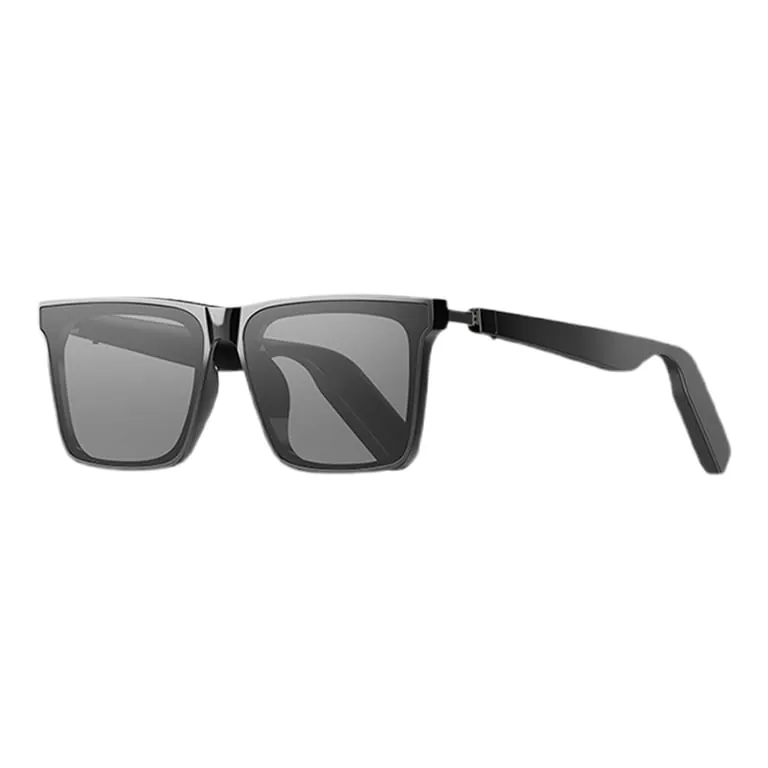
These combine navigation audio with built-in cameras that record photo and video as you move. They suit trail users who want to document the route while following directions.
- Voice directions play through open-ear speakers.
- A camera on the frame captures stills and video hands-free.
- You can share your location or clip with others after the trip.
- The same frames work as ordinary sunglasses when the tech is off.
Recording video drains the battery faster than audio-only use. If you plan to record most of the trip, bring a power bank or expect the frames to quit before the day ends.
Prescription-compatible frames
These are smart frames built to hold prescription lenses or accept inserts from an optician. They suit anyone who needs vision correction and doesn’t want to wear contact lenses under smart glasses.
Navigation audio or display works with your prescription in place. You avoid wearing two pairs of glasses at once. An optician can fit lenses matched to your prescription. The frames look like regular eyewear when the tech is off.
When choosing these frames, consider the lens curvature. High-index lenses or heavy prescriptions may cause distortion if the smart frame has a significant wrap-around design. If you have a high astigmatism, ask your optician to confirm the frame can accommodate the specific axis of your lens without compromising the internal electronics.
Not every smart frame accepts every prescription. Ask your optician whether your correction fits the frame before you order.
Some frames require specialized lab work to ensure the optical center aligns perfectly with your pupils. If the frame is too rigid or uses a proprietary mounting system, your local optician might be unable to install your specific lens type. Verify the manufacturer’s lens compatibility list to avoid purchasing a frame that can’t support your required vision correction.
Audio sunglasses with open-ear speakers
These are lightweight frames with speakers that rest near the ear rather than inside it. They suit casual walkers who want directions without cutting off traffic sounds.
Voice cues arrive without earbuds blocking your ear canal. You hear approaching cars, bikes, and people on shared paths. The frames look like normal sunglasses in bright light. A phone app handles the route and the voice prompts.
This design matters because it preserves your situational awareness. When you rely on bone conduction or directional speakers, you remain connected to the ambient noise of your environment. This is vital for navigating urban intersections where visual cues aren’t the only safety requirement.
The trade-off is audio fidelity. Because the speakers don’t form a seal, sound leaks outward and wind noise easily masks the output. You may find that your navigation prompts become unintelligible during a brisk walk on a windy day or near heavy construction.
If you walk in noisy areas, test the volume before you rely on it for navigation. If you frequently struggle to hear your phone’s voice assistant in these conditions, consider whether the trade-off for comfort and safety is worth the potential for missing a critical turn. Always verify that your route app allows for high-contrast audio alerts to compensate for the lack of acoustic isolation.
The rest of them
Sport-focused smart frames prioritize stability during high-intensity movement. They often feature rubberized nose pads and temple tips that prevent slipping when you’re drenched in sweat. If you’re cycling or running, these frames ensure the internal sensors remain level, which is critical for accurate pace tracking.
Tourism-oriented smart glasses act as a digital guide for urban environments. They leverage geolocation to trigger audio descriptions of historical sites or architecture as you approach them. Because these models prioritize ambient awareness, they’re best suited for walking tours rather than high-speed trail navigation, where clear visual prompts are essential for safety.
Rugged outdoor models emphasize durability and endurance. They utilize reinforced hinges and specialized coatings to withstand grit, rain, and accidental drops. When planning an all-day hike, the extended battery capacity becomes the deciding factor. These frames allow you to keep your map interface active for hours without the constant anxiety of finding a charging port in the wilderness.
How to choose between them
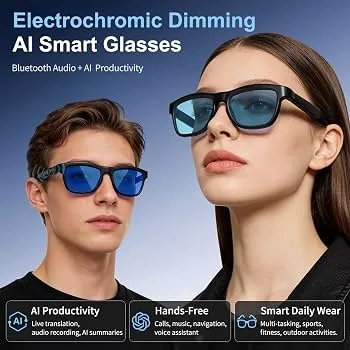
Start with what you already wear. If you need prescription lenses, pick frames your optician can fit or that accept inserts.
If you run or cycle in traffic, choose audio-only frames so you keep hearing cars and bikes. These prioritize situational awareness over visual overlays, ensuring you remain connected to your immediate environment while listening to navigation cues.
If you hike unfamiliar trails and want to glance at a map, pick a model with a lens display. These units project turn-by-turn directions directly into your field of view, which prevents the constant distraction of checking a handheld device or phone screen during difficult climbs.
If you record video as you go, choose camera-equipped frames, but expect shorter battery life. High-resolution sensors and constant data processing drain power rapidly, so carry a portable charger if your excursion lasts beyond a few hours.
You can combine one pair for different trips, but no single model does everything well. Match the frame to your most common activity rather than the one you perform least. If you’re split between two hobbies, prioritize the hardware that manages your safety first, then consider features that merely add convenience or entertainment.
Frequently asked questions
Can I wear smart glasses with prescription lenses?
Yes, if the frame accepts inserts or your optician can fit prescription lenses into it. Not every model does, so check the maker’s specifications or ask your optician before you buy.
Why do audio-only frames suit runners better than display frames?
Runners need to hear traffic and stay balanced, and open-ear audio keeps the ear canal clear while speaking directions. A display can bounce or reflect sunlight while you move.
How long does the battery last on a typical pair?
Battery life runs about three to eight hours on a charge, depending on whether you use audio only, a display, or a camera. Video recording shortens it the most.
Is it safe to follow voice directions while cycling?
Yes, if you use open-ear audio and keep both ears free to hear traffic. Never use noise-blocking earbuds under the frames on shared roads.
What happens if the battery dies mid-route?
The frames stop giving directions, but they still work as ordinary glasses or sunglasses. Have a backup map or phone route saved before you start.
Does it matter which phone I pair them with?
Yes. Most models need a companion app on iOS or Android, and some features work only with one operating system. Check the maker’s supported devices list before buying.
What to do next
Pick the frame that matches your main activity and pair it with your phone before you head out. Expect voice directions or a map glance in your line of sight, with a clear view of the path ahead.
Test the fit during a short, low-stakes walk in your neighborhood before taking them on a technical hike or a long bike ride. This ensures the weight distribution remains comfortable when you’re sweating or moving quickly. You need to know how the device handles glare and shifting light conditions before you rely on it in a remote area.
Stop using them and ask an eye-care professional if the frames cause headaches, eye strain, or blurred vision that doesn’t go away. If the display feels distracting or forces you to squint, adjust the brightness settings or the physical nose pads. If discomfort persists, the focal distance of the projected image may not align with your natural vision needs.