

Blood oxygen monitoring on wearable devices provides a real-time estimate of your blood oxygen saturation, typically expressed as a percentage of how much oxygen your red blood cells are carrying. Most healthy adults maintain a reading between 95% and 100% while at rest, according to the American Lung Association’s pulse oximetry guidance. This guide covers how these sensors function, the factors that influence accuracy, and how to interpret the data you see on your screen.
How Wearable Sensors Estimate Oxygen Levels
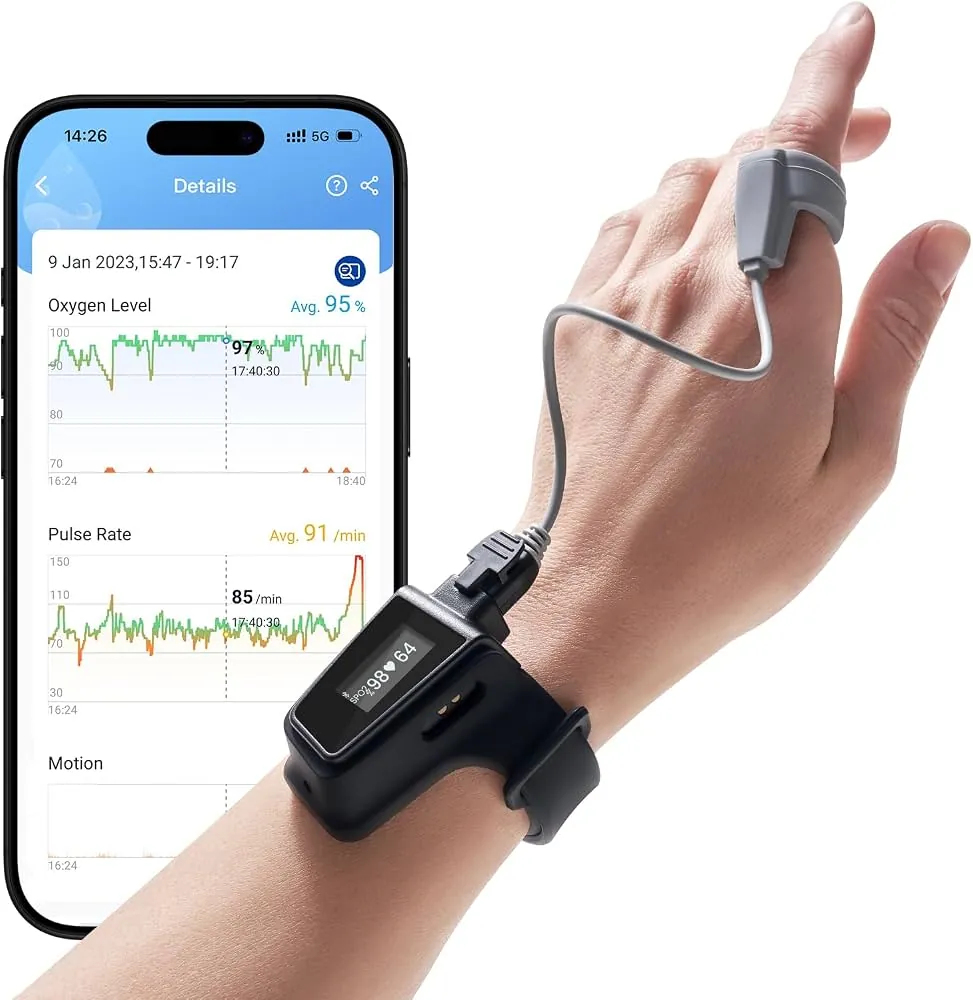
Wearable devices use pulse oximetry to estimate blood oxygen levels. They shine red and infrared light through your skin, measuring how much is absorbed by your hemoglobin. Oxygenated blood absorbs more infrared light, while deoxygenated blood absorbs more red light. By comparing these ratios, the sensor calculates a peripheral oxygen saturation percentage.
Most people assume these wearables match the accuracy of hospital-grade pulse oximeters. This is a mistake. Clinical devices use transmissive sensors that clamp onto a finger, providing a direct path through thin tissue. Wearables use reflective sensors on the wrist, where bone and dense muscle scatter the light. This makes them highly sensitive to physical interference.
If you have a darker skin tone, the melanin in your skin may absorb more light, potentially leading to lower saturation readings than your actual levels. Similarly, a loose strap allows ambient light to leak into the sensor, which creates noise in the data. If your device shows a sudden, unexplained drop in oxygen, tighten the band and remain perfectly still for sixty seconds before trusting the result.
Cold temperatures also restrict blood flow to your extremities, causing the sensor to struggle to find a pulse. If your hands are freezing, the device may fail to provide a reading entirely. When you see a “low” reading, check your physical state first.
If you’re warm, the strap is snug, and you’re motionless, yet the reading remains below 90 percent, treat it as a prompt to consult a physician. Use these devices to track long-term trends, but never rely on them for acute medical diagnosis.
Steps to Get an Accurate Reading
To get the best data from your device, you must ensure consistent contact between the sensor and your skin. Follow these steps to improve your results:
- Fasten your watch strap snugly about 1 inch above your wrist bone.
- Keep your arm still and resting on a flat surface, like a table, with your palm facing up.
- Relax your hand and fingers to ensure normal blood circulation to your wrist.
- Keep the watch face level with your heart to prevent gravity from affecting blood flow.
- Remain still for at least 30 to 60 seconds while the sensor completes its scan.
- Avoid checking your levels immediately after intense exercise, as your heart rate and circulation need time to stabilize.
If your device provides an “error” message or a blank screen, it usually means the sensor is struggling to detect a pulse. You should adjust the band or clean the sensor lens with a dry cloth to remove oil or dust. If you continue to see inconsistent readings, consult the user manual for your specific model to understand its unique calibration requirements.
Key Factors for Oxygen Readings
The table below highlights common variables that influence the reliability of your data.
| Situation | What to use | How long | What to watch for |
|---|---|---|---|
| Resting state | Tight, clean band | 60 seconds | Stable heart rate |
| During sleep | Proper fit | All night | Band shifting |
| After exercise | Wait period | 5-10 minutes | Elevated heart rate |
| Cold weather | Warm wrist | 2 minutes | Poor circulation |
| High altitude | Consistent position | 60 seconds | Lower baseline |
If you’re at high altitude, your baseline may naturally be lower than at sea level. If your reading drops significantly below 90% in any situation, you should stop tracking and consider if the device is positioned correctly or if you’re feeling unwell.
Achieving Consistent Data Results

Experienced users know that preparation is the secret to useful data. They ensure the sensor area is free of sweat or lotions before starting a measurement, as these substances can block the light path. It’s also vital to keep your arm away from direct sunlight or bright lights during the scan. A bright light hitting the sensor can overwhelm the tiny signal from your blood vessels, leading to a failed reading or an incorrect percentage.
Another detail involves the order of your daily check. Many people make the mistake of checking their levels while walking or typing. The sensor needs a steady, non-moving target to distinguish your pulse from background noise. If you move your arm, the device may struggle to catch the light pulses correctly. Experienced users only check their levels while sitting quietly, which provides the most stable environment for the sensor to work.
Troubleshooting Common Sensor Issues
If you find that your readings are frequently outside the expected range, check the table below for common causes and their solutions.
| What you notice | What it usually means | What to do first |
|---|---|---|
| No reading provided | Poor skin contact | Tighten the strap |
| Readings below 90% | Sensor obstruction | Clean the sensor lens |
| Very jumpy data | Excessive movement | Rest your arm on a table |
| Inconsistent results | Cold extremities | Warm your hands |
A common mistake is tightening the strap until it leaves a deep indentation on your skin. This restricts blood flow and creates the very inaccuracy you’re trying to fix. If you can slide a single finger between the band and your wrist, the tension is correct.
If your readings remain erratic despite these adjustments, check the sensor lens for a faint film of oil or dust. Use a dry, lint-free microfiber cloth to wipe it clean. Avoid household glass cleaners, as the chemicals can degrade the optical coating over time.
If you aren’t certain of a cause, simply try the measurement again after resting. Never assume that a single low reading indicates a health emergency, but don’t ignore persistent low values if you feel symptoms. If you see a value below 90% while sitting still and warm, wait three minutes and test again. If the second reading is identical, consult a medical professional rather than recalibrating the device.
Guidelines and Regulatory Standards
Wearable devices for consumer use aren’t regulated by the FDA as medical diagnostic tools. This means their performance standards are set by the manufacturers rather than a central health agency. You should treat these numbers as general information rather than clinical facts. If you require an accurate oxygen reading for a health condition, use a medical-grade pulse oximeter that’s cleared for clinical use.
If you’re using a device to track a specific respiratory concern, you must confirm with your doctor that a consumer-grade wearable is appropriate for your needs. A doctor may require you to use a device that has been validated against arterial blood gas tests, which are the standard for measuring actual oxygen levels in the blood. Never rely solely on a watch to make decisions about your health or medication.
The most common mistake is assuming a high-end price tag equates to medical-grade accuracy. A device that’s expensive is often just as prone to motion artifacts as an inexpensive tracker. These errors occur when physical movement shifts the sensor’s contact point, causing the light-based readings to fluctuate wildly.
If your device reports a sudden drop below 90 percent, check your skin temperature and pulse before panicking. Cold hands restrict blood flow to the capillaries, which often forces the sensor to guess your levels. If you’re symptomatic, such as feeling short of breath or lightheaded, don’t wait for a second reading. Seek immediate clinical assessment regardless of what the screen displays.
Maintaining Your Device for Accuracy
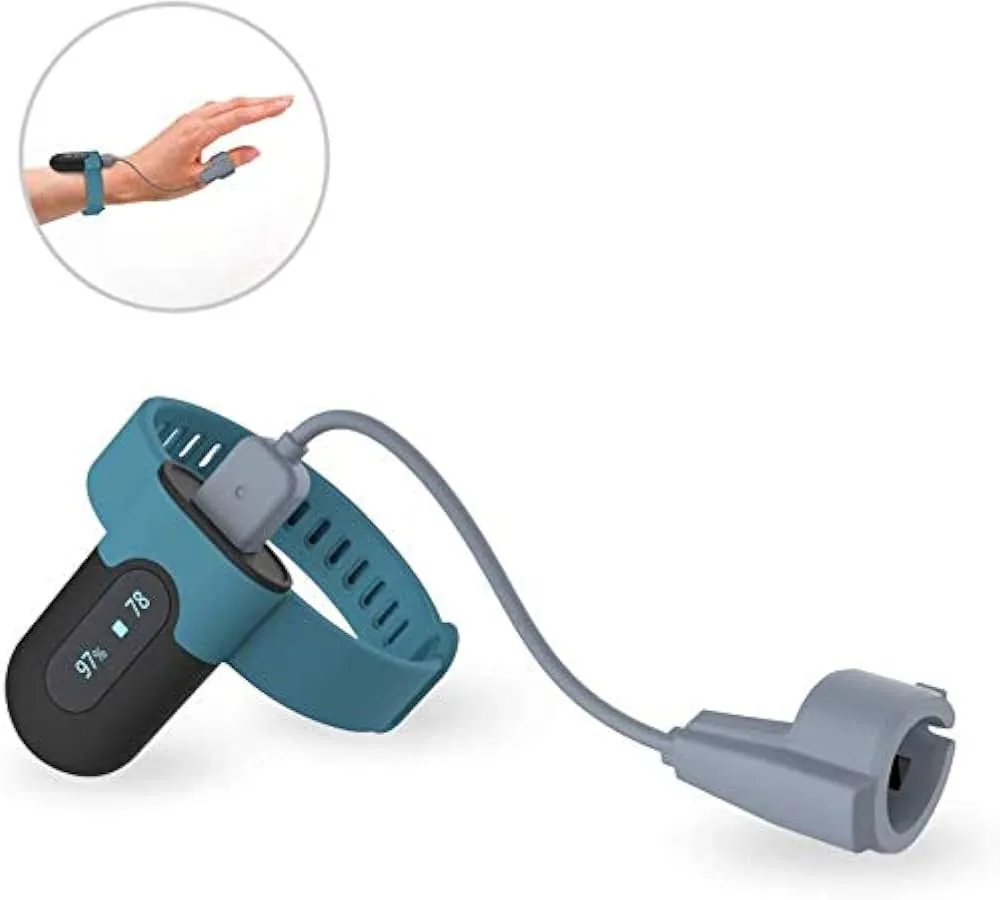
Proper maintenance keeps your sensor working for as long as possible. Wipe the back of the device with a soft, lint-free cloth after every workout to prevent salt and oil buildup. If you notice the readings becoming less frequent or less accurate over time, check the sensor glass for scratches. Deep scratches can scatter the light, making it impossible for the device to get a clear reading.
Sunscreen and insect repellent leave a film that blocks green light more than sweat does. Wash the back with plain water if you applied either before exercising. Avoid soap, since residue fills the tiny gap between the glass and your skin.
The band matters as much as the glass. Wear it one finger-width above your wrist bone during exercise. The tissue there has fewer tendons moving under the sensor. A loose band lets ambient light leak in and corrupts the signal.
There’s no fixed schedule for replacing a sensor, as they’re integrated into the device body. However, as the battery in your wearable ages, it may struggle to power the sensor with the same intensity as when it was new. If you notice your device failing to trigger the sensor at all, it’s likely time to check your battery health or consider a hardware upgrade.
Cold weather exposes this weakness faster than heat. Below fifty degrees, blood vessels in your wrist constrict and reduce the signal the sensor tries to read. Warm your hands before relying on the data outdoors in winter.
Choosing Alternative Tracking Methods
There are situations where a wrist-worn sensor is simply the wrong tool. If you have a condition like Raynaud’s disease, which affects blood flow to the extremities, a wrist-worn device will likely fail to give a reliable reading. In these cases, a finger-clip oximeter is usually more accurate because the blood vessels in the fingertip are more accessible to the sensor.
If you’re working in an environment with extreme temperatures, the sensor may also struggle to compensate for changes in skin temperature. When you need absolute precision for medical reasons, always choose a device that’s labeled for clinical use. Relying on a consumer wearable for critical health monitoring when your body is under stress can lead to inaccurate conclusions about your physical state.
Check your device’s IP rating before use, as anything below IP68 may suffer moisture interference. If data spikes while you’re stationary, the sensor is likely struggling with peripheral perfusion. In such cases, switch to a chest strap monitor, which measures electrical impulses directly to ensure stability during high-intensity training.