

Wearable health monitors track your physical data by using light-based sensors and motion detectors to measure blood flow and movement. These devices record your heart rate, sleep, and activity levels, then send the information to a phone app to display your daily trends. By staying on your wrist throughout the day, they provide ongoing insight into your personal health patterns.
How wearable monitors track body data
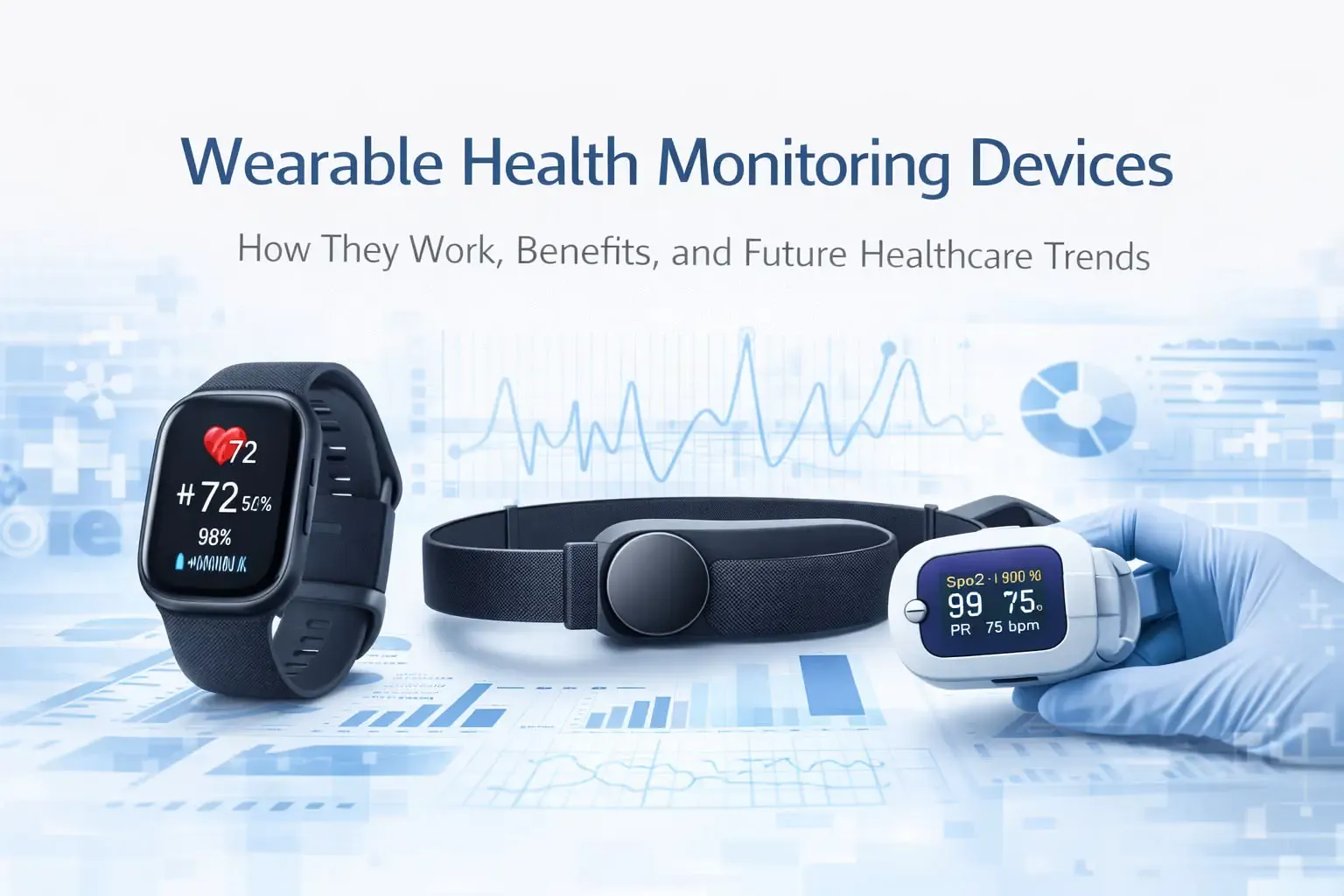
These monitors rely on specific hardware to turn your physical movements and pulses into digital numbers. You can find these parts inside the casing of your watch or ring. If you notice the device isn’t giving you data, check the sensor area on the back for dirt or sweat buildup.
| Part or input | What it does | What you notice when it goes wrong |
|---|---|---|
| Green LED light | Shines into skin | Pulse reading becomes blank or wrong |
| Photodiode | Detects light reflection | Data appears jagged or missing |
| Accelerometer | Tracks body movement | Steps or activity time stay at zero |
| Battery | Powers the system | Device shuts off during the day |
| Bluetooth chip | Sends data to phone | App shows no new info |
The green LED relies on blood flow to return a signal. If the sensor sits too loose on your wrist, ambient light leaks into the photodiode and ruins the reading. Tighten the strap by one notch during workouts to ensure a consistent seal against your skin.
If your heart rate spikes during a calm walk, check for salt crusting on the sensor glass. Dried sweat acts as a prism that scatters the light before it reaches your capillaries. Wipe the back of the device with a damp, lint-free cloth every evening to maintain accuracy.
The accelerometer uses a tiny mechanical spring to detect changes in velocity. If your step count remains stagnant while you’re moving, the internal sensor may be stuck. A firm tap against the palm of your hand often resets the mechanism.
Bluetooth issues usually stem from signal interference rather than hardware failure. If your app stops syncing, toggle the connection off and on in your phone settings. Keep your phone within ten feet during a sync to prevent packet loss.
You must distinguish between a sensor error and a software glitch. If the data is missing entirely, the hardware is likely disconnected or dead. If the data is present but nonsensical, such as a heart rate of 200 while sitting, the sensor is struggling to filter out noise.
If you have darker skin tones or significant wrist tattoos, the green LED may struggle to penetrate the pigment. Switch your device to a red LED mode if it’s available. This wavelength penetrates deeper and provides a more reliable pulse reading for those with higher melanin levels.
How wearable health monitors work to track data

The device performs a continuous loop of sensing and sending data. A full cycle takes only a few seconds to process and display on your screen.
The green LED flashes thousands of times per minute against your skin. Blood in your veins absorbs this green light as it pulses past the sensor. The photodiode measures how much light reflects back to the sensor. The internal processor calculates your heart rate based on these light changes.
The accelerometer counts your steps by sensing the tilt and speed of your arm. The processor saves this data and sends it to your phone via Bluetooth. The app on your phone updates your dashboard with the new information.
If your heart rate reading appears erratic or frozen, check the strap tension first. A sensor that sits too loosely allows ambient light to leak into the photodiode, which creates noise in the signal. You should be able to slide one finger beneath the band comfortably, but the sensor housing must remain flush against your skin during movement. If you can see a gap between the device and your wrist while you jog, the data will be unreliable.
Most users make the mistake of wearing the device too close to the wrist bone. This placement causes the sensor to lift every time you flex your hand. Move the band at least one finger-width above the prominent bone on your outer wrist to ensure a consistent seal.
If you’re performing high-intensity interval training, the heart rate lag is a physical reality of optical sensors. The device requires roughly 15 to 30 seconds to catch up to rapid spikes in blood flow. Don’t rely on the real-time display for interval pacing. Instead, use the app to review your heart rate zones after the session concludes.
If the device fails to sync, ensure your phone has Bluetooth enabled and the app is running in the background. If the dashboard remains blank, toggle your phone’s Bluetooth off and on to force a handshake. This resets the connection without requiring a full device reboot.
Why data accuracy changes
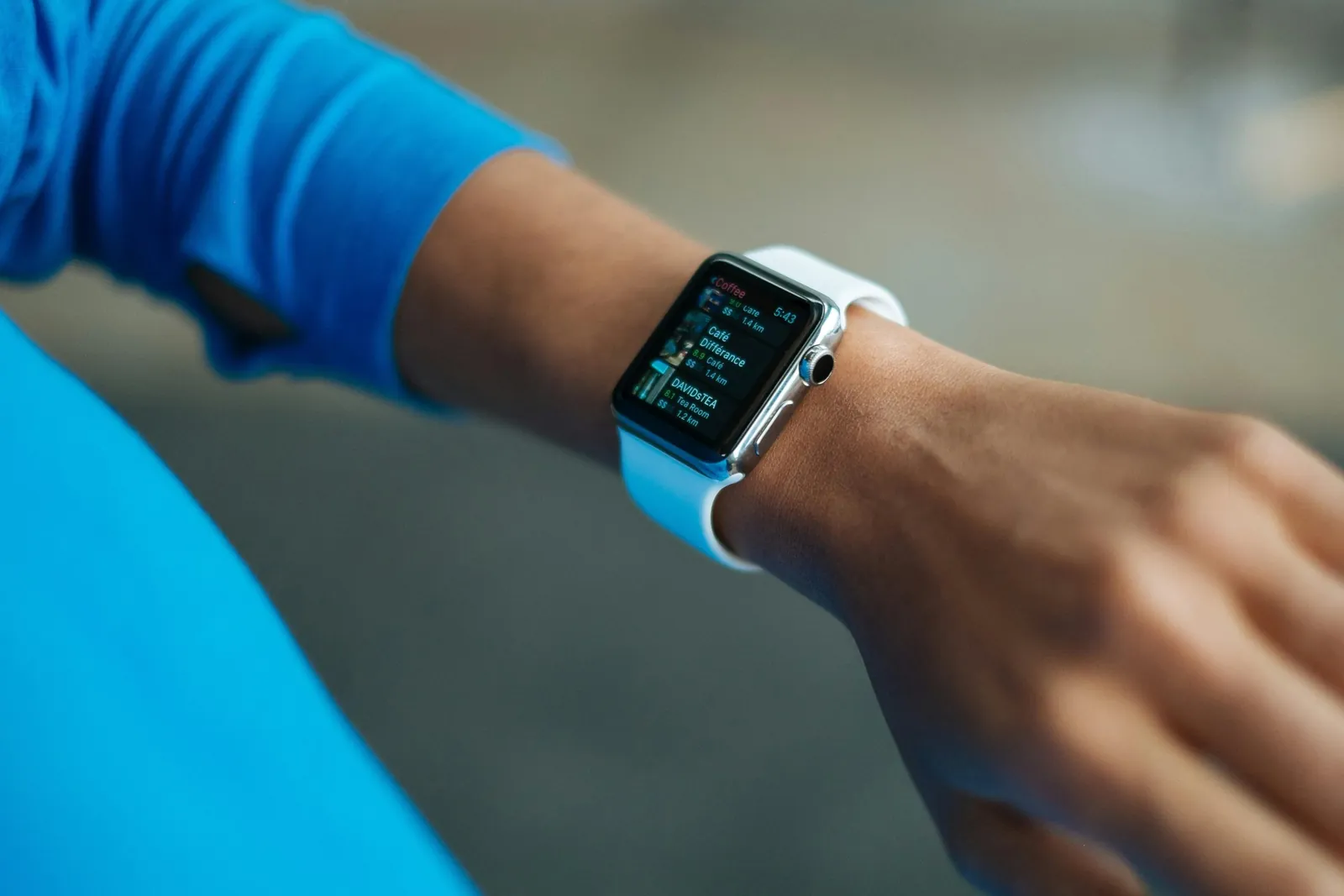
The accuracy of your device depends on how well the sensors stay in contact with your skin. If the watch band is too loose, the LED light can leak out or ambient light can enter the sensor area. This creates noise in the data, which makes your heart rate look higher or lower than it really is. The U.S. Food and Drug Administration notes that these tools are for general wellness and not for diagnosing medical conditions.
Dark skin tones and tattoos directly under the sensor array reduce signal strength because melanin and ink absorb green light wavelengths. You may notice frequent dropouts or artificially low readings during exercise if pigment blocks the optical path. Moving the watch one inch toward the elbow often places the sensor on clearer skin without changing the fit. This small adjustment restores signal quality when wrist placement fails due to pigmentation density.
Mistakes often happen when people wear the device during high-intensity sports or when the skin is wet. If you’re running, your arm swings in ways that can confuse the accelerometer. This makes the device count steps while you’re just moving your arms. You might see a step count that is 10% higher than your actual movement. Always tighten the strap before you start a workout to keep the sensor firm against your skin.
Cold weather constricts blood vessels near the wrist surface, reducing the pulsatile signal the optical sensor needs to lock onto. Readings taken immediately after stepping outside in freezing temperatures often fail or lag behind true exertion levels. Warm the wrist for two minutes under a sleeve before expecting reliable data in cold environments. This physiological limit affects all optical heart rate monitors regardless of brand or price point.
You should also watch for skin irritation under the sensor. If the device is too tight for long periods, it can trap sweat and cause a rash. If you have sensitive skin, take the watch off for 30 minutes after a workout to let your wrist dry. Don’t ignore redness, as this is a sign that the material isn’t letting your skin breathe. If the device doesn’t fit your wrist shape, the data will always be less reliable.
Wrist circumference below five inches or above eight inches creates consistent gaps between the sensor and skin that no strap tension can fix. Flat-backed watches lose contact on very round wrists during flexion, while curved wrists leave the center sensor floating. Measure your wrist at the exact spot where the watch sits, not at the bone. If your measurement falls outside the manufacturer’s stated range, expect chronic inaccuracy regardless of how tightly you fasten the band.
Hair on the wrist acts as a physical barrier that prevents uniform sensor contact and introduces motion artifacts during activity. Shaving a small patch directly under the sensor window eliminates this variable without requiring full arm hair removal. Even fine vellus hair can scatter enough light to degrade signal-to-noise ratio during vigorous movement. Test the difference by comparing readings on shaved versus unshaved skin during identical workouts to confirm whether hair is your limiting factor.
Control and design limits
You have some control over how well the device works, but the hardware is fixed at the factory.
Things you control
- Clean the back of the sensor with a soft cloth daily.
- Wear the band snug, about one finger-width above your wrist bone.
- Keep the phone app updated to get the latest software fixes.
- Charge the battery fully before any long workout sessions.
Things fixed by design
- The sensitivity of the internal light sensor.
- The processing speed of the heart rate algorithm.
- The physical size and placement of the light emitters.
If you have a heart condition, don’t rely on these devices to replace medical equipment. These monitors are for general tracking only, and they can’t replace a doctor’s professional tools. If you feel dizzy or have chest pain, stop using the device and speak to a medical professional. The value you see on your screen is an estimate, not a medical diagnosis.
[…] diagnostic tools. This means their performance standards are set by the manufacturers rather than a central health agency. You should treat these numbers as general information rather than clinical facts. If you require […]