

Wrist-worn devices, pendant trackers, and cellular smartwatches serve as the most effective gps wearables for older adults who need location assistance. These tools provide real-time tracking, two-way communication, and emergency alerts to keep families connected. While they all share the goal of safety, they differ significantly in their battery life, ease of use, and whether they require a standalone cellular connection or a nearby smartphone to transmit data to caregivers.
Comparing GPS Wearables Older Adults Need
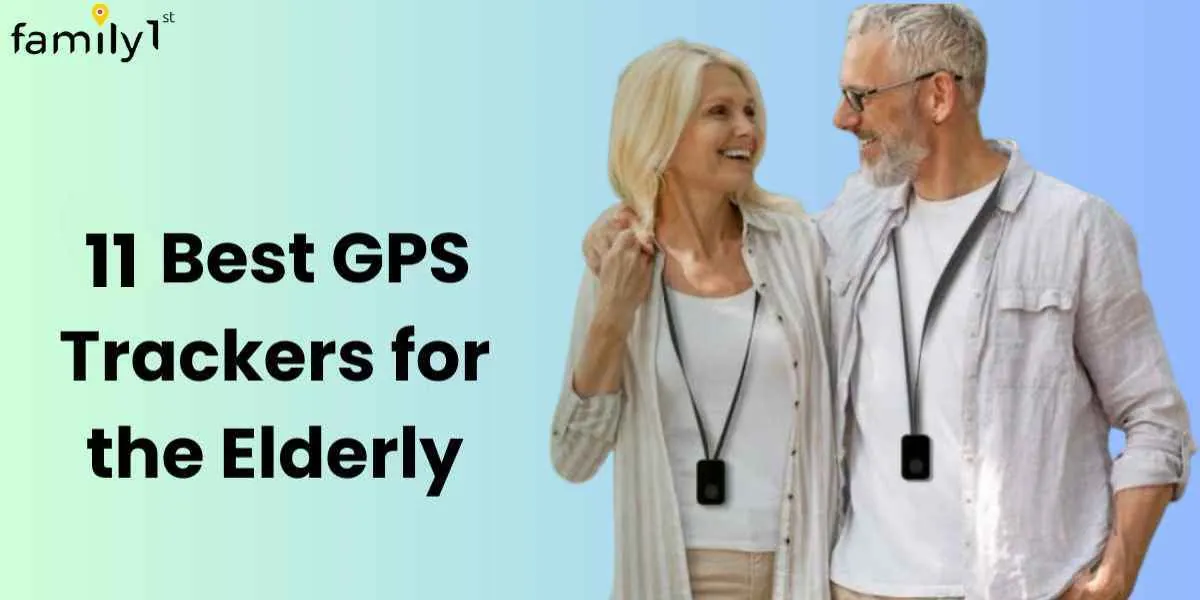
Choosing the right device depends on the user’s daily habits and their comfort level with modern technology. This table compares the most common types of devices available for seniors who require consistent monitoring and safety support.
| Device Type | Best For | Concrete Example |
|---|---|---|
| Smartwatch | Active seniors needing calls | Apple Watch Series 9 |
| Pendant Tracker | Users wanting simple buttons | Medical Guardian Mini |
| Belt-Clip GPS | Seniors who dislike wristbands | Jiobit Smart Tag |
| Specialized Phone | Those who need basic safety | Lively Flip Phone |
If the senior has a history of wandering due to cognitive decline, prioritize devices with geofencing alerts that trigger an immediate notification to your phone. Standard trackers often fail here by only updating location every fifteen minutes. You need a device that updates every sixty seconds to maintain a reliable trail.
Many families make the mistake of choosing a device based solely on battery life. A tracker that lasts thirty days but lacks real-time cellular connectivity is useless during an emergency.
If the user is tech-averse, avoid smartwatches that require daily charging rituals. Instead, choose a pendant or belt clip that uses a magnetic charging dock. These are easier to manage for those with limited dexterity. If the device requires a monthly subscription, check the coverage map for your specific zip code.
Apple Watch Series 9
The Apple Watch Series 9 is a powerful choice for older adults who want a device that integrates health monitoring with precise location tracking. It suits users who are already comfortable with touchscreens and who want to monitor heart rate, fall detection, and blood oxygen levels alongside GPS coordinates.
- Fall detection automatically notifies emergency contacts if the wearer takes a hard spill and remains immobile.
- Two-way cellular calling allows the user to speak directly to family members without needing a phone nearby.
- Emergency SOS features let the user hold a button to contact local emergency services immediately.
- Activity tracking encourages movement by counting steps and standing hours throughout the day.
If you’re using the fall detection feature, ensure it’s enabled in the settings menu; for the most accurate results, the watch must be worn snugly on the wrist, as a loose fit can cause false alarms during normal daily activities.
You can verify the specific safety certifications and operational requirements for these features on the Apple Health and Safety support page. A user might set up the watch to share their location with three specific family members through the Find My app, ensuring those contacts receive an alert if the wearer travels outside a pre-set neighborhood boundary.
Medical Guardian Mini
The Medical Guardian Mini is a dedicated mobile medical alert system designed for simplicity and reliability. It suits older adults who don’t want the complexity of a full smartwatch and prefer a device that focuses solely on emergency communication and location tracking.
The compact design allows the device to be worn as a pendant or clipped to a belt. One-touch emergency calling connects the user to a monitoring center that operates 24 hours a day. Built-in GPS and Wi-Fi positioning provide accurate location data even when cellular signals are weak. Water-resistant construction ensures the device remains functional if worn in the shower or during light rain.
This device requires a paid monthly subscription to maintain its connection to the monitoring network. This is the primary trade-off compared to non-subscription trackers that rely on Bluetooth pairing with a smartphone. Check your local network provider’s coverage map before purchasing; if you see fewer than two bars of signal at home, the device will fail to connect during a crisis.
A common mistake is assuming the device replaces a fall detection sensor. The Mini doesn’t automatically trigger an alert if you trip; you must press the button manually. If the user has a history of fainting or sudden loss of consciousness, choose a model with integrated fall detection instead.
A typical user might wear the pendant on a lanyard around their neck, pressing the center button once to alert a caregiver that they have arrived safely at a doctor’s appointment. Keep the charging cradle in a high-traffic room to ensure the battery remains above 50 percent daily.
Jiobit Smart Tag
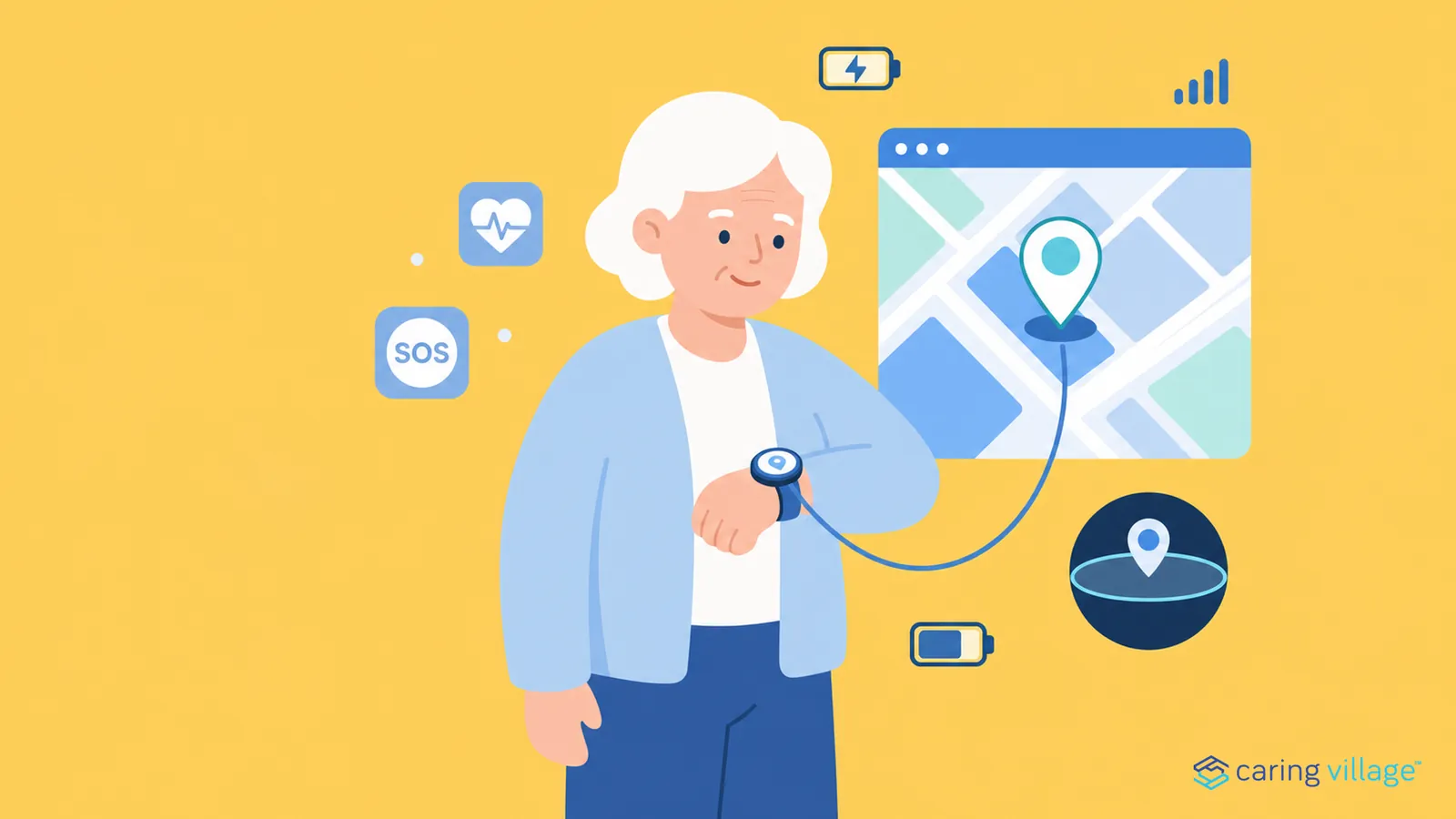
The Jiobit Smart Tag is a small, discreet location tracker that prioritizes long battery life and versatile attachment options. It suits seniors who may forget to charge their devices or who prefer not to wear jewelry or watches.
The compact size allows it to be hidden inside a pocket, clipped to a belt loop, or attached to a keychain. Advanced battery management allows for up to 10 days of use on a single charge, depending on reporting frequency. Geofencing alerts notify caregivers the moment the user leaves or enters a designated safe zone. Encrypted data transmission keeps the user’s location history private and secure from unauthorized access.
This device lacks two-way voice communication because the tag has no speaker or microphone. You must carry a separate mobile phone if you need to speak directly to the person wearing the tracker.
Location accuracy depends heavily on the signal environment around the wearer. GPS readings may drift by several meters in dense urban areas with tall buildings compared to open rural spaces. Caregivers should test geofence boundaries in the specific neighborhood before relying on them for safety alerts.
A caregiver might configure the device to send an automated text message if the user enters a specific grocery store. This allows them to confirm the wearer is safe without needing to call. Families often make the mistake of expecting real-time turn-by-turn tracking during transit. The tag updates location periodically rather than continuously to preserve that ten-day battery life.
Lively Flip Phone
The Lively Flip is a simplified mobile phone that includes built-in GPS location services specifically for older adults who find smartphones confusing. It suits those who want to maintain the ability to make phone calls while having the security of a dedicated emergency response button.
Large, tactile buttons make dialing and navigating menus easier for those with limited dexterity. If a user struggles to press the keys, they should look for a device with a physical slide-out keyboard instead, as the Lively’s rubberized buttons require a firm, deliberate press to register input.
A dedicated Urgent Response button on the keypad connects the user to trained agents who can dispatch help. This service operates 24/7, but it requires an active monthly subscription plan. Without an active plan, the button remains non-functional, leaving the user without their primary safety net.
The Lively app allows family members to track the user’s location and check their device’s battery status. Use this feature to set up automated alerts if the battery drops below 15%. This prevents the common mistake of the user forgetting to charge the device overnight, which renders the emergency button useless when they’re away from home.
The screen layout is high-contrast, helping users with vision challenges read messages and see caller IDs clearly. If the user has hearing difficulties, they can adjust the volume settings in the menu to the maximum level. Be aware that this will cause the battery to drain about 20% faster than standard settings. If the user is frequently outdoors, they must carry a portable power bank to ensure the phone survives a full day of high-volume use.
Other notable tracking options
Samsung Galaxy Watch: This device offers robust GPS tracking and health features for Android users, making it a strong alternative to Apple products. It suits seniors who already own a Samsung smartphone and want seamless integration. If you prioritize health metrics like blood pressure monitoring or ECG readings alongside location, this is your primary choice.
AngelSense Tracker: This wearable is designed for individuals who need constant, detailed location history and proactive alerts. It’s best for those who require high-level monitoring due to memory loss or wandering risks. Unlike standard watches, this device uses a non-removable fastener to prevent the wearer from taking it off during a moment of confusion. If the device is removed, it triggers an immediate alert to your phone.
Garmin Forerunner: While marketed for fitness, this device provides exceptional GPS accuracy and long battery life. It suits active seniors who enjoy hiking or walking long distances and need reliable navigation tools. If you spend time in remote areas where cellular signals drop, the Garmin’s dedicated satellite connectivity ensures you remain locatable. Avoid this option if you struggle with complex interfaces, as the dense menu systems can be difficult to navigate compared to consumer-grade smartwatches.
Choosing the right wearable
Deciding which device is best depends on three main factors: the user’s existing comfort with technology, their physical mobility, and their primary need for assistance. If the user is tech-savvy and wants health data, choose a smartwatch like the Apple Watch. If the user wants a simple, dedicated safety button, a pendant tracker like the Medical Guardian Mini is the better choice.
For those who want something discreet that doesn’t need daily charging, the Jiobit Smart Tag is the most practical option. Finally, if the goal is to provide a familiar way to call for help while ensuring location safety, a specialized device like the Lively Flip is the most effective solution. These devices generally don’t work together, so picking one means committing to that specific ecosystem and its associated monthly service fees.
Start by assessing the user’s daily routine to ensure consistent wear, then verify the device updates location within 60 seconds; if disconnected for over 24 hours, contact customer support immediately to troubleshoot hardware or signal issues.
Conclusion
Choosing the right device isn’t just about features; it’s about comfort and daily habits. You’ll want to test a few options with your loved one to see what they’ll actually wear. Don’t hesitate to return a tracker if it doesn’t feel right for their lifestyle.