

You can track your daily activity by wearing a device that uses an internal sensor called an accelerometer to count steps, an optical heart rate monitor to detect pulse, and metabolic equations to estimate calorie burn. Most modern devices sync these metrics to a smartphone app, providing a summary of your movement patterns, resting pulse, and total energy expenditure throughout the day.
How to Use Fitness Tracker Features
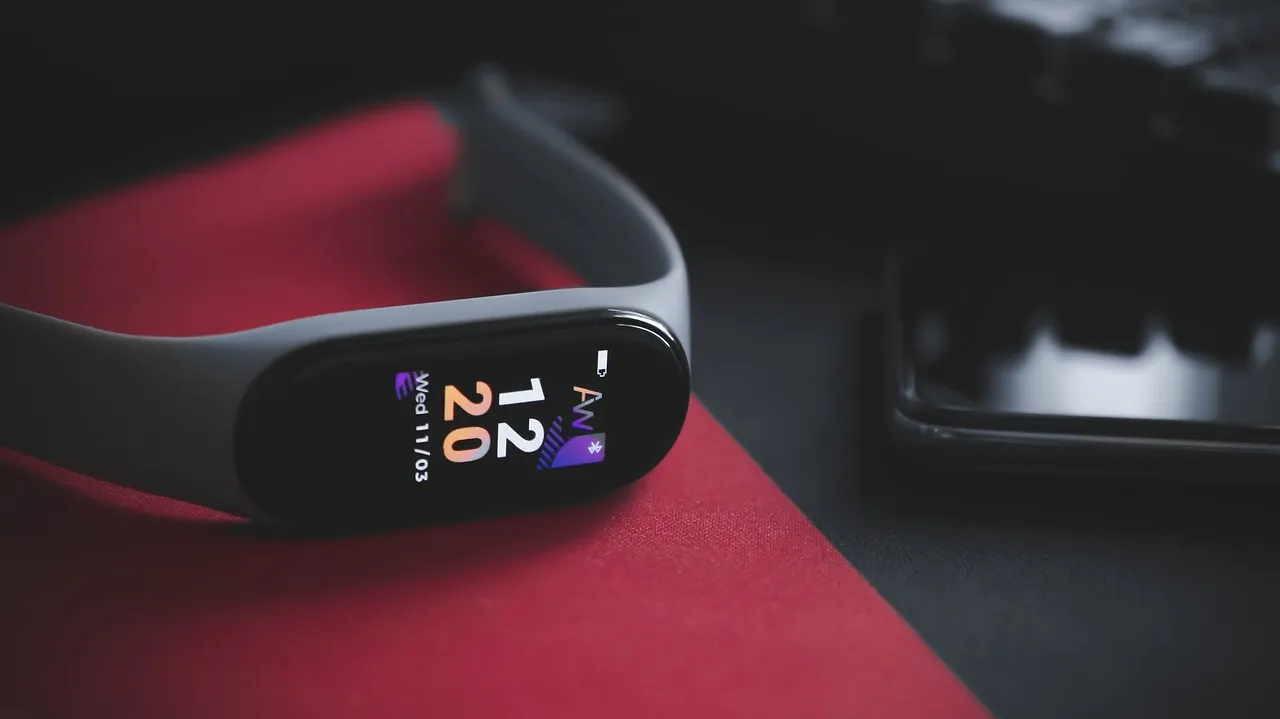
You’ll get the most value from your data by ensuring the device fits snugly against your skin to allow the sensors to function accurately. Follow these steps to start monitoring your movement and health metrics effectively.
Secure the wristband. Tighten the strap until it sits firmly against your skin, about one finger-width above your wrist bone. This placement prevents the optical sensor from shifting during movement, which is the primary cause of “spiky” or missing heart rate data. If the sensor loses contact, the device will often default to a generic estimate rather than your actual pulse.
Input your age, gender, height, and weight into the companion app. These numbers are essential for the device to calculate your specific calorie burn. If you change your weight by more than five pounds, update the app immediately to keep the calorie estimate accurate.
Calibrate your stride. Walk or run for a known distance of at least 400 meters while the app is active. This helps the device learn your natural step length and improves distance accuracy. If you primarily walk on inclines or treadmills, perform this calibration on that specific surface to account for your shorter, constrained stride.
Monitor your zones. Check the app during or after your activity to see how much time you spent in different heart rate zones. Aim for at least 150 minutes of moderate-intensity activity per week to meet standard health guidelines. If your heart rate stays in the “fat burn” zone despite high exertion, your strap is likely too loose, causing the sensor to lag.
Sync regularly. Connect your device to your smartphone at least once a day to transfer your stored data. Failing to sync daily risks losing your historical trends, which are vital for identifying long-term improvements in your resting heart rate or recovery speed.
Understanding Your Daily Data Points
The accuracy of your metrics depends on how the device interprets your movement and physiological signals. Use this table to understand what each metric represents and how it’s typically derived for your personal records.
| Metric | Source Mechanism | Typical Accuracy Factor |
|---|---|---|
| Steps | Accelerometer motion | High for walking/running |
| Heart Rate | Optical PPG sensor | High at rest/steady state |
| Calories | Basal metabolic rate + activity | Estimate only |
The calorie estimate is a calculated value based on your profile and movement, not a direct measurement. It should never replace medical advice or professional dietary planning.
During vigorous movement, optical sensors often struggle to track rapid fluctuations, which can reduce accuracy. If you’re performing high-intensity interval training, rely on a chest-strap monitor for precision. If you’re performing high-intensity interval training, rely on a chest-strap monitor for precision.
Most users mistake these calorie counts for absolute truth. Relying on them to justify extra food intake often leads to a caloric surplus and weight gain. Use these numbers only as a relative trend line to compare your activity levels from one week to the next.
If you notice your step count spiking while driving, your device is likely misinterpreting steering movements as strides. You can reduce this by wearing the device on your non-dominant wrist or taking it off while driving.
Avoiding Common Tracking Mistakes

Many users accidentally inflate their activity data or miss out on important insights by neglecting basic device management. Avoid these pitfalls to keep your records reliable.
Why does my step count seem too high?
If your device records steps while you’re sitting or driving, it’s likely mistaking arm movements for walking motion. You can reduce this by wearing the device on your non-dominant hand or taking it off during activities that involve significant, repetitive arm gestures, such as folding laundry or cooking.
Can I trust my heart rate during intense exercise?
Optical sensors often struggle to track rapid changes in pulse during high-intensity interval training or activities involving heavy wrist movement. If you need precise data during explosive movements, check your pulse manually or consider a chest-strap monitor, as these provide a more direct electrical measurement of your heart activity.
Should I change my settings if I am not losing weight?
Don’t rely solely on the calorie count to determine your dietary needs, as these trackers often overestimate burn by 10% to 20% compared to lab-grade equipment. Use the device to measure your relative change in activity levels over time rather than focusing on the absolute number of calories burned as a target for weight loss.
Frequently Asked Questions
Is it safe to wear a tracker 24 hours a day?
Yes, most consumer wearables are designed for continuous wear, but you should remove them daily to clean your skin and the band. This prevents skin irritation caused by trapped moisture, soap residue, or friction, which can occur if the device remains in the same spot for too long.
Will my tracker work accurately if I have a low heart rate?
Most trackers are calibrated to detect standard human heart rate ranges, typically between 40 and 200 beats per minute. If your resting pulse is outside this range, the sensor may occasionally fail to lock onto a signal or report an inaccurate reading during low-intensity movement.
Does the device know the difference between walking and running?
Yes, the internal accelerometer detects the pattern of your gait, including the impact force and the speed of your steps. It uses these movement signatures to categorize your activity, though very fast walking can sometimes be misclassified as light jogging depending on your specific stride.
Conclusion
Review your weekly trends in the app rather than obsessing over daily fluctuations, as your baseline activity often changes based on rest and recovery. If you notice persistent gaps in your data, ensure your device firmware is updated to the latest version provided by the manufacturer.